2
2-43
Loading Note Recycler Cassettes (Manually)
Step 1: Open the Note Recycler Door.
Step 2: Press the TOP half of the Release Lever to extended the Cassette Rack.
Step 3: Remove the Cassettes.
Step 4: Unlock the Cassette and open the Cassette Door.
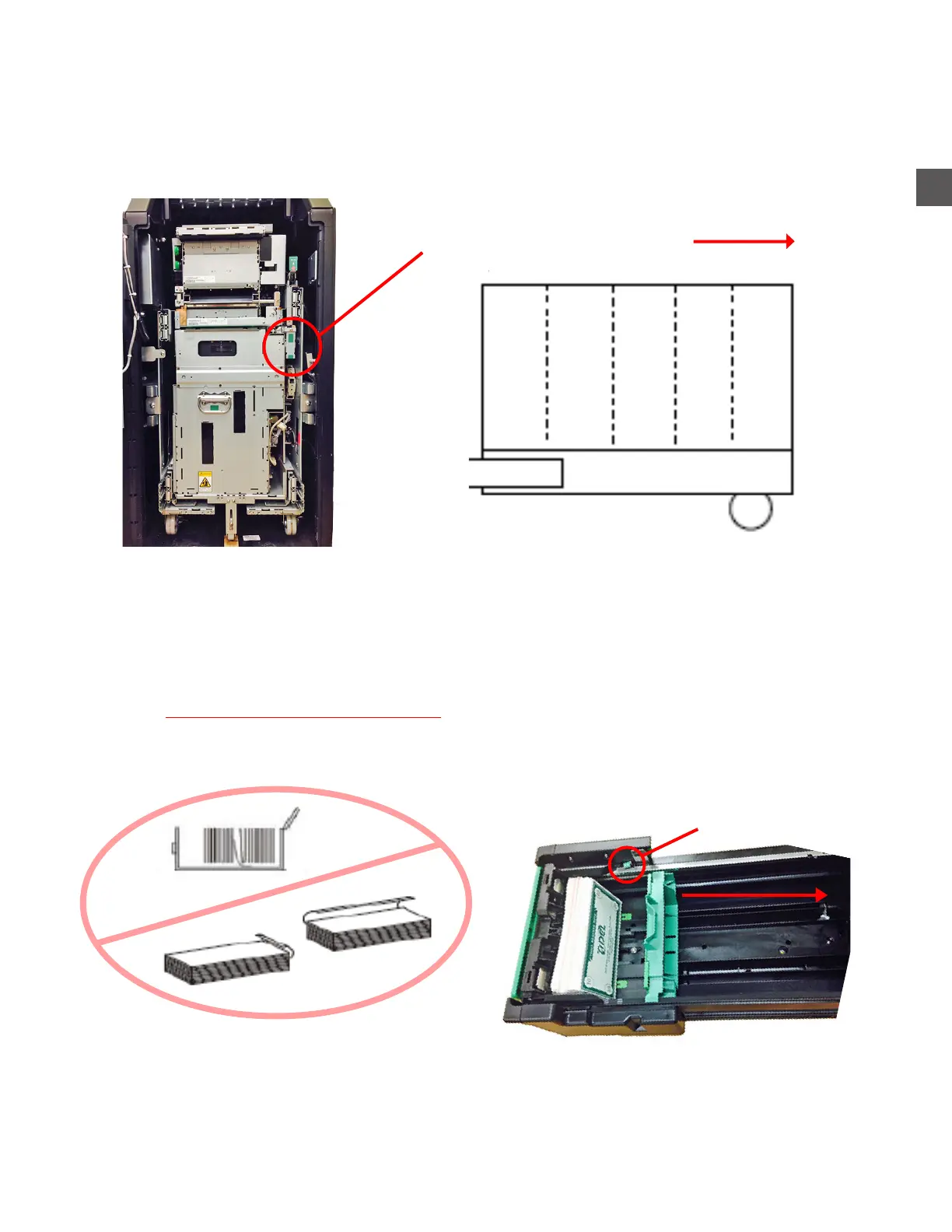
Step 5: Retract the Packer Plate.
Step 6: Load notes level and evenly (2700 notes per Cassette maximum).
Notes that should not be loaded:
Folded, torn or tattered notes.
Notes that carry foreign matter such as staples, tape, glue or other substances.
Step 7: Place the Cassette into the proper location - Cassettes placed in the incorrect position will
cause improper dispense amounts or high numbers of rejects.
Step 8: Place the Cassette Rack back into the TR250 (ensure the Cassette Rack locks in place).
Cassette Rack
Packer Plate
Release Button
Pull Packer Plate
back to load
D
e
p
o
s
i
t
A
C
a
s
s
e
t
t
e
1
C
a
s
s
e
t
t
e
2
C
a
s
s
e
t
t
e
3
C
a
s
s
e
t
t
e
4
Front



 To Next Page