11-11
11
Note Recycler Function Menus
A User can remove the notes currently in the cassettes and process
them through the Note Recycler to verify amounts.
Notes must be manually removed from the Cassettes, then re-introduce
the notes using the Note Recycler for this feature to function correctly.
To perform this function:
a) The User will prompted to remove the notes from ALL of the
Cassettes
NOTE: Denominations must be kept separate to perform an audit.
b) The user will be prompted to process notes through the Note
Recycler (one denomination at a time).
When completed, a report will list beginning note contents, audited note
count and the variance.
Note counts will be set to amount counted during the audit process.
Audit
Configure Recycler
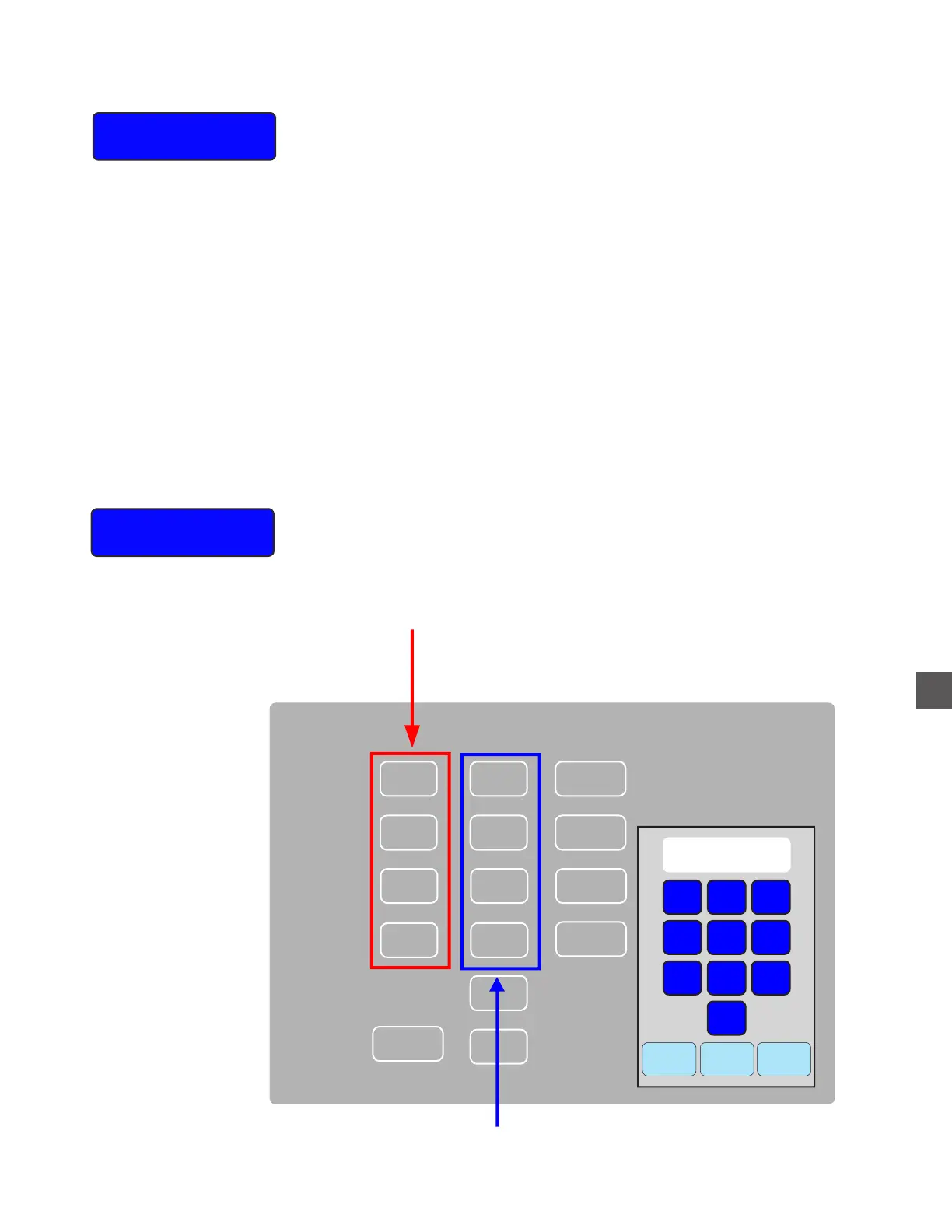
From this menu, the Recycle Cassette denomination types can be
changed.
The note count in the cassettes can also be altered from this menu.
Cancel
Clear Enter
1
2
3
4
5
6
7
8
9
0
Cassette Denom Count Value
1
$0
$0
$0
Reject
2
3
4
A
020
010
05
01
$0
0
0
$0
$0
Denom
Insure the correct denomination is assigned to the appropriate Cassette
If not, select the denomination and make
corrections with the numeric pad
Select the appropriate Cassette Count and enter the
TOTAL number of notes that exist in each Cassette



 To Next Page