11-10
11
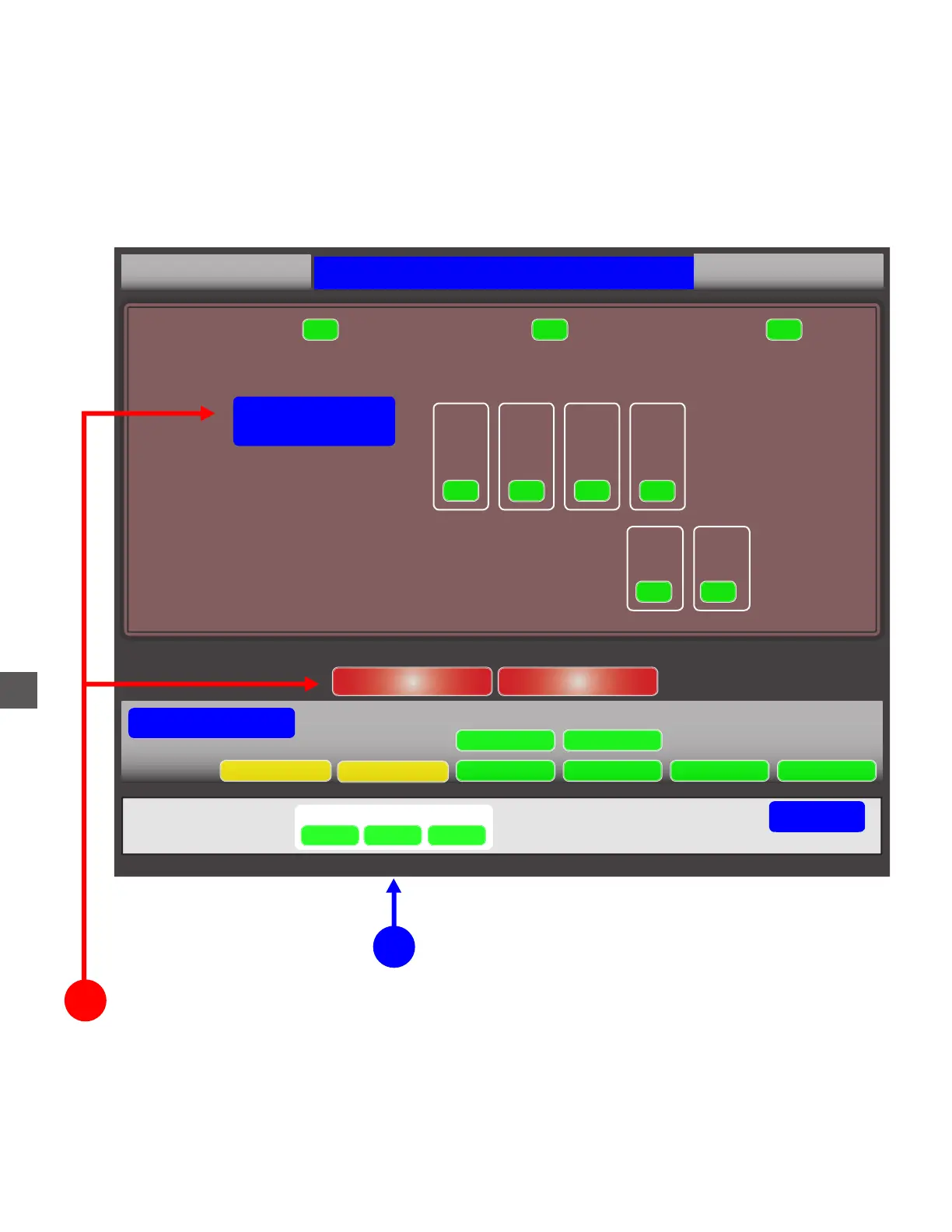
Status Screen Menus
Selecting “STATUS” (bottom of screen), after Log In will allow access to menus which can perform
corrective functions (if User’s Group Permissions allow).
Select NOTE RECYCLER to access function menus
2
1
After Log In, select STATUS
SN: RF01000
Tidel TR250 Status
1.1.0.0
Acceptor:
Device:
Dispenser:
Cassette A Reject
OK OK
Note Recycler
Error Code: NONE
OK
OK OK
System Status
Note Recycler Coin Recycler
Accounting period (06/29/17) Out $525.00
Device Monitor Maintenance Software DataBase Accounting
Backup
Printer
Go Back
System
Coins
Notes
SEE THE FOLLOWING PAGES FOR FUNCTION MENUS
UPS
Cassette 1
Cassette 2 Cassette 3 Cassette 4
OK
OK OK
OK
$20.00
$10.00 $5.00
$1.00
Deposit



 To Next Page