13-5
13
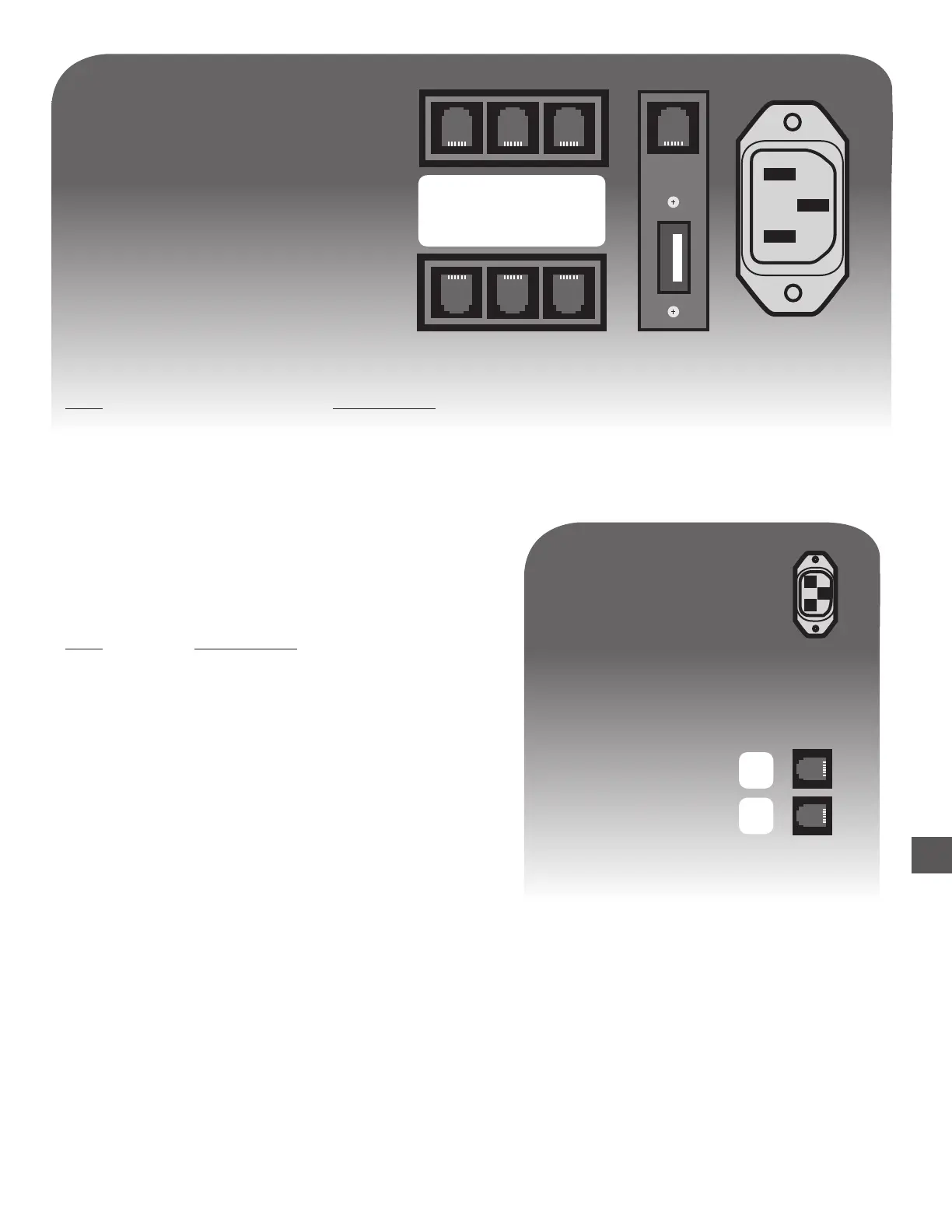
A B C
D E F
RJ-45
USB
Port Application
C
Rolled Coin Dispenser
Host Controller Rear Connections
1) After Remote Module connections have been made and power is applied to all devices, it is
recommended the “Hardware Detect” function is utilized to setup the configuration.
Log In > (Executive code) > More > Maintenance > Diagnostics > Hardware Detect
2) To manually Configure Remote Modules, navigate to the Configure Menu:
Log In > (Executive code) > More > Maintenance > Configure > Peripherals > Configure
Rolled Coin Dispenser
X Select “C (P5)”
C
Y
Port Application
C
Host Controller
Rolled Coin Module Connections
Y
2nd Rolled Coin Dispenser
Configuring the Rolled Coin Module



 To Next Page