2
2-17
Creating Registers
REGISTERS are assigned to Departments.
A Register can be assigned to multiple Departments.
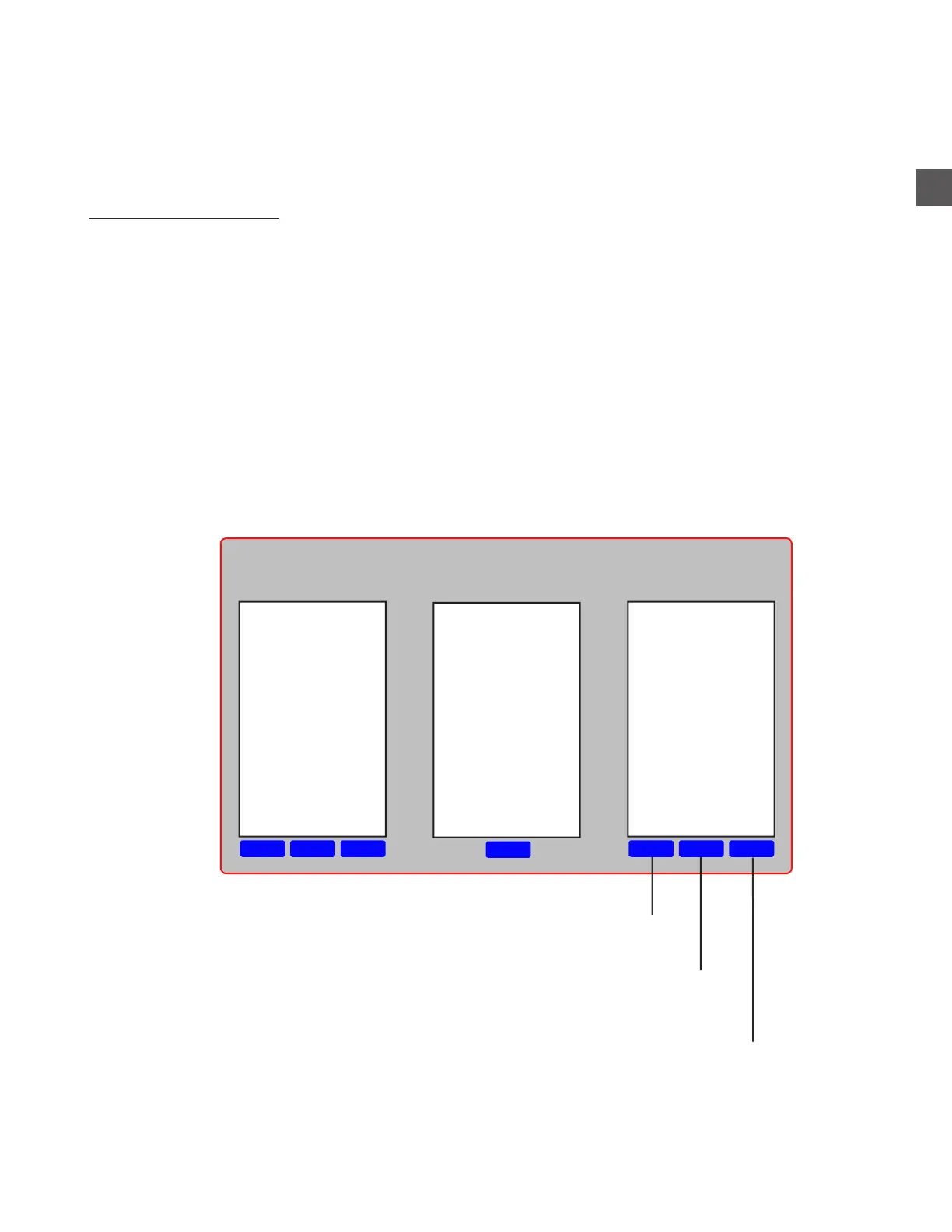
To create a REGISTER:
Log In > Configuration Menu > Edit Groups, Mixes > Edit Registers
DeleteEditNew
Edit
DeleteEditNew
Back Cash
BBQ Pit
Buffet
Check In
Cigar-Bottle
Front Cash
Gift Shop
Lobby Bar
Pool Bar
Departments Registers
Will delete the selected Register
The name of the selected Register can be changed
User will be prompted to create a name for the Register.
Casino Dept
Hotel Dept
Food Dept
Department
contains Registers



 To Next Page