2
2-49
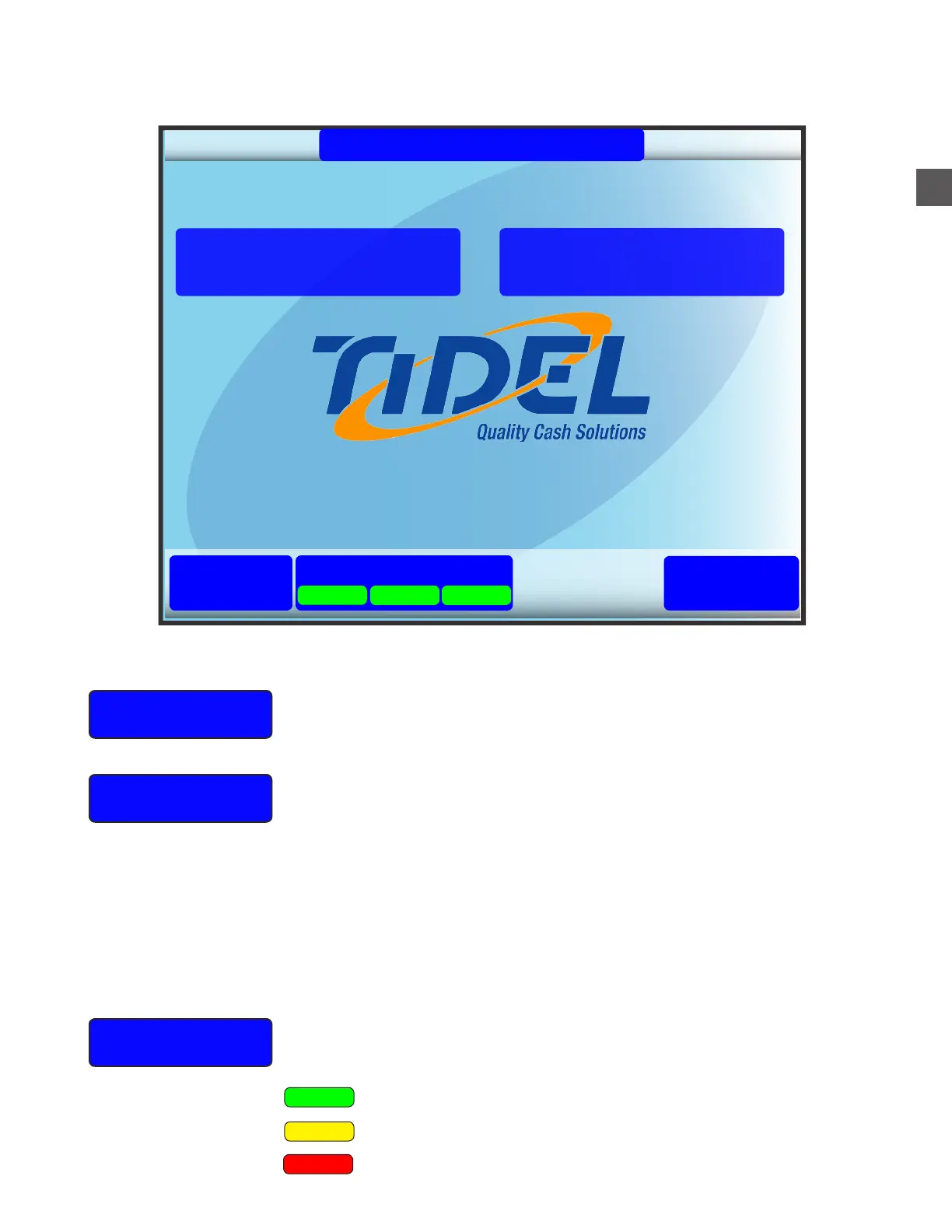
Main Screen Functions
Help
Status
Log In
Contains a menu of items concerning the operation of the TR250
LOG IN provides access to setup, operational, reporting and maintenance
menus.
Depending on operational settings...
f The User can place an “enrolled” finger on the fingerprint scanner
f The User can enter an assigned code number
The User may be required to enter a secondary PIN.
An authorized User may be required to enter a code for “Dual
Access” Log In.
GREEN = Designated device is ready, no errors detected.
YELLOW = The designated device may need attention.
Selecting "STATUS" will display a system overview screen.
Refer to the following page for STATUS information.
02/06/18 02:33 PM
TR250 Cash Management
1.00.12598.0
Status
Log In
Help
End Of Shift
Start Of Shift
Notes Coins System
RED = The designated device is in a fault condition.



 To Next Page