2-50
2
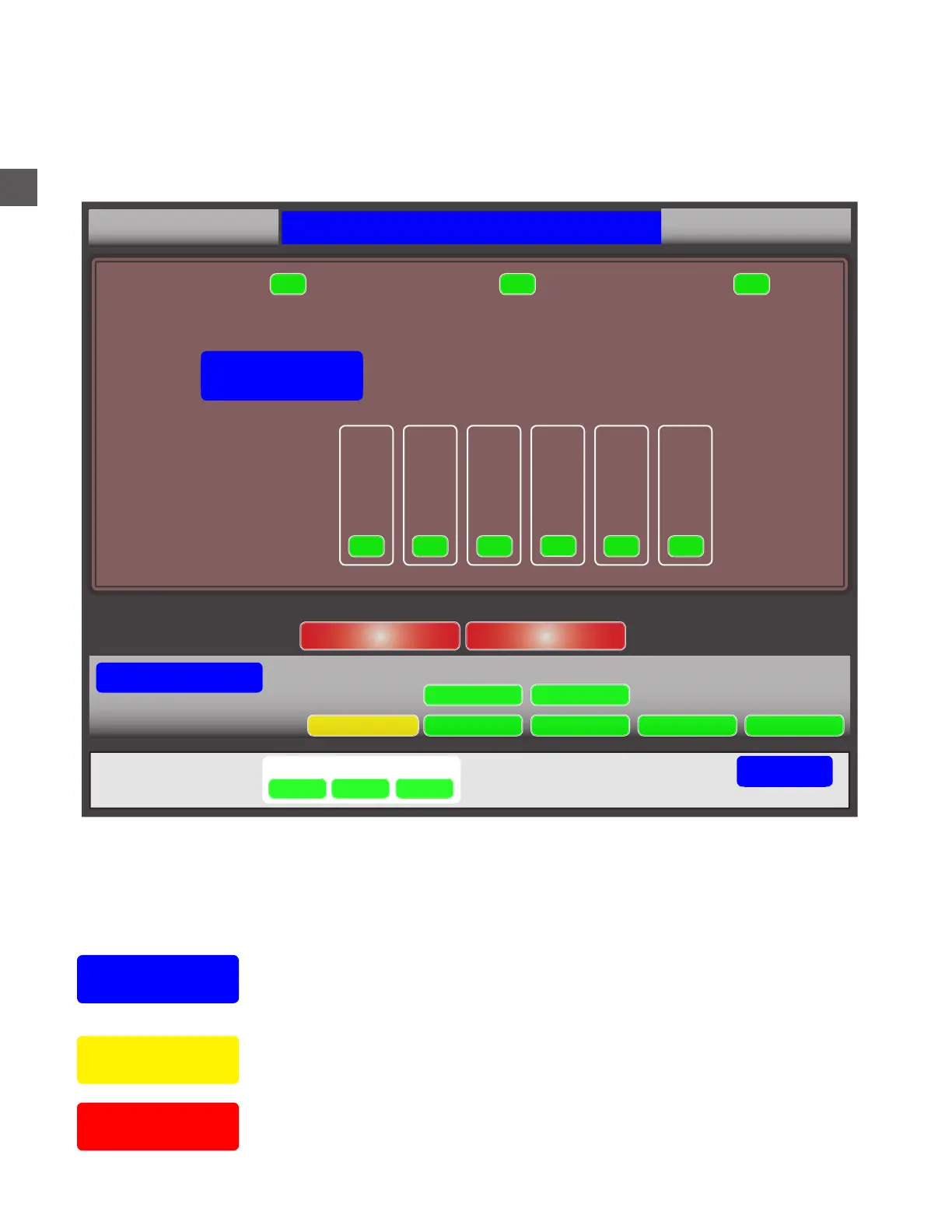
Coin Recycler Section - Shows the Coin Hoppers and health status of each.
Note Recycler Section - Shows the Note Recycler Cassette and health status of each.
Any existing errors will be shown in left side of the status box.
Status Screen Indications
System
Status
Will present the current accounting period and the total amount of funds out.
The status of the system operations such as software, Printer status,
preventive maintenance requirements, etc...
Selecting “STATUS” while the Main Screen is displayed (no User logged in), will present a current
conditions screen.
No corrective action can be performed from this screen
Yellow
Indication
Red
Indication
Typically indicates non-fatal area that require attention - low cassette
counts, preventive maintenance needs, etc...
Typically indicates a hardware fault - see next page for clearing errors.
SN: TF01000
Tidel TR250 Status
1.1.0.0
Acceptor:
Device:
Dispenser:
Hopper 5 Hopper 6Hopper 1 Hopper 2 Hopper 3 Hopper 4
OK
OK OK
OK
OK OK
Coin Recycler
Error Code: NONE
OK
OK OK
System Status
Note Recycler Coin Recycler
Accounting period (06/29/17) Out $525.00
Device Monitor Maintenance Software DataBase Accounting
Backup
Printer
Go Back
System
Coins
Notes
Status



 To Next Page