2
2-21
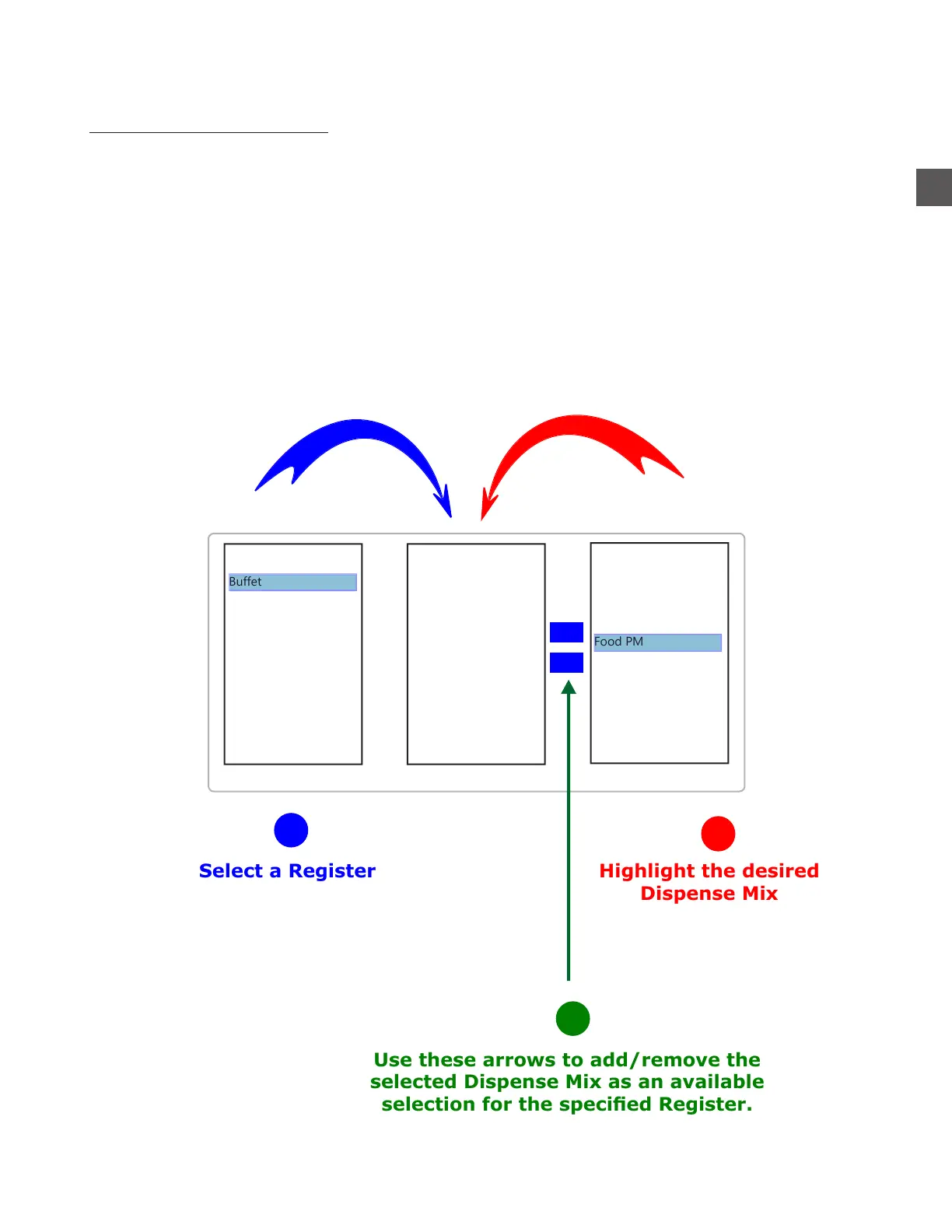
Highlight the desired
Dispense Mix
Select the Register
Link Mixes to the
selected Register
To link a MIX to a REGISTER:
Log In > Configuration Menu > Edit Users, Groups > Edit Mixes/Mix Schedules and
Relationships
Note: Multiple Mixes can be linked to a specific Register.
Linking Mixes To A Register
<<
<<
Use these arrows to add/remove the
selected Dispense Mix as an available
selection for the specied Register.
Alcohol
Amenities
C-Weekday
C-Weekend
Food AM
Food MID
Food PM
Registration
Back Cash
BBQ Pit
Buffet
Check In
Cigar-Bottle
Front Cash
Gift Shop
Lobby Bar
Pool Bar
1
2
3



 To Next Page