2
2-9
General Information
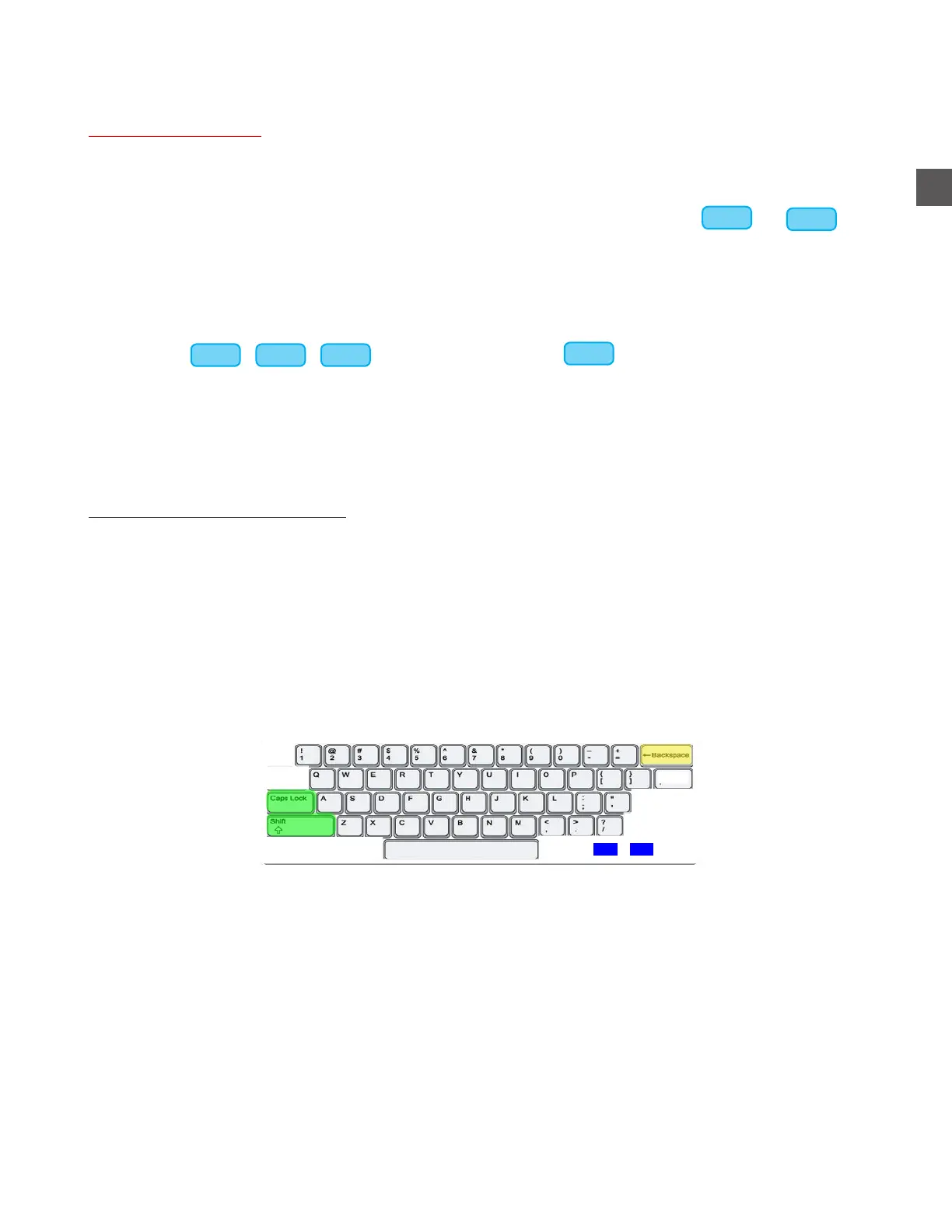
When appropriate, a virtual keyboard will appear on the Touchscreen for the purpose of making
entries.
CAPS LOCK or SHIFT will toggle between Upper/Lower Case and Numeric/Symbol characters.
BACKSPACE will erase previously entered characters.
<< and >> will move the cursor without erasing characters.
Programming and editing
Menu Navigation
Del
<< >>
This Operator’s Manual will guide you through typical setup and operation procedures.
Menu maps will indicate “target” menu selections.
If the “target” menu selection does not appear on the current screen, select or until
the desired menu selection is displayed.
EXAMPLE:
If the actual path is:
Log In Configuration Menu Edit Groups and Mixes
The map in this manual will appear as:
Log In > Configuration Menu > Edit Groups and Mixes
>>>
>>>
>>>
>>> >>> >>>



 To Next Page