5-4
5
Computer
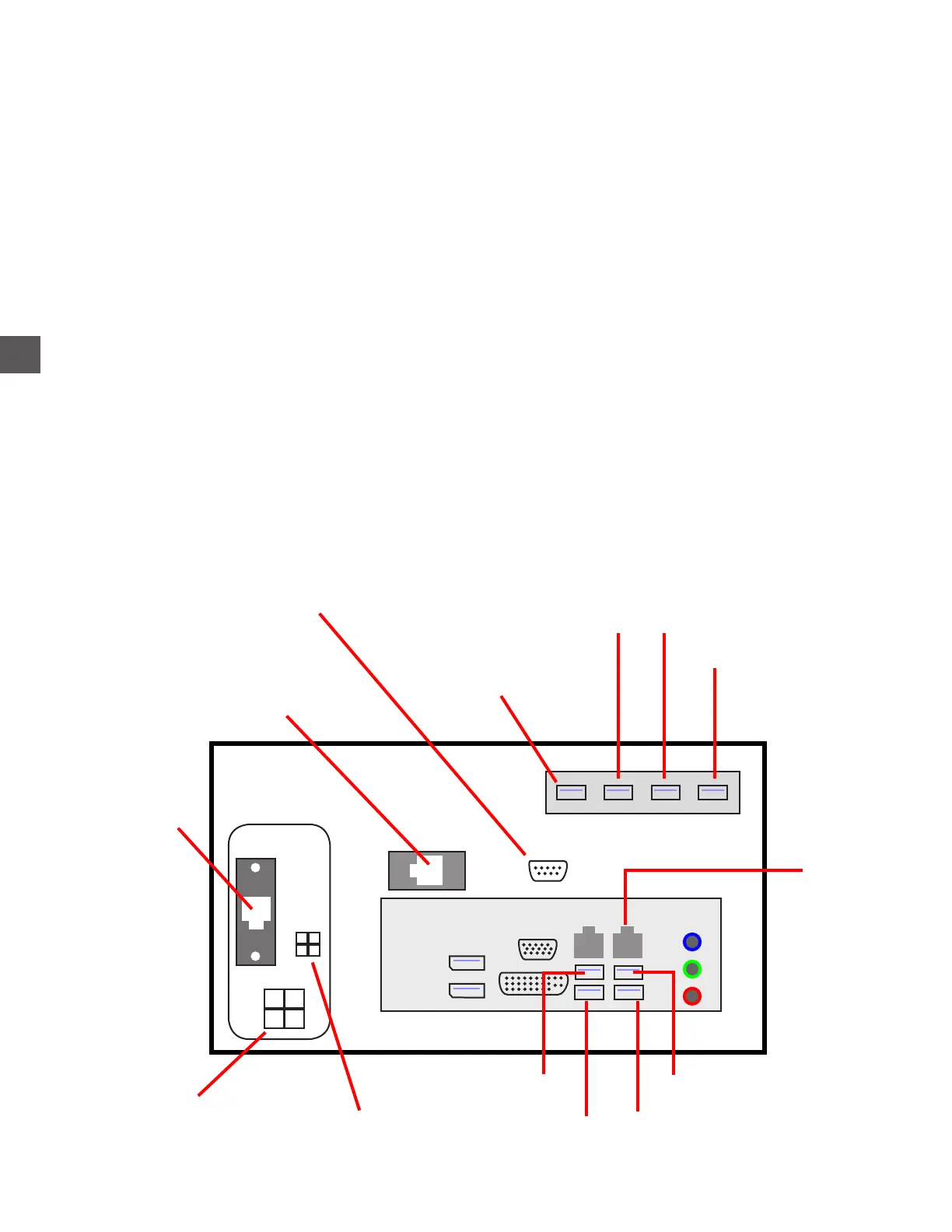
The Computer is located inside the Electronics Bay.
Installing a replacement Computer
The flashcard must be removed from the defective Computer in order to transfer the setup to the
replacement Computer.
WARNING: Do Not install the FlashCard on the newly installed Computer until ready to perform a
“Restore From Backup”.
1) If possible, perform a “Force Back-up” to the flashcard prior to replacement of the Computer.
Log In > Configuration Menu > Force Back Up
2) Disconnect VAC Power and remove the thumbdrive from the USB port.
3) Remove the Computer from the Electronics Bay.
4) Install the replacement Computer and apply VAC Power.
5) After the Main Screen is displayed, install the backup thumbdrive and perform a “Restore”.
Log In > Done (default 1-2-3-4-5-6) > Configuration Menu > Restore From Backup
+24 VDC Input
Hardware
Support PCB
Fingerprint Reader
NFC/Register Till Reader
Speakers
Note Recycler
Distribution PCB
(Solenoid/Sensors)
Printer
Front USB Port
(under Display)
i-Key Reader
Backup thumbdrive
Network
Touchscreen
R4 (4 Hopper)
High Capacity Coin Dispenser
(if equipped)



 To Next Page