2-36
2
Creating A User Group
Departments/Registers are linked to the User Groups.
Users can only access Registers contained within the Departments linked to their assigned USER
GROUP.
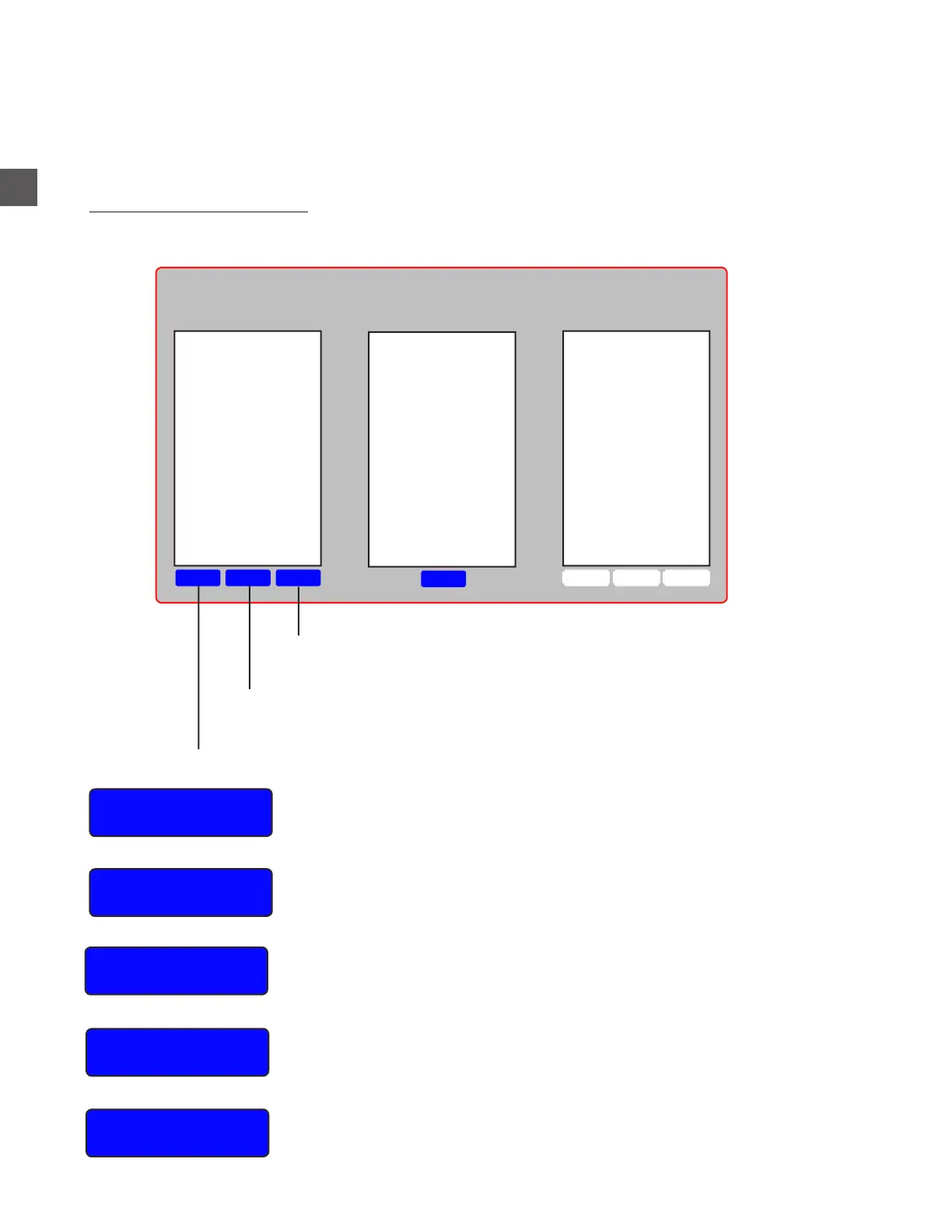
To create a USER GROUP:
Log In > Configuration Menu > Edit Groups, Mixes > Groups & Relationships
Name
Assigns a name to the User Group (should be different from the
Permission Level name)
Max
Checkouts
The maximum (combined total), number of register tills that can be
checked out by the Group
Permission
Group
Allows the assignment of the Permissions Level that will apply to the
User Group
Vend Limit
TX
The maximum amount any User in the Group can dispense in
a single transaction
Vend Limit Daily
The maximum amount any User in the Group can dispense in a single
day (end of day to end of day)
DeleteEditNew
Edit
DeleteEditNew
Groups
Group Contains
Departments
Departments
X Will delete the selected Group
X The name and regulations of the selected Group can be changed
X User will be prompted to create a User Group and assign the settings listed below
Casino Cashiers
Common Cashiers
Executive
Food Cashiers
Hotel Cashiers
Managers



 To Next Page