10-2
10
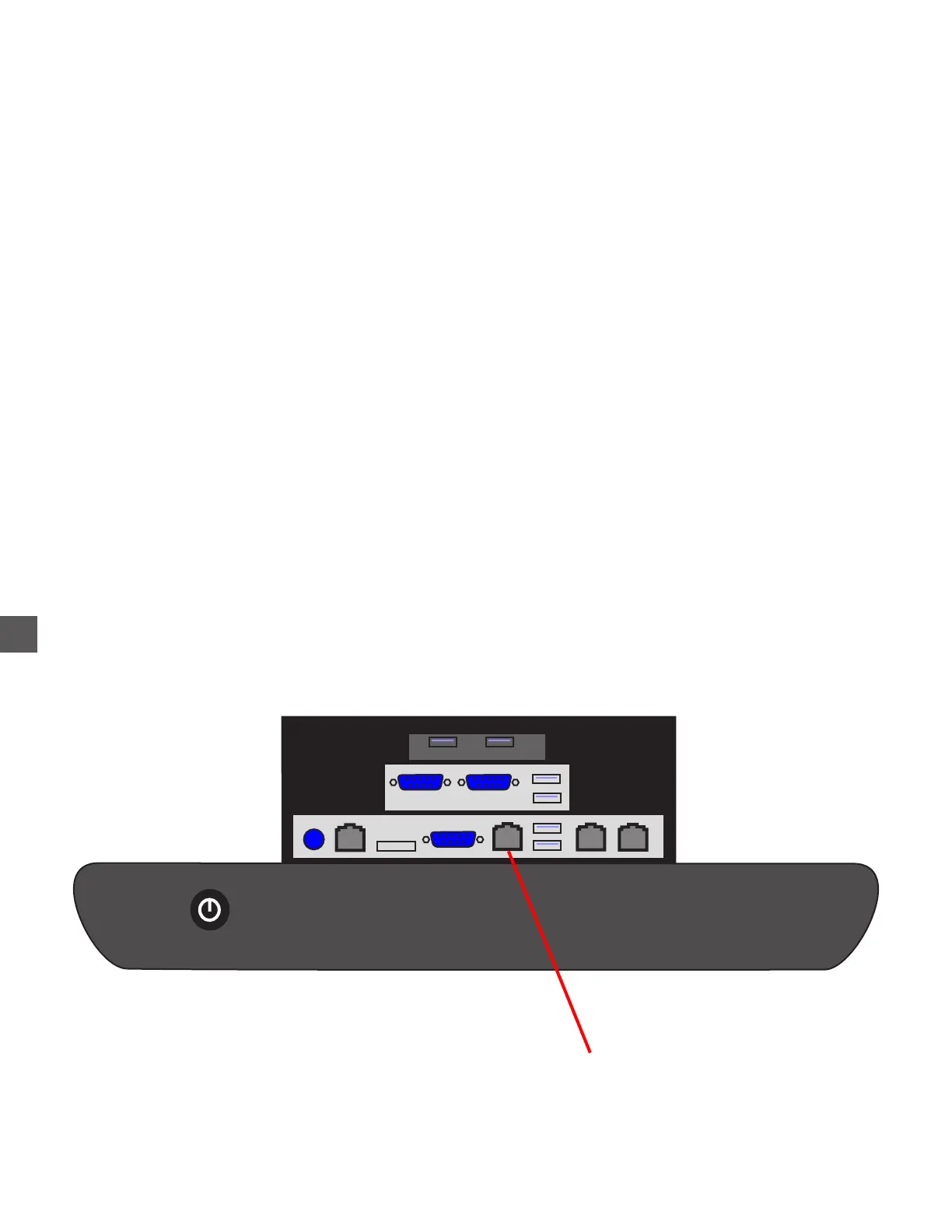
Network connections
The network connection is established by either of the 2 methods listed below:
Cable Connection:
A Network cable (CAT-5), is connected to the Control Computer inside the Electronics Bay
and routed to a coupler mounted at the top/rear of the Note Handler Vault.
An external network cable (CAT-5), connects the coupler located at the top/rear/outside of
the Note Handler Vault to the customer Router/Hub
Wireless modem:
The Computer does not contain wireless network capability, however, a wireless device can
be equipped to the TR250 (externally), if required
The external Network cable connected at the top/rear/outside of the Note Handler Vault is
typically routed to a wireless modem mounted at the top/rear of the Coin Handler Vault.
Networking General Information
Control Computer
Connection Panel
E1 - Network Comm



 To Next Page