2-20
2
Dispense Amount Selections (Mix)
Name
Edit Money
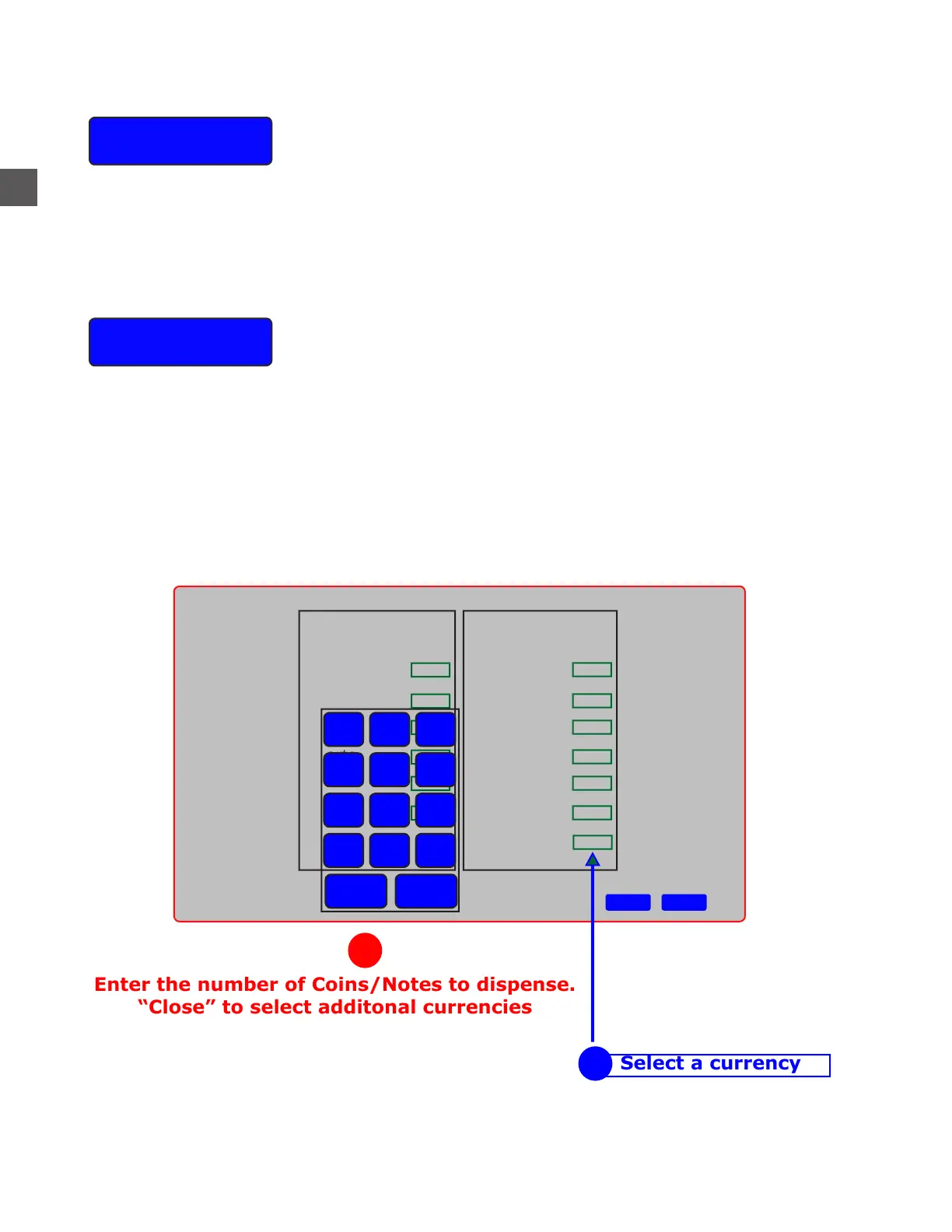
Select the GREEN BOX to the right of the Currency type first.
Use the “pop-up” 10 key-keypad to enter the number of coins/notes to dispense.
After all selections have been made, select DONE to save your MIX settings.
Use the virtual keyboard on the Touchscreen to enter the User name.
CAPS LOCK or SHIFT will toggle between Upper/Lower Case and Numeric/Symbol characters.
Pennies
Nickels
Dimes
Quarters
Half Dollars
Dollars
Coins Notes
Ones
Twos
Fives
Tens
Tewnties
Fifties
Hundreds
1
2
3
4
5
6
7
8
9
. 0
Del
Back
Close
1
Done Cancel
Enter the number of Coins/Notes to dispense.
“Close” to select additonal currencies
2



 To Next Page