2
2-23
Programming Mix Schedules
To create a SCHEDULE:
Log In > Edit Users, Groups > Edit Mixes/Mix Schedules and Relationships
DeleteEditNew
Edit
DeleteEditNew
Alcohol
Amenities
C-Weekday
C-Weekend
Food AM
Food MID
Food PM
Registration
Mixes Mix contains Mix Schedules Mix Schedules
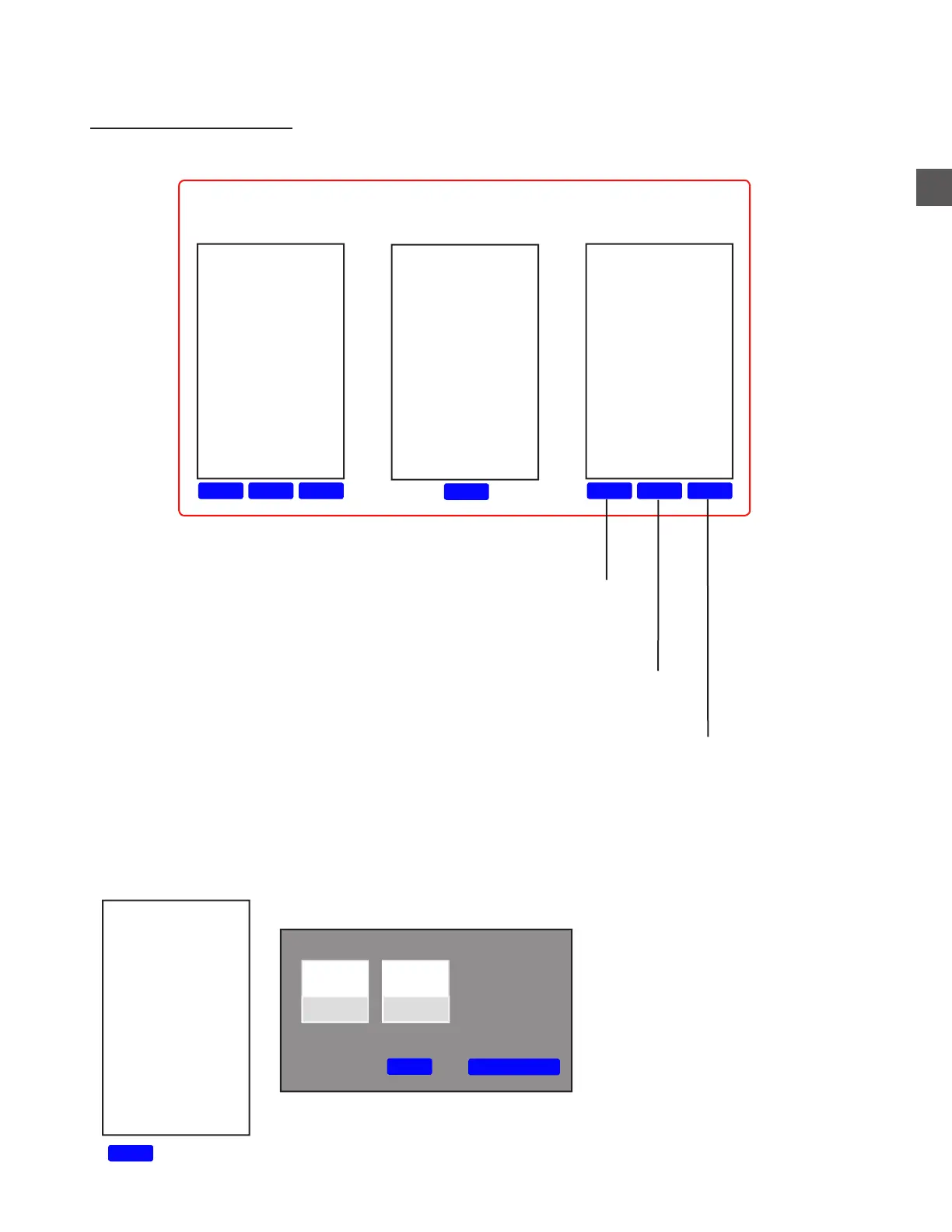
Users can a select schedule type and dispense time settings
Users can change the Name and dispense period
Will delete the selected Schedule
New
Jan 15
Delete
Save Changes
Jan 02
Jan 03
Jan 04
Day of Month, Annual and Specific schedule types require the following for EACH date being set:
a) Select “New”.
b) Select the date.
c) Select “Save Changes”.
AM
Any
MID
PM



 To Next Page