13-4
13
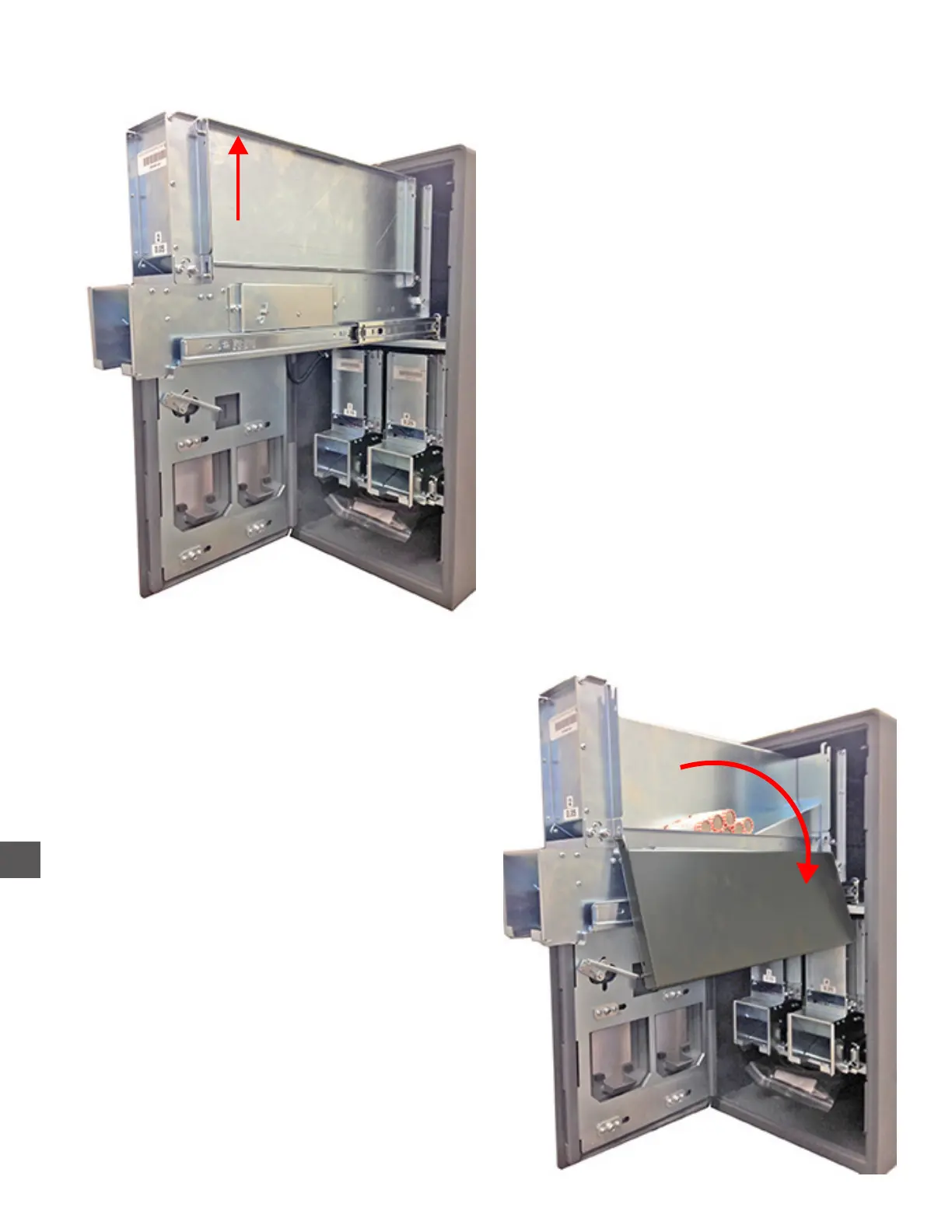
Loading the Rolled Coin Dispensers
1) Pull the Dispenser from the cabinet
2) Open the access panel.
3) Stack coins into the Magazine.
4) Close the access panel.
5) Push the Dispenser fully into the
cabinet.
Load with magazine
MACHINE ROLLED COINS ONLY !
Access Panel
1) Log In > Cash Control > Rolled Coin Count
2) Select Add/New.
Add = Entry is added to existing count
New = Entry replaces current count
3) Select the appropriate Dispenser.
4) Enter the number of coin rolls loaded.



 To Next Page