5-11
5
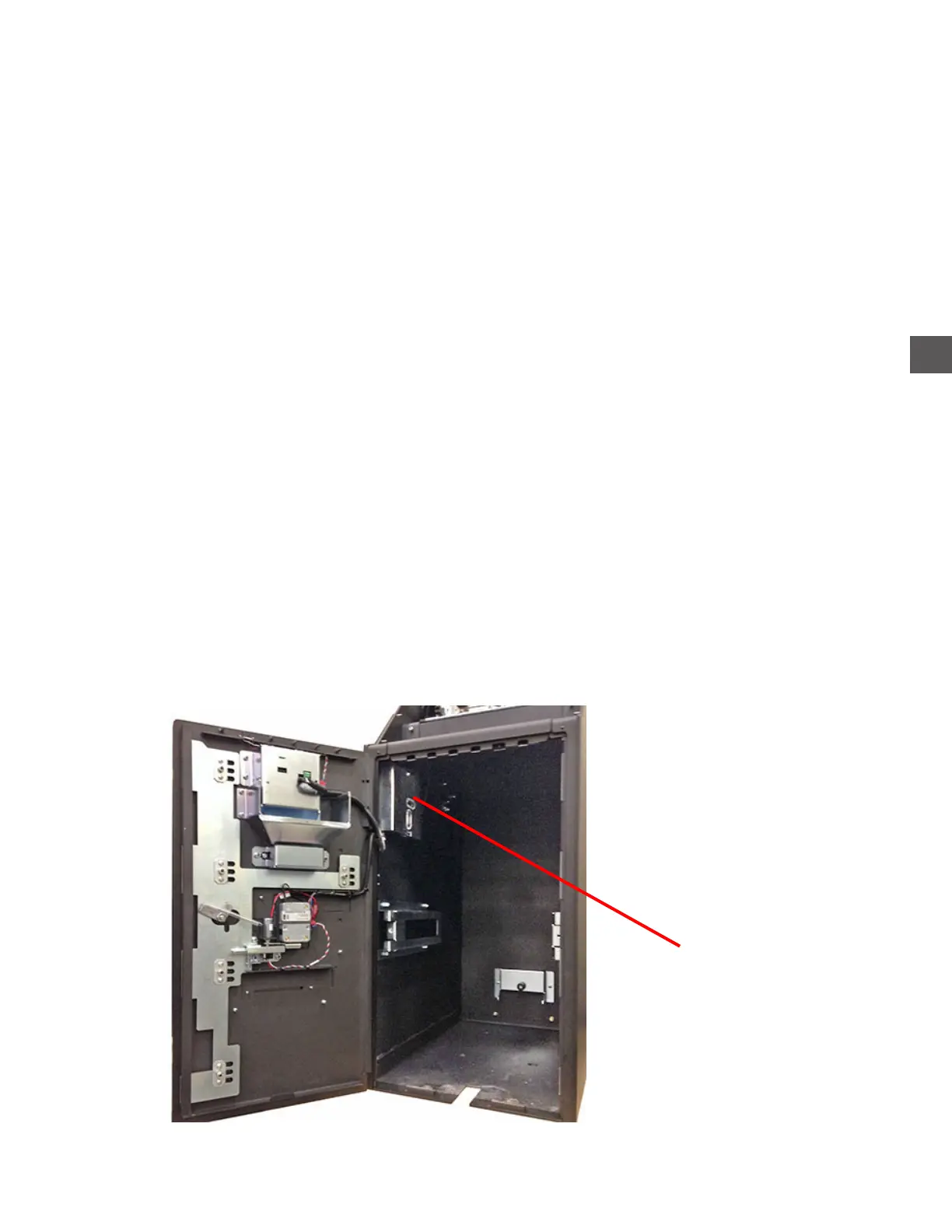
The Distribution PCB is mounted on the left/inside of the Note Recycler Vault.
The Distribution PCB is the connection point which distributes commands from the Touchscreen to the
various components of the unit.
The Distribution PCB supplies VDC power from the Conponent Power Supply assembly to the
Computer, Printer and Note Handler Vault Door Solenoid.
Power to the the Fujitsu G750 Note Recycler is not routed through the Distribution PCB.
The illuminated LED’s on the Distribution PCB indicate the circuits are functioning (circuit not open).
The Note Recycler must be removed to access the Distribution PCB.
a) Remove the securing bracket on the left wall (under the Distribution PCB).
b) Remove the (2) securing brackets at the bottom of the Note Recycler
c) Disconnect the Note Recycler power cable from the lower connector on the Power Supply.
d) Disconnect the Note Recycler USB data cable from the Computer.
e) Route the harness out of the Electronics Bay and protect the Power/Data cables when
removing the Note Recycler from the cabinet.
f) Raise the Note Collection door coverplate.
g) Release the caster brakes and pull the Note Recycler, by the handle, from the cabinet.
Distribution PCB
Note Recycler removed
Distribution PCB



 To Next Page