2
2-47
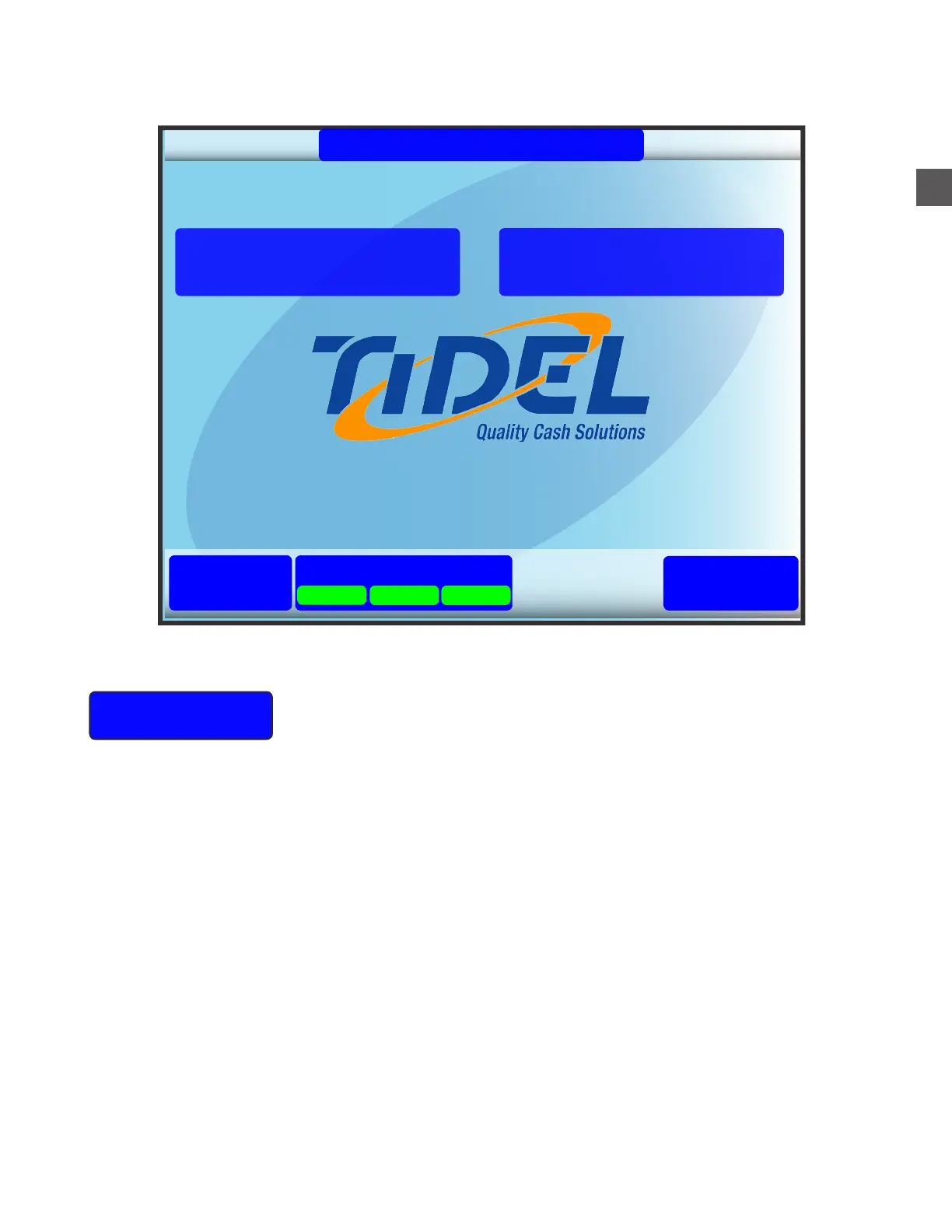
Main Screen Functions
02/06/18 02:33 PM
TR250 Cash Management
1.00.12598.0
Status
Log In
Help
End Of Shift
Start Of Shift
Notes Coins
System
Start Of Shift
Allows dispensing pre-determined amounts based on departments and
cash registers (register check-out).
When selected, the User will be prompted to Log In.
Depending on operational settings...
f The User can place an “enrolled” finger on the fingerprint scanner
f The User can enter an assigned code number
The User may be required to enter a secondary PIN.
An authorized User may be required to enter a code for “Dual Access” Log In.
The User may be prompted for the following (dependent on settings):
a) The Department(s).
b) The Register(s).
c) The Till ID (or utilize the Till Scanner if equipped).
d) Next till checkout
NOTES are retrieved from the Note Collection Door.
COINS are retrieved from the Coin Collection Tray.



 To Next Page