6-11
6
To test a Sensor:
1) Use the Maintenance Menu to view the Sensor status.
Login > Maintenance Menu > Door Solenoids and Sensors
X Block and unblock the Sensor.
If the Sensor status does not change appropriately:
a) Check the physical condition of the Sensor.
b) Check the wiring condition in the “quick connect” at the Sensor cable (if equipped).
c) Check the connections at the top/rear of the Coin Handler.
d) Check the connection at the Hardware Support PCB
e) Check the cable connection at the Host device.
Tidel TR250 :
Top/rear of Coin Handler
Control Computer USB Port
3rd Party Integration:
Control Computer COM5
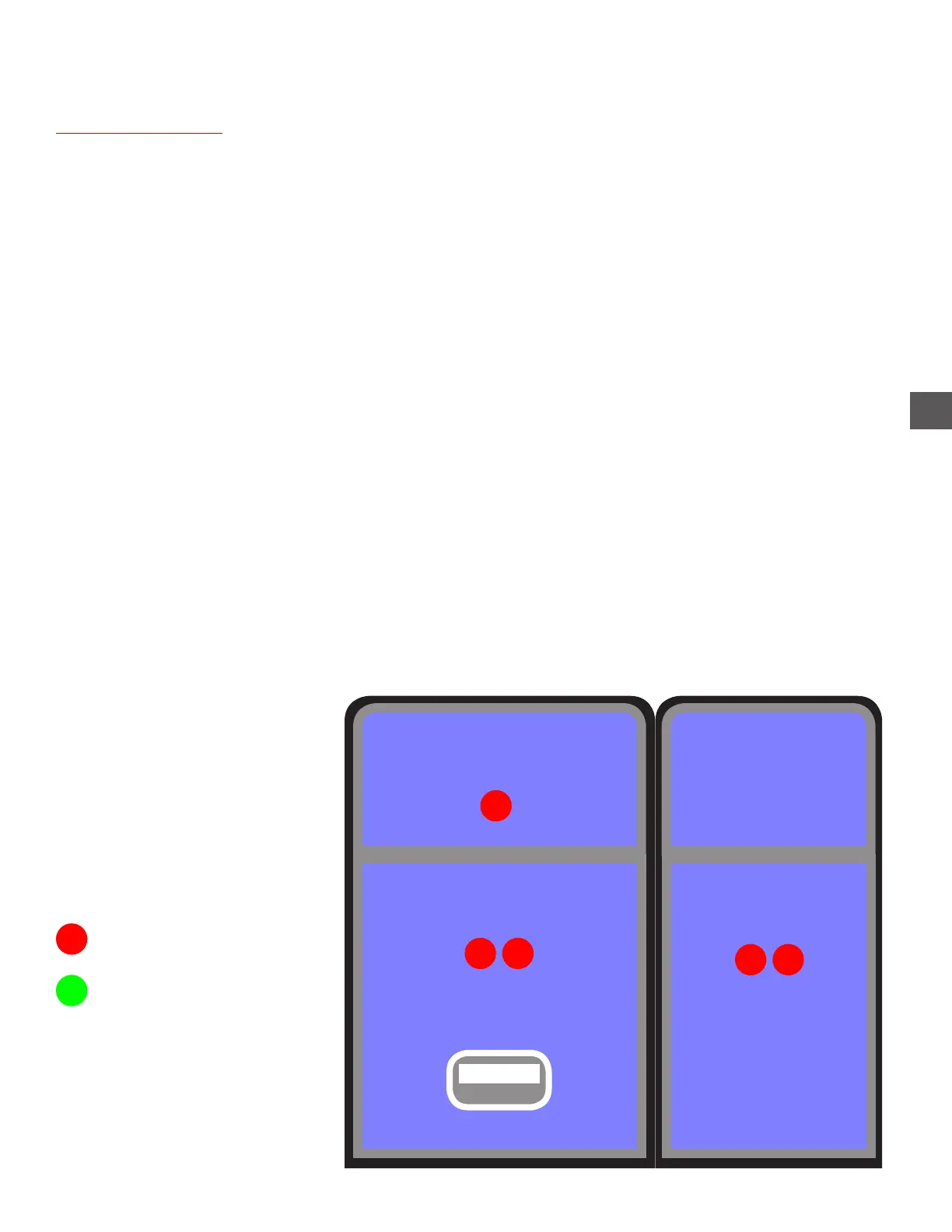
Sensors (Doors)
Note Recycler
L D
Coin Recycler (Top Cover)
Coin Dispenser
D
L D
Coin Collection Tray Inserted
D = Door Position Sensor
L = Lock Position Sensor
= Unblocked
= Blocked
See the following pages for sensor diagnostic specifics



 To Next Page