7-8
7
Manually Adjusting Coin Counts
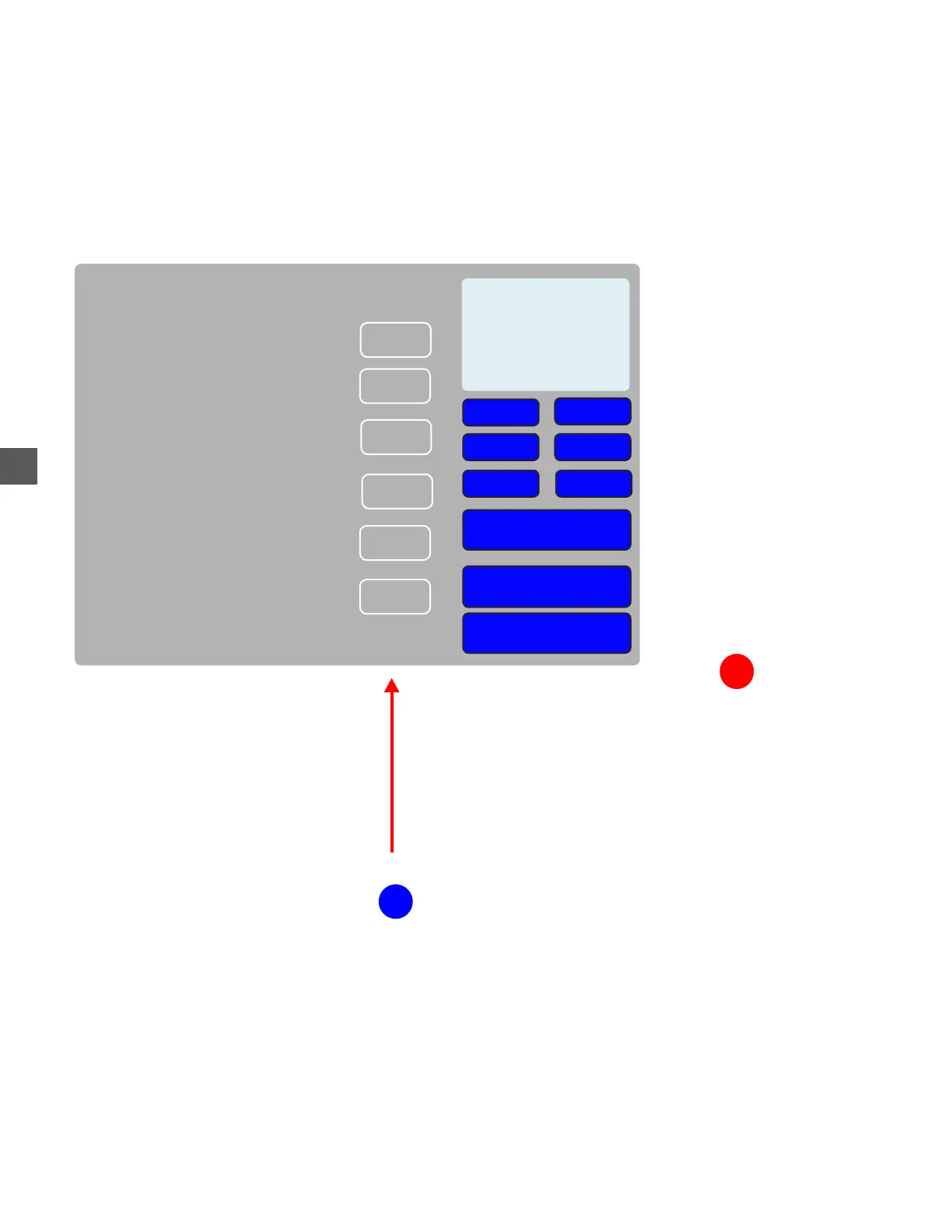
To correct or modify the coin count in the Hoppers
Log In > Status (bottom tool bar) > Coin Recycler > Coin Exchange
Select the appropriate Coin Hopper
Denomination Original Count New Count
$0.01
0
0
0
$0.50
$0.05
$0.10
$0.25
$1.00
0
0
0
0
0
0
0
Overflow
0
0
Select the count to adjust
Tap Done when complete
+
++
+++
---
--
-
Empty
Reset
Reset All
Adjust by 100
Adjust by 10
Adjust by 1
Sets count to “0”
Restores selected
Restores All
Tap the “Adjust” symbols to increase or decrease the count.
The “Reset” selection will return the adjusted count to the original number.
The reset feature will not restore counts after “Done” is selected.
1
2



 To Next Page