8-12
8
Cleaning Reminders
The CLEANING reminder is pre-set from the factory to appear after 70,000 coins have been sorted.
The reminder interval can be changed to appear between 1 and 999,999 coins.
Log In > Configuration Menu > Edit Configuration > Maintenance and Odometers
When the reminder is displayed, cleaning procedures in this section should be performed.
Maintenance Reminders
The MAINTENANCE reminder is pre-set from the factory to appear after 500,000 coins have been
sorted.
The reminder interval can be changed to appear between 1 and 999,999 coins.
Log In > Configuration Menu > Edit Configuration > Maintenance and Odometers
When the MAINTENANCE reminder is displayed, the Coin Sorter should be inspected for signs of
wear on the feed/exit pathways and metal parts.
The Coin Sorter should be replaced if excessive wear is visible.
Clearing the cleaning reminder
1) Navigate to the Coin Recycler Menu.
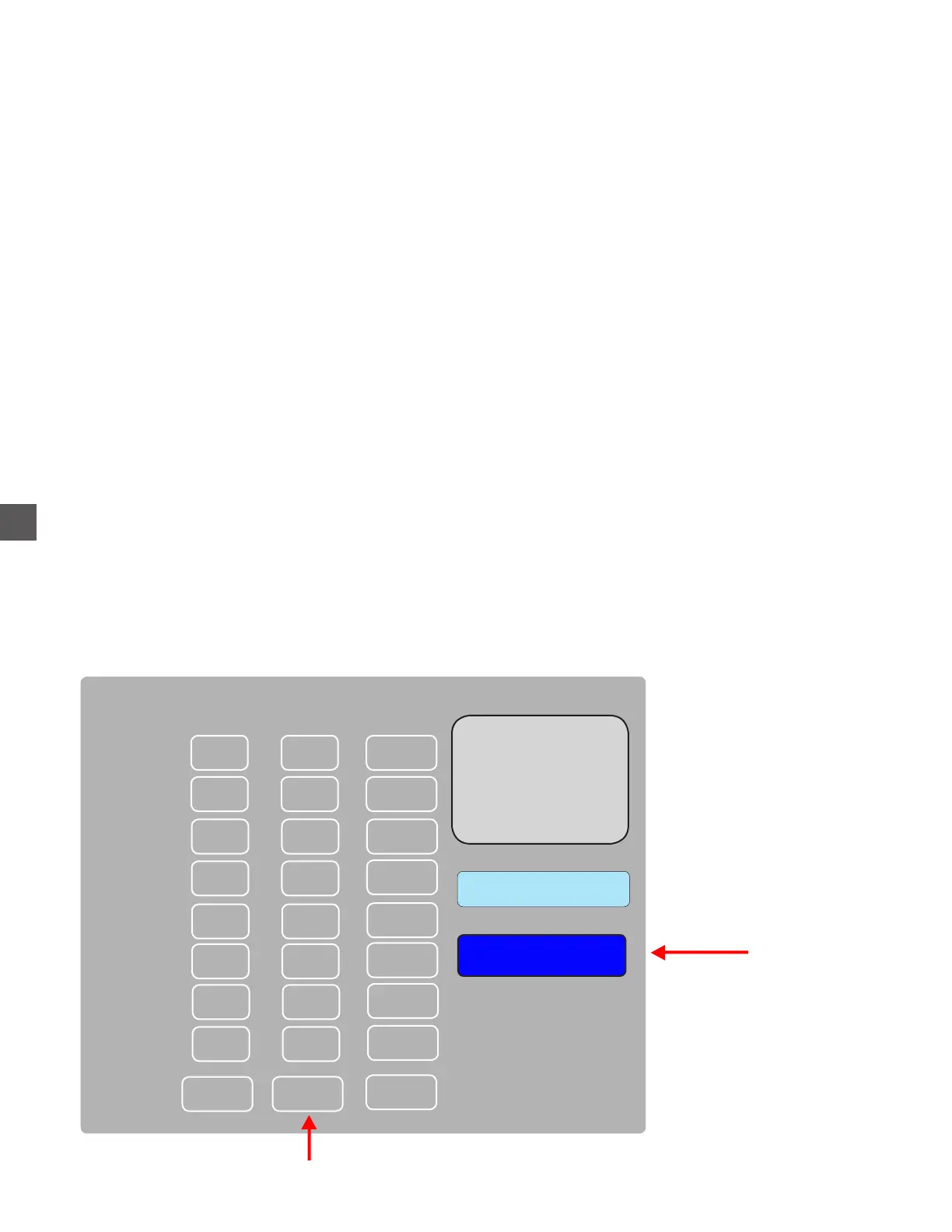
Log In > Status (bottom tool bar) > Coin Recycler > Perform Maintenance
2) Select the count for the Acceptor.
3) Verify cleaning was perform when prompted to reset the counter to “0”.
Cleaning reminders will no longer appear after counters have been cleared.
Coin Sorter Cleaning
Select the Acceptor counter
1
0
0
0
2
3
4
00
00
00
00
0
Acceptor
Clean
Replace
Device Lifetime Clean Maintenance
0
5
00
0
6
00
0
7
00
0
8
00
0 0
0
Choose CLEAN



 To Next Page