11-17
11
Prepare Deposit
Preparing a deposit will cause the Note Recycler to move notes from
the Recycle Cassettes to the Deposit Cassette in order to achieve the
Static Balance amount in the Note Handler.
Prior to Courier Pickup/Bank Deposit, a “Prepare Deposit” should be performed.
Log In > Status > Note Recycler > Prepare Deposit
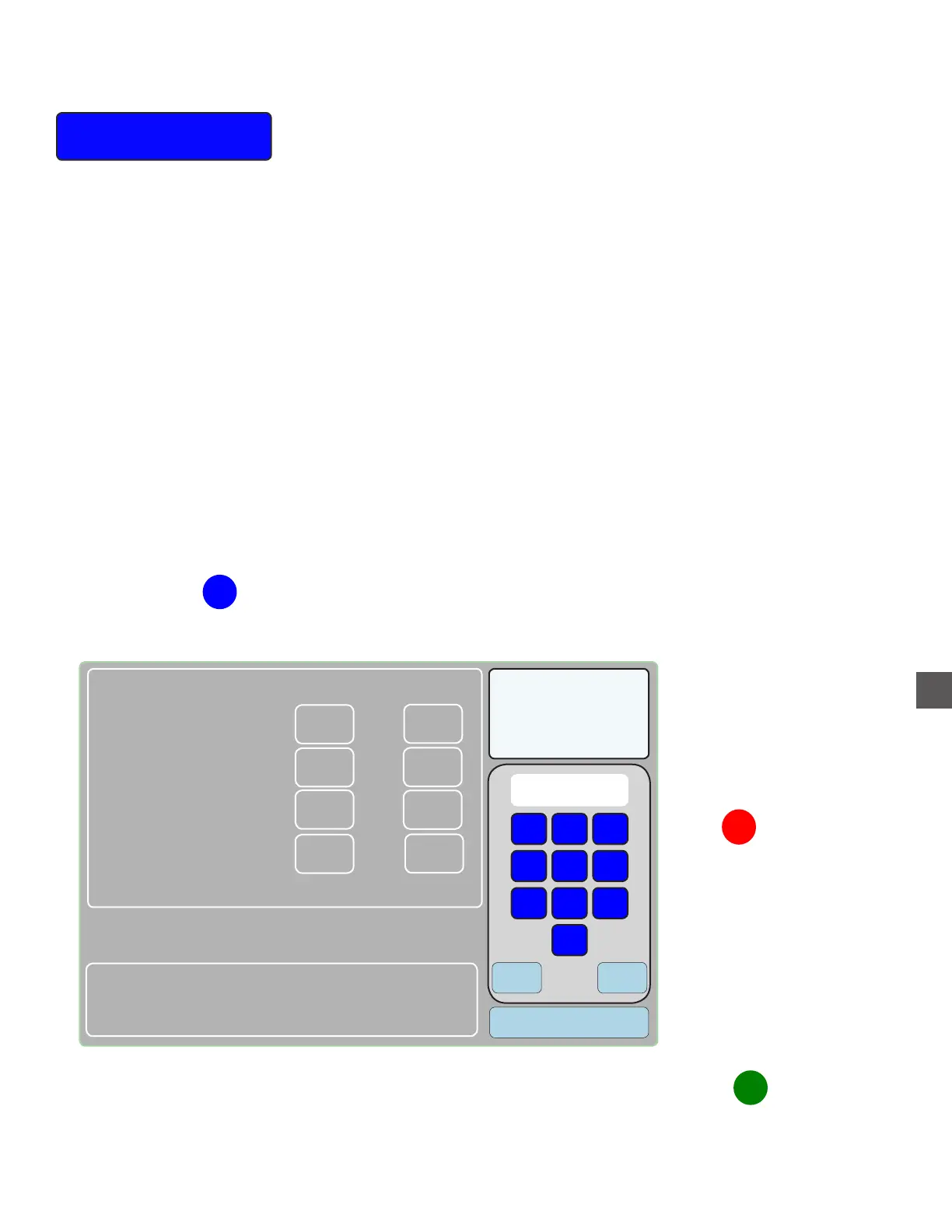
A menu may be displayed in order to determine the mix of the cash transfer.
This menu can be used to alter the number of notes and denomination type being transferred.
When making alterations, the changes cannot cause the total value of the Recycle Cassettes to
be less than the Static Balance (if used).
NOTE: The default “mix to move” calculates from highest denomination to lowest
denomination in order to prevent the total value of the Recycle Cassettes to be less
than the Static Balance.
The cash transfer from recycle to deposit cassette progresses from “low to high”.
Note Recycler Menus
Clear
Enter
1
2
3
4
5
6
7
8
9
0
Will be left
0
0
0
0
0
0
0
0
Clear all
Deposit Desired Current Mix Total Balance
Denom
0
0
0
0
$20
$
$10
$5
Enter up to 00
Select the denomination type
This field indicates the
transfer quantity available
Enter the desired
number to transfer
Select “CONTINUE” when an
acceptable transfer is displayed
Inventory
Mix to Move
1
2
3



 To Next Page