5-13
5
If an LED on the Distribution PCB is not illuminated, the defective component may
be identified by the following:
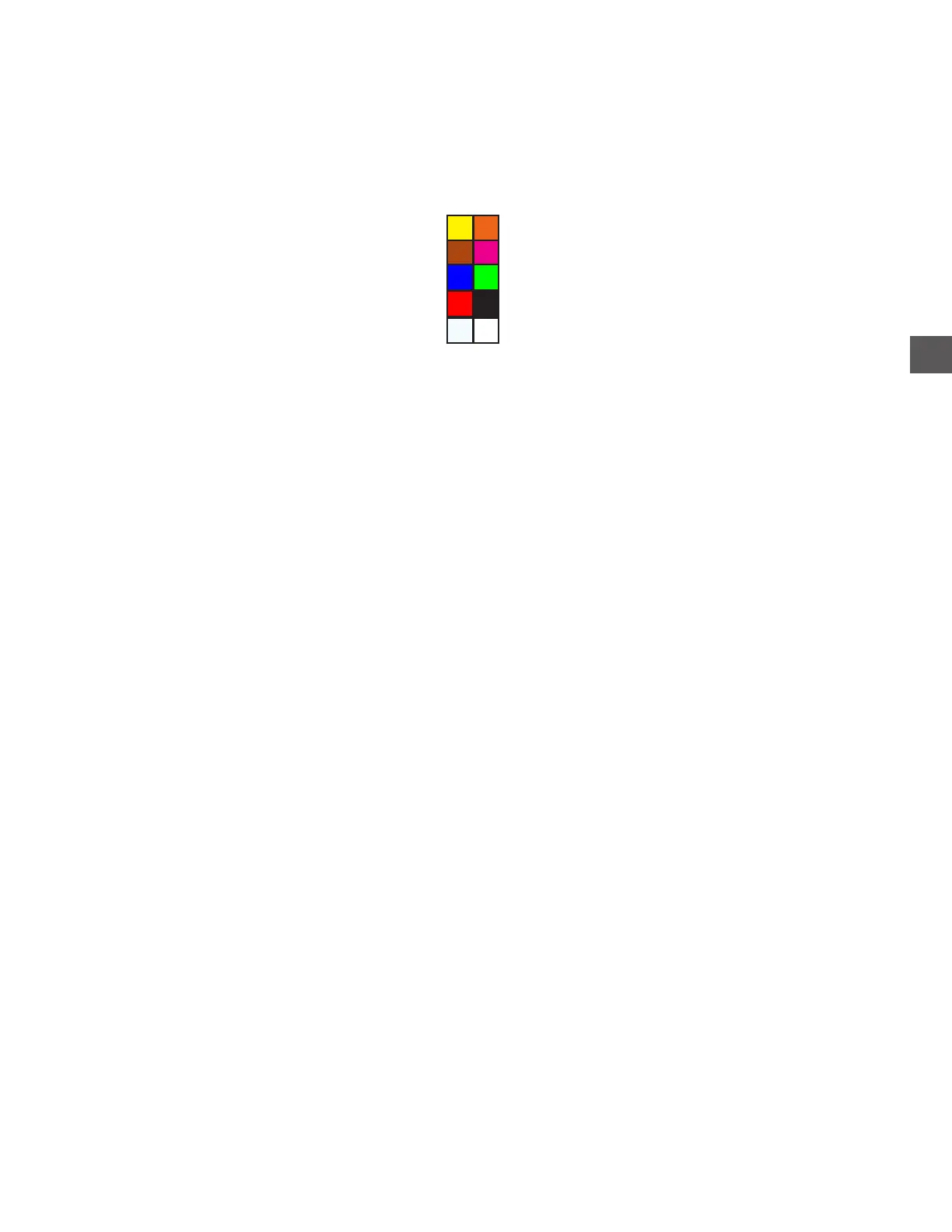
Ylw - +12
Wht - +5
Red - +5
Org - +24
Prpl - +24
Distribution PCB
1) Verify the output voltages of the UPPER Power Supply output connector.
2) Disconnect AC power from the unit.
3) Disconnect all components from the Distribution PCB (do not disconnect the incoming DC
power at terminal J20).
4) Re-apply AC power to the unit.
If the LED is still not illuminated, the Distribution PCB may be the problem.
If the LED is now illuminated:
a) Disconnect AC power to the unit.
b) Reconnect a component to the Distribution PCB.
c) Apply power to the unit and check the LED.
If the circuit opens (problem component will cause the circuit to open, LED
will go out), refer to the Connection Layout section to identify the problem
component.
If the LED remains lit, repeat steps A through C until the problem component is
identified.



 To Next Page