8-6
8
Coin Recycler Function Menus
Clear Error
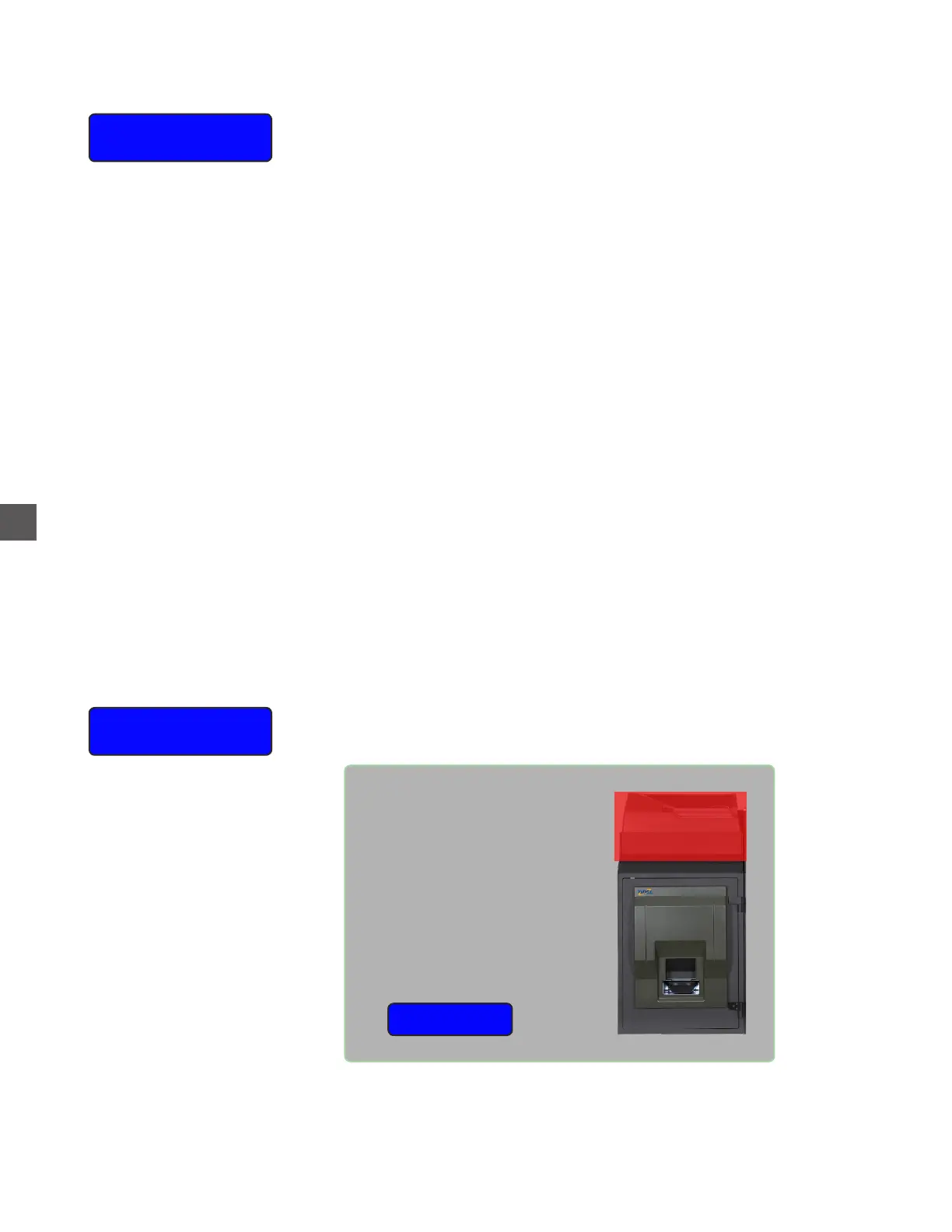
Selecting this item will display an illustrated view of the problem area.
Coin Hopper Not
Communicating
Fix Problem
Fix Problem
Prompts for error resolution or a service video (if available), will assist Users with
troubleshooting and correction procedures.
Audit
A User can remove the coins currently in the Hoppers and process them
through the Coin Sorter to verify amounts.
Coins must be manually removed from the Coin Hoppers (requires
removal and disassembly of the Coin Hoppers), then re-introduce the
coins using the Coin Sorter for this feature to function correctly.
To perform this function:
a) Select the desired Hopper from the displayed menu.
b) Remove the selected Hopper from the Coin Handler Rack.
c) Place the Coin Hopper Bin Lid into the slots at the top of
the Hopper Bin and turn the Hopper upside-down (if the
Bin Lid is not available, turn the Hopper upside down in a
suitable container).
d) Remove the Hopper Base retaining pin and remove the
Base from the Bin.
e) Place the Bin upright over the Coin Sorter Loading Tray to
empty the coins from the Bin and select continue
Note: closing and locking the Coin Handler vault is
required each time a Hopper is audited.
When completed, a report will list begin coin contents, audited coin
count and the variance.
Hopper counts will be set to amount counted during the audit process.



 To Next Page