11-14
11
Extract Deposit
Used to empty the Deposit Cassette
a) The User may be prompted to enter amounts removed.
b) The User will be instructed to open the door and remove the funds
from the Deposit Cassette
When performed by non-courier Users, a prompt to enter amounts
removed will be displayed and the amounts reflected in the Deposit
Cassette will be removed.
When removed by the Courier, no prompts for amount entries will appear.
Note Recycler Function Menus
Note Exchange
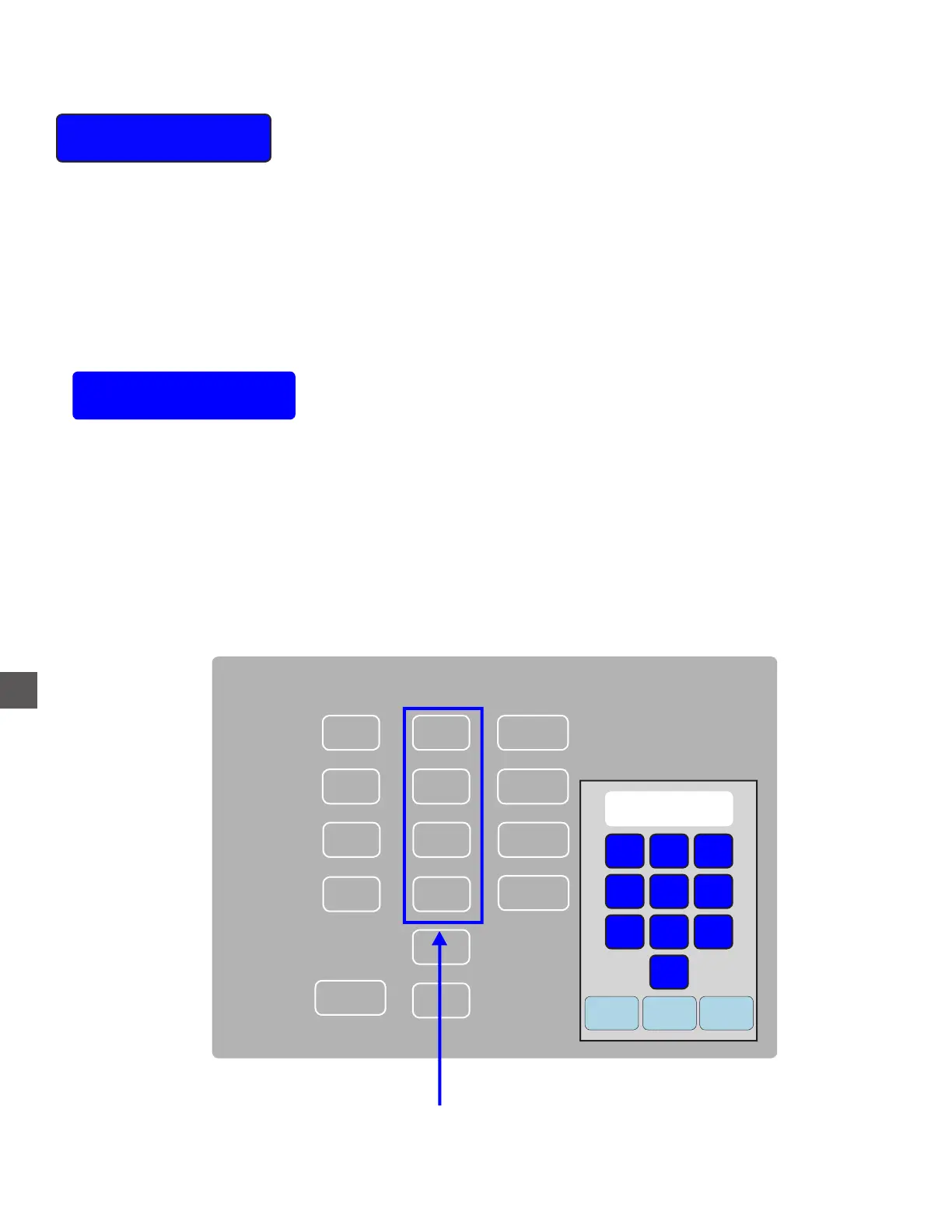
When notes are manually added/removed from the Cassettes, the note count must be adjusted.
Cassette counts can be entered or changed from this menu.
Cancel
Clear Enter
1
2
3
4
5
6
7
8
9
0
Cassette Denom Count Value
1
$0
$0
$0
Reject
2
3
4
A
020
010
05
01
$0
0
0
$0
$0
Denom
Select the appropriate Cassette Count and enter the
TOTAL number of notes that exist in the Cassette



 To Next Page