14
14-13
Coin Hoppers
A CLEANING reminder is pre-set from the factory to appear after 70,000 coins have been dispensed
from any of the Coin Hoppers.
COINS EXISITING IN THE OVERFLOW BIN
MUST BE REMOVED PRIOR TO PERFORMING THIS FUNCTION
a) Open the Coin Handler Door.
b) Remove the Overflow Bin and transfer any coins to a suitable container (bucket).
c) Perform an “Empty Bin” regardless of whether coins exist in the Overflow Bin or not.
Log In > Status (bottom tool bar) > Coin Recycler > Empty Bin
d) Close and lock the Coin Handler Door.
X Prepare the Hoppers for cleaning
a) With the door closed and locked, remove the Coin Collection Tray and extend the Coin
Collection Rack fully out.
b) Perform a “Dispense To Overflow”.
Log In > Status (bottom tool bar) > Coin Recycler > Dispense to overflow
Repeat steps 1-3 (below) for all coin denominations
c) Remove the ALL Hoppers from the Rack.
Pennies
Nickels
Dimes
Quarters
Half Dollars
Dollars
Coins
1
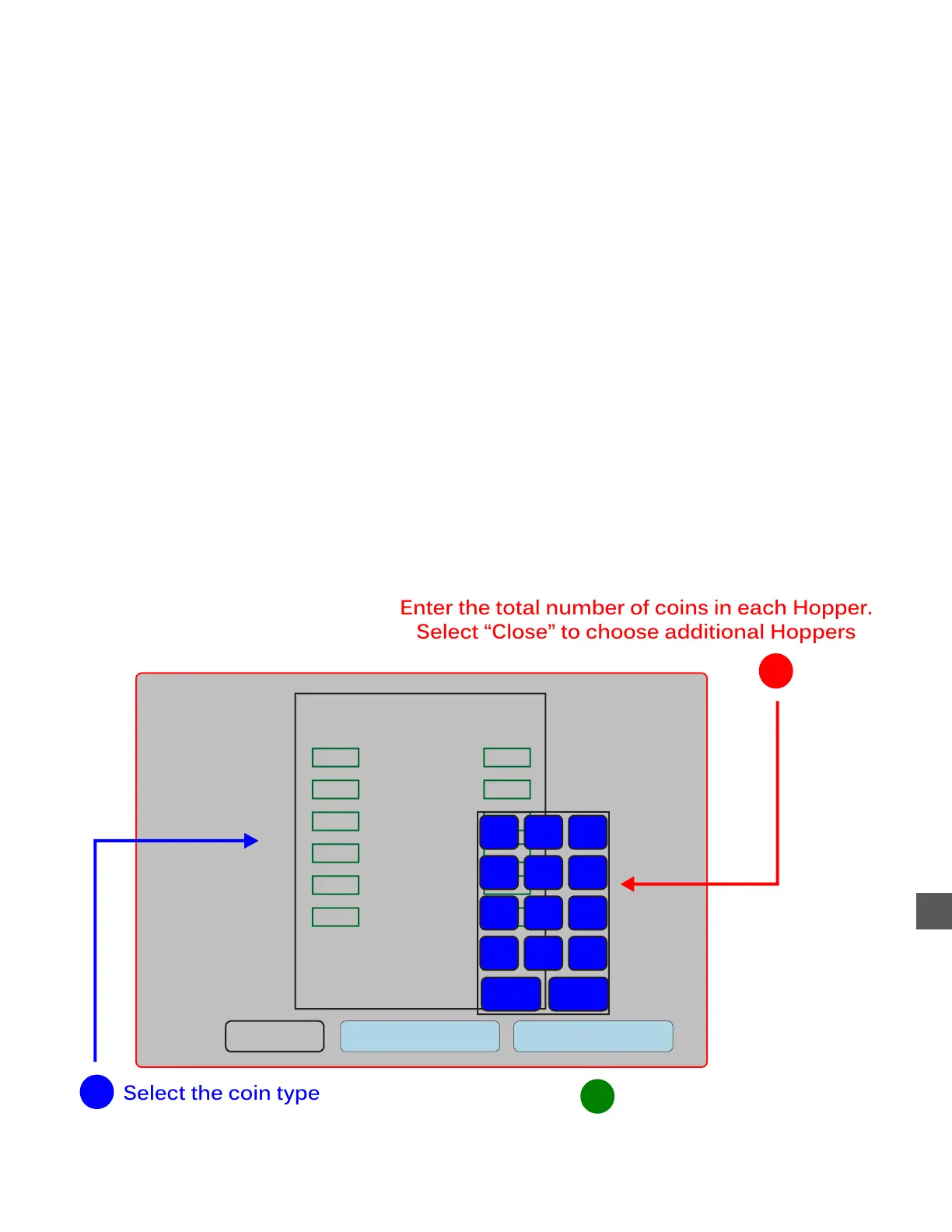
Enter the total number of coins in each Hopper.
Select “Close” to choose additional Hoppers
2
Count
Value
Clear all Dispense
Total:
$0.00
1
2
3
4
5
6
7
8
9
. 0
Back
Close
Select “Dispense” when the
desired disbursment is displayed
3



 To Next Page