Interrupt and trap functions UM0404
116/564 DocID13284 Rev 2
Note: The I
2
C interface implements an input analog filter to avoid that spurious spikes are taken
into account as valid bus transitions. For this reason, a pulse on the SCL line should be long
enough to be recognized as valid pulse: this is in the range of 500ns (minimum). All pulses
shorter than 50ns are certainly filtered: a pulse longer than 50ns but shorter than 500ns
could either trigger or not trigger the exit from Power Down mode.
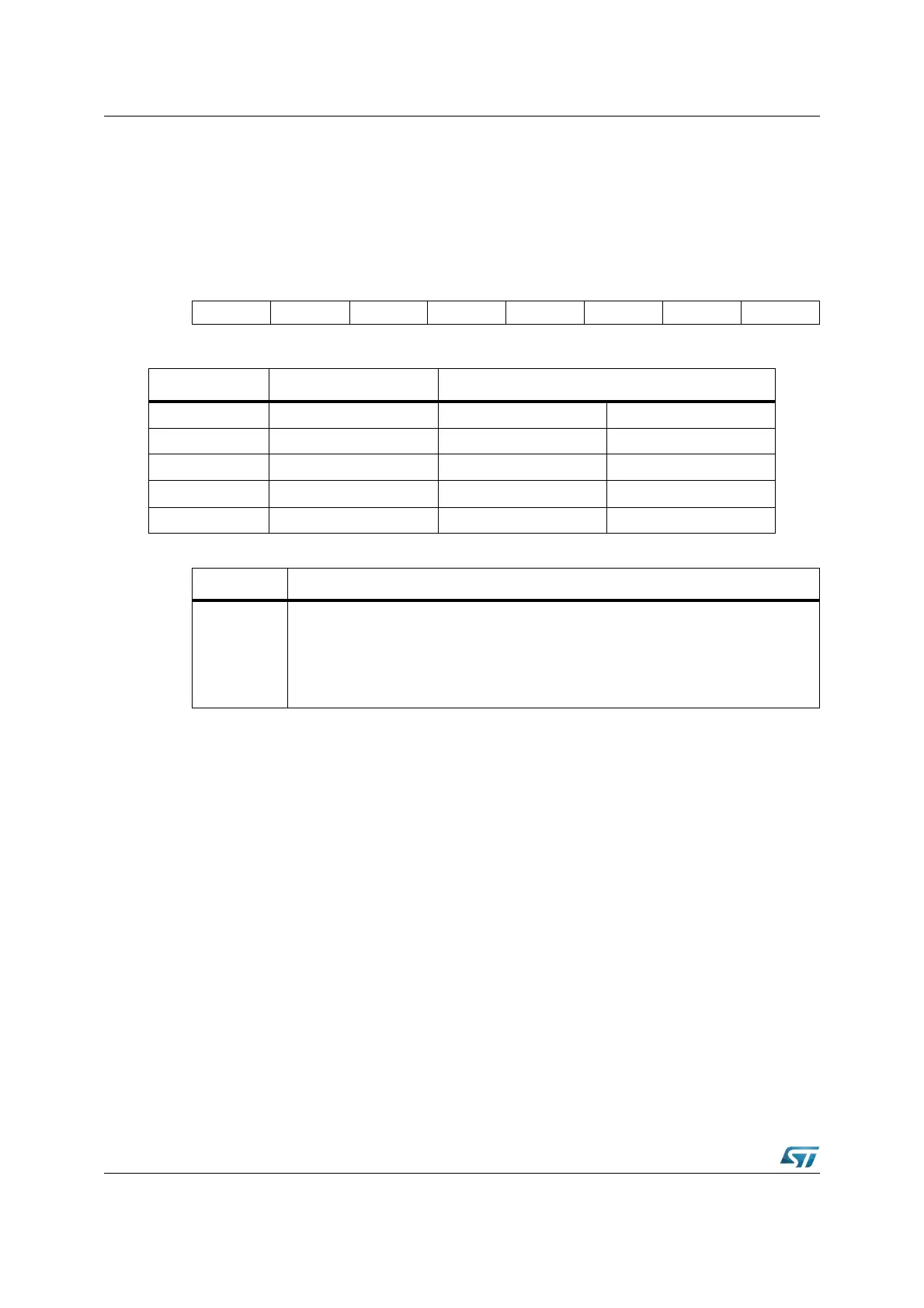
EXISEL (F1DAh / EDh) ESFR Reset Value: 0000h
CAN and I
2
C interrupt mapping need some considerations to exploit all possible
configurations of the pin mapping and function enabling. In particular, when a module is not
enabled, even though the interrupt source is enabled (see for example EXIxSS=’01’) an
event on the pin does not generate any request to the CPU.
In the next table, all the possible pin configurations are summarized (considering I
2
C and
CAN2 pin sharing and CAN parallel mode). In the table, the bits of XPERCON register (used
to enable/disable each module) and the bit CANPAR of XMISC register (used to
enable/disable the CAN parallel mode) are reported. The table indicates when the interrupt
(or Power Down exiting) can be generated by the three modules (supposing to have
properly set register EXISEL).
The two general rules are the following:
• CAN parallel mode is enabled only when both CAN modules are enabled (if not, it has
no effect).
• When I
2
C is enabled, CAN2 enabling has no effect.
1514131211109876543210
EXI7SS EXI6SS EXI5SS EXI4SS EXI3SS
2
EXI2SS
3
EXI1SS EXI0SS
RW RW RW RW RW RW RW RW
EXIxSS Port2 pin Alternate source
0 P2.8 CAN1_RxD P4.5
1 P2.9 CAN2_RxD / SCL P4.4
2 P2.10 RTCSI (Second) Internal MUX
3 P2.11 RTCAI (Alarm) Internal MUX
4...7 P2.12...15 Not used (zero) -
Bit Function
EXIxSS
External Interrupt x Source Selection (x=7...0)
‘00’: Input from associated Port2 pin.
‘01’: Input from “alternate source”.
‘10’: Input from Port2 pin ORed with “alternate source”.
‘11’: Input from Port2 pin ANDed with “alternate source”.



 To Next Page