CMS32L051 User Manual |Chapter 7 Real-Time Clock
www.mcu.com.cn 233 / 703
7.3.10 Week count Register (WEEK)
This is an 8-bit register that represents the day of the week count value from 0 to 6 (decimal). Increment
counting synchronized with the day counter.
At write time, data is first written to the buffer and to the counter after up to 2 f
RTC
clocks. The decimal 00
to 06 must be set in BCD code.
The WEEK register is set via an 8-bit memory operation command. After the reset signal is generated, the
value of this register becomes 00H.
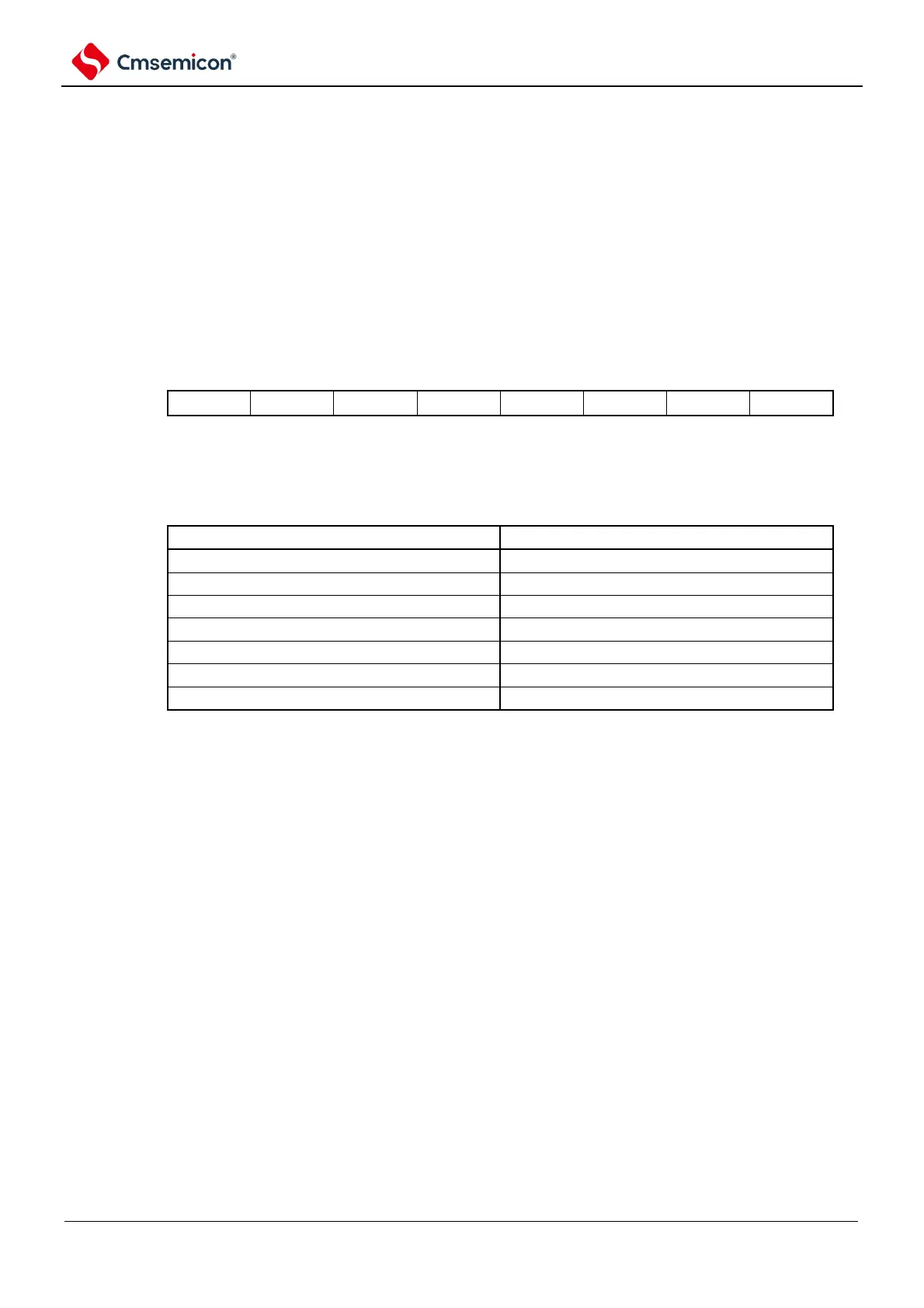
Figure 7-11 Format of week count register (WEEK)
Address: 0x40044F55H After reset: 00H R/W
Symbol
7 6 5 4 3 2 1 0
WEEK
Note 1 The corresponding values of the month count register (MONTH) and the day count register (DAY) are not
automatically saved to the week register (WEEK). The following settings must be made after the reset is
released:
2. To read and write this register while the counter is running (RTCE=1), you must follow the steps described in 7.4.3 Read
and write to the real-time clock counter.



 To Next Page