CMS32L051 User Manual |Chapter 12 Universal Serial Communication Unit
www.mcu.com.cn 316 / 703
12.3.8 Serial channel start register m (SSm)
The SSm register is a trigger register that sets the communication/start count enabled for each channel.
If you write 1 to you (SSmn), set the corresponding bit (SEmn) of the serial channel enable status
register m (SEmn) to 1 (operation enable status). Because the SSmn bit is the trigger bit, the SSmn bit is
cleared immediately if the SEmn bit is 1.
The SSm register is set via a 16-bit memory operation command.
I can set the lower 8 bits of the SSm register with SSmL and via 8-bit memory operation instructions.
After the reset signal is generated, the value of the SSm register changes to 0000H.
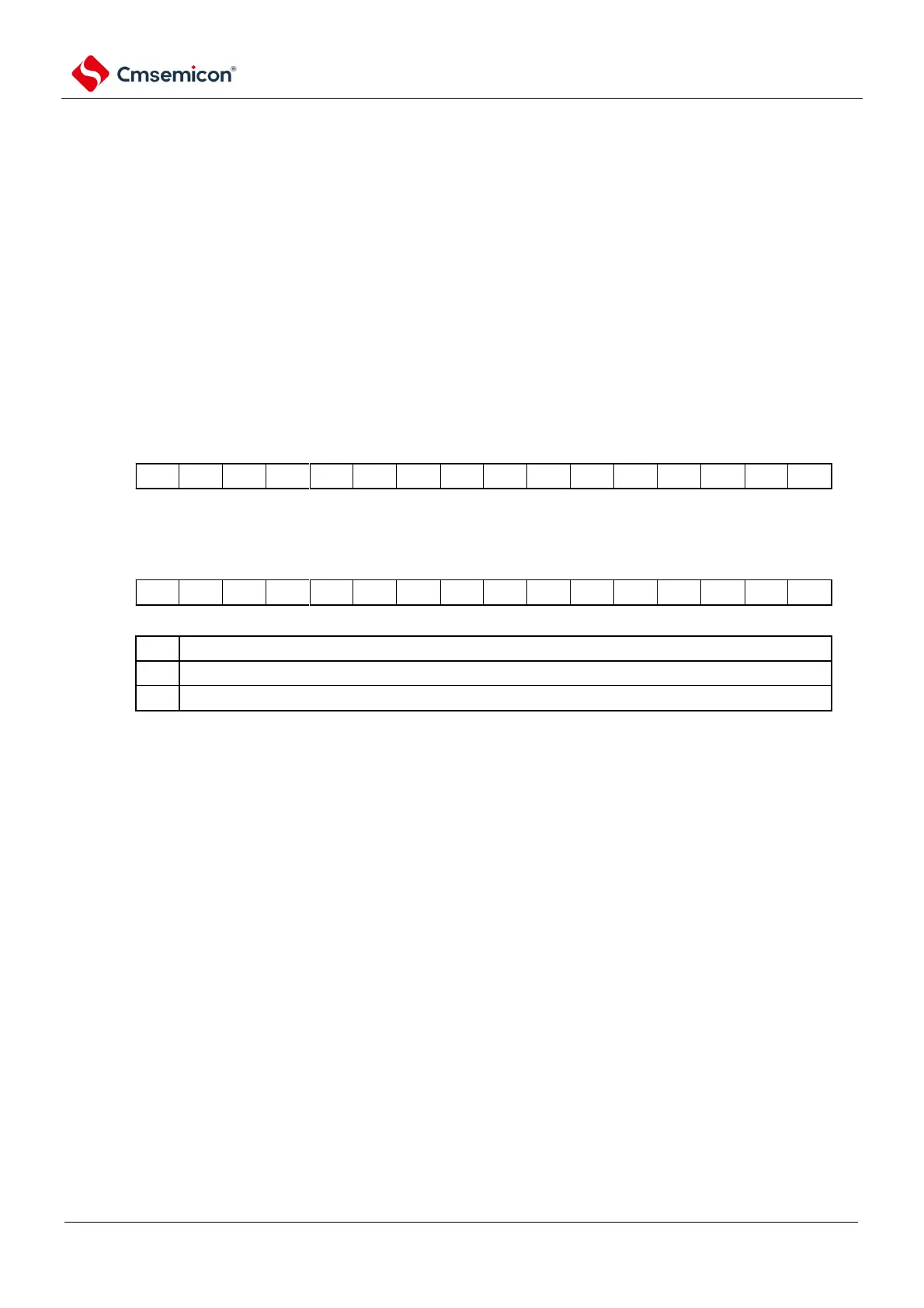
Figure 12 12-12 Format of serial channel start register m (SSm)
Address: 40041122H (SS0) After reset: 0000HR/W
Symbol
15 14 13 12 11 10 9 8 7 6 5 4 3 2 1
0
SS0
Address: 40041562H (SS1) After reset: 0000HR/W
Symbol
15 14 13 12 11 10 9 8 7 6 5 4 3 2 1
0
SS1
Note If the SSmn bit is set to 1 during communication, communication is stopped and enters standby. At this point,
the values of the control register and shift register, the SCLKmn pin and the SDOmn pin, the FEFmn flag, the
PEFmn flag, and the OVFmn flag remain in state.
Notice 1 Bit 15 to 4 of SS0 register and bit 15 to 2 of SS1 register must be set to "0".
2. For UART receive, at least 4 f
MCK
clocks must be set to "1" after setting RXEmn in SCRmn register to "1", and
then setting SSmn to "1".
Remark 1.m: Unit number (m=0, 1) n: channel number (n=0~3).
2. The read value of the SSm register is always 0000H.



 To Next Page