CMS32L051 User Manual |Chapter 12 Universal Serial Communication Unit
www.mcu.com.cn 318 / 703
12.3.10 Serial channel enable status register m (SEm)
SEm registers are used to confirm the allowed or stopped status of serial transmits and receivings for
each channel.
If "1" is written to each of the serial start allow register m (SSm), the corresponding bit is set to "1". If you
write "1" to each bit of the serial channel stop register m (STm), the corresponding bit is cleared to "0".
For channel n that is allowed to run, the value of the CKOmn bit (the serial clock output of channel n) of
the serial output register m (SOm) described later cannot be rewritten by software, and the value reflected by
the communication operation is output from the serial clock pin.
For a stopped channel n, the value of the CKOmn bit of the SOm register can be set by software and
output from the serial clock pin. Thus, an arbitrary waveform such as a start condition or a stop condition can
be generated by software.
The SEm register is read via 16-bit memory operation instructions.
The lower 8 bits of the SEm register can be read with SEmL and via 8-bit memory operation instructions.
After the reset signal is generated, the value of the SEm register changes to 0000H.
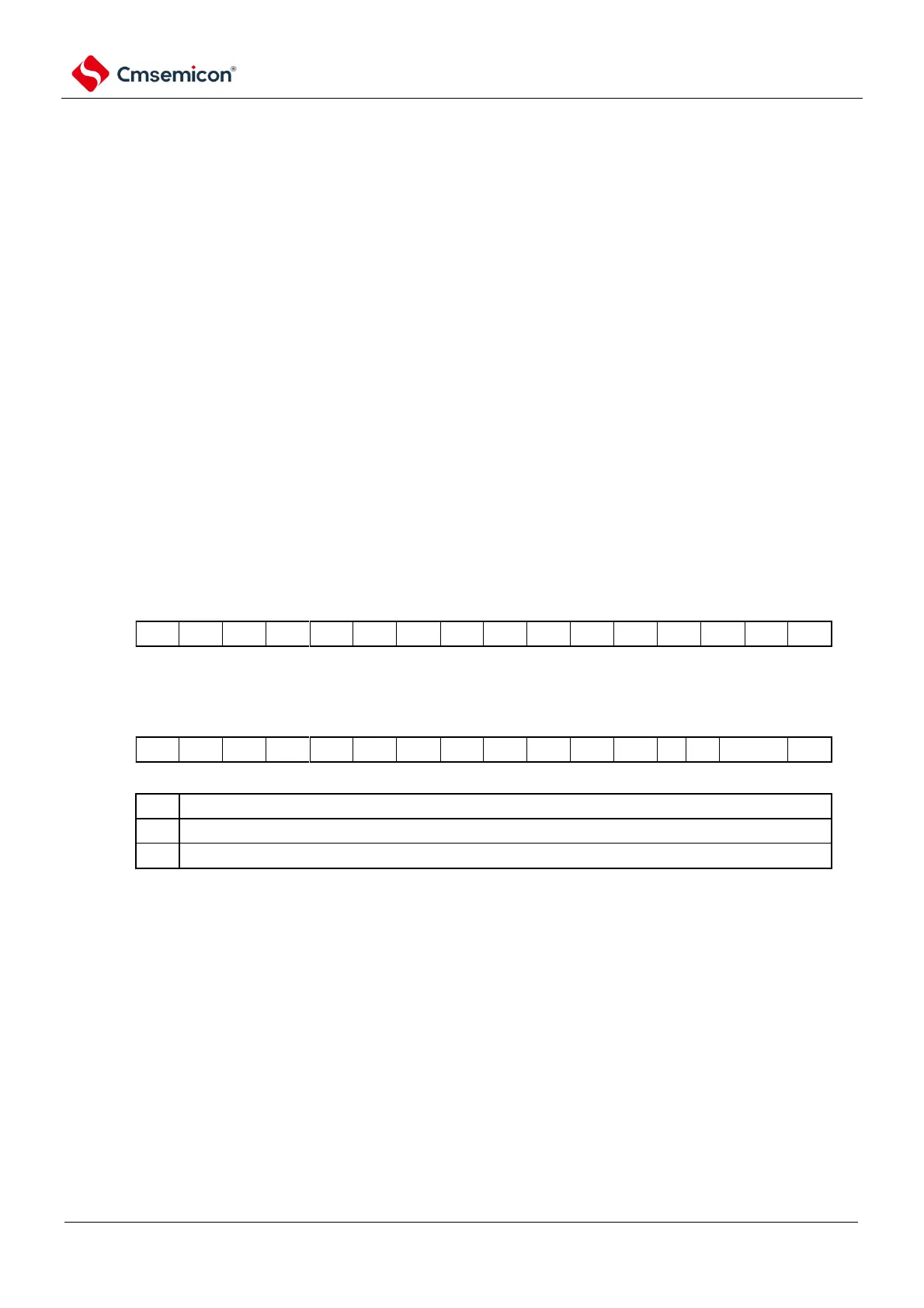
Figure 12-14 Format of serial channel enable status register m (SEm)
Address: 40041120H (SE0) After reset: 0000H R
Symbol
15 14 13 12 11 10 9 8 7 6 5 4 3 2 1
0
SE0
Address: 40041560H (SE1) After reset: 0000H R
Symbol
15 14 13 12 11 10 9 8 7 6 5 4 3 2 1
0
SE1



 To Next Page