EasyManua.ls Logo

Cmsemicon CMS32L051 - Slave Send and Receive

Default Icon
703 pages
Print Icon
To Next Page IconTo Next Page
To Previous Page IconTo Previous Page
Loading...
V1.2.2
CMS32L051 User Manual |Chapter 13 Serial Interface SPI
www.mcu.com.cn 473 / 703
13.4.3 Slave send and receive
If bit CKS2-0 of the serial clock select register (SPIC) selects slave mode and bit 6 (TRMD) of the serial
operation mode register (SPIM) is 1, the slave transmit/receive mode is entered. When a value is written to the
transmit buffer register (SDRO), wait for the clock of the master device and start transmitting/receiving.
1 Procedure
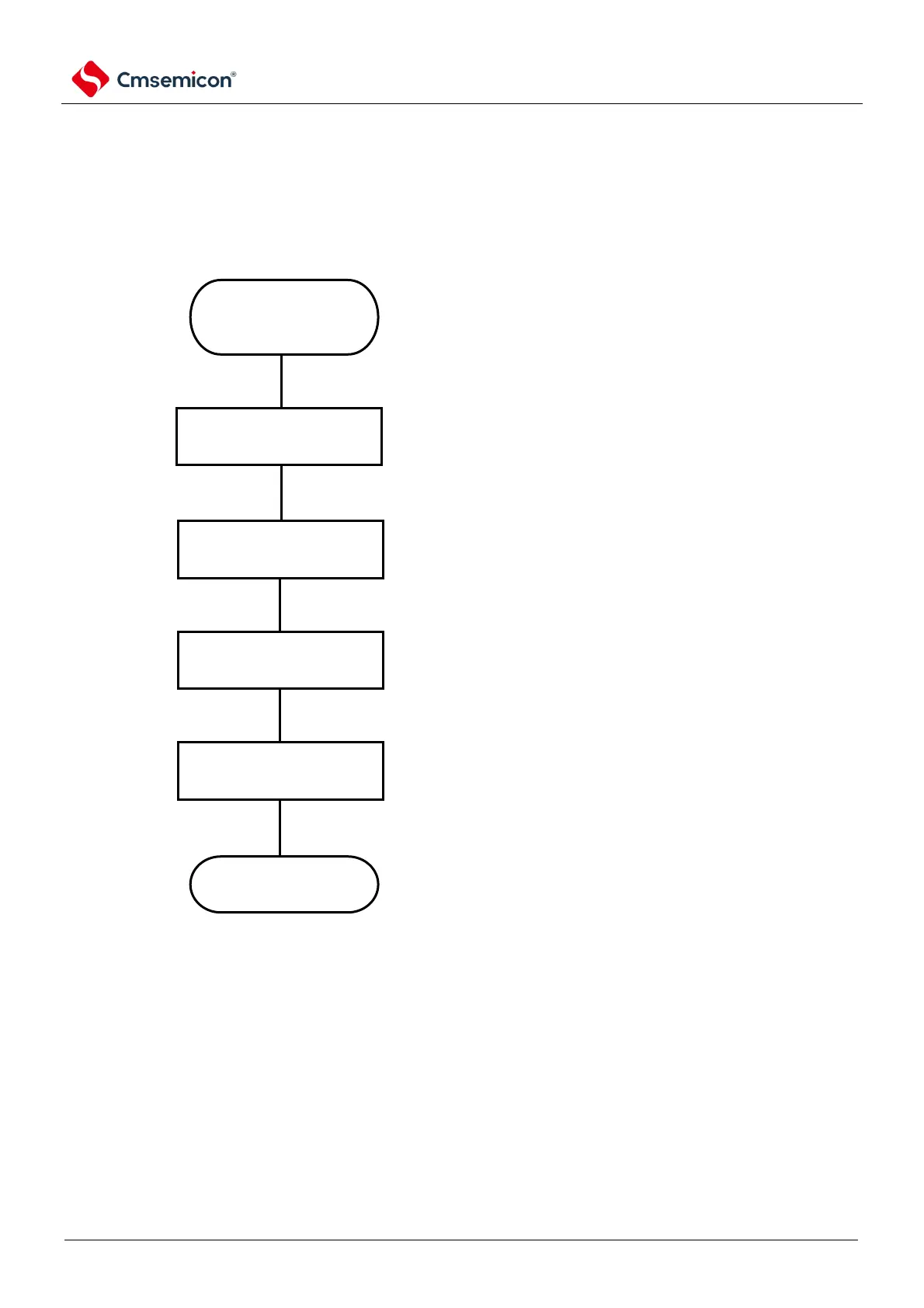
Figure 13-13 Initial setup steps of slave send/receive
The beginning of the
initial setting i
Set the PER0 register
Set the register
Set the SPIM register
Set the port
End of initial setting i
The general-purpose serial unit
is relieved of the reset state and
the clock supply begins
Set the serial clock
Set the
operating mode
Set the port mode
register
End the initial setup
If you send data to the SDRO
register settings, wait for the

clock of the master device.

Table of Contents

Related product manuals