CMS32L051 User Manual |Chapter 11 A/D Converter
www.mcu.com.cn 274 / 703
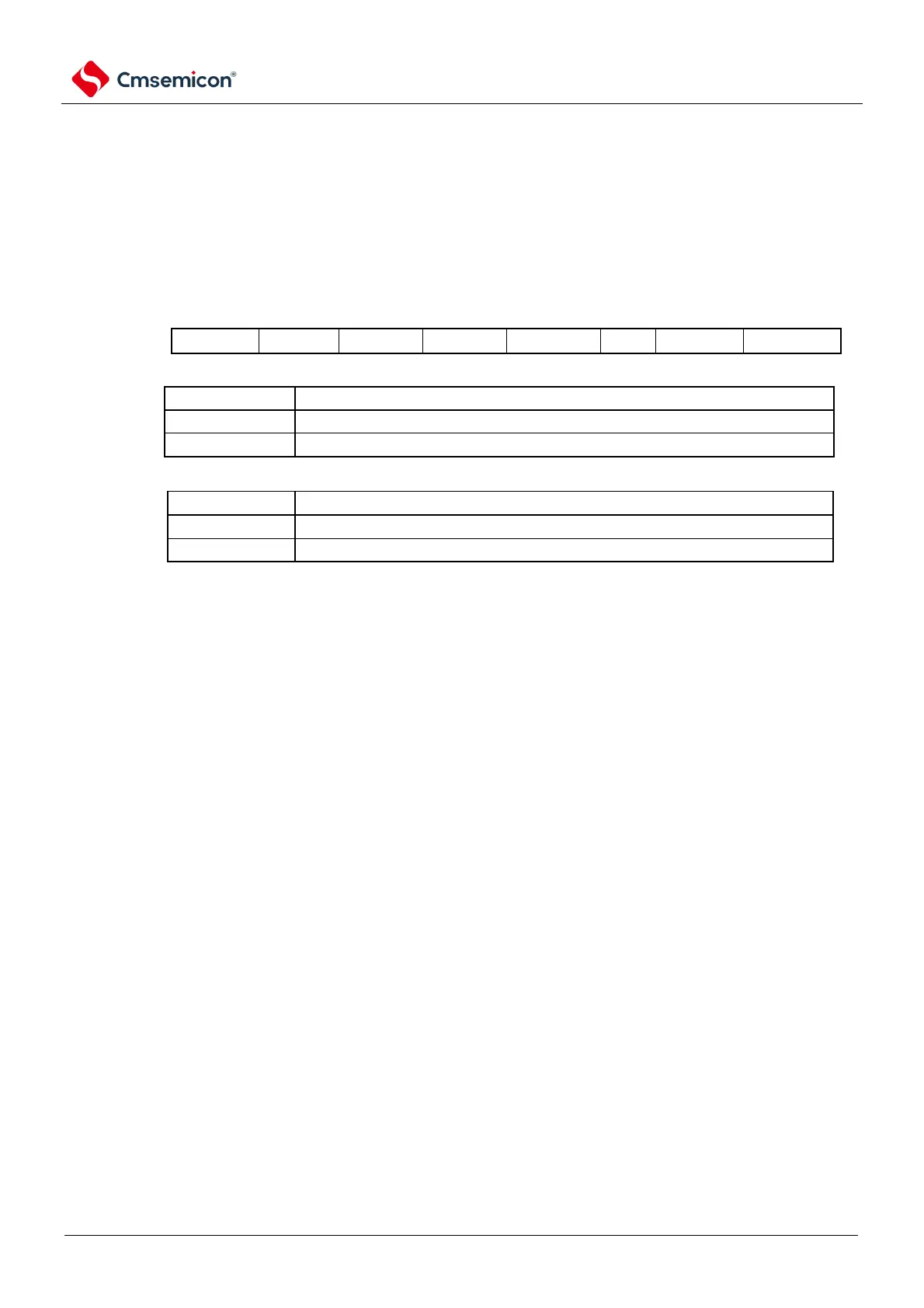
11.2.3 A/D converter mode register 1 (ADM1)
This is the register that sets the A/D conversion mode.
The ADM1 register is set via 8-bit memory operation instructions.
After the reset signal is generated, the value of this register becomes 00H.
Figure11-5 Format of A/D converter mode register 1 (ADM1)
Setting of the A/D conversion channel selection mode
Setting of the A/D conversion mode
Continuous conversion mode
Note: You must set bit6~4,2 to 0.
Note 1. To override the ADM1 register, it must be done in the transition stop state (ADCS=0).
2. In order to end the A/D conversion normally, the hardware trigger interval must be set at least to the following time:
When hardware triggers no-wait mode: 2 f-CLK clocks + A/D conversion time
When the hardware triggers the wait mode: 2 fCLK clock + A/D power supply stable wait time + A/D transition time
Note 1. f
CLK
: Clock frequency of the CPU/peripheral hardware



 To Next Page