CMS32L051 User Manual |Chapter 12 Universal Serial Communication Unit
www.mcu.com.cn 448 / 703
12.9.2 Data transmission
Data transmission is the operation of transmitting data to the transmission object (slave device) after the
address segment is transmitted. A stop condition is generated after all data is sent to the object slave and the
bus is released.
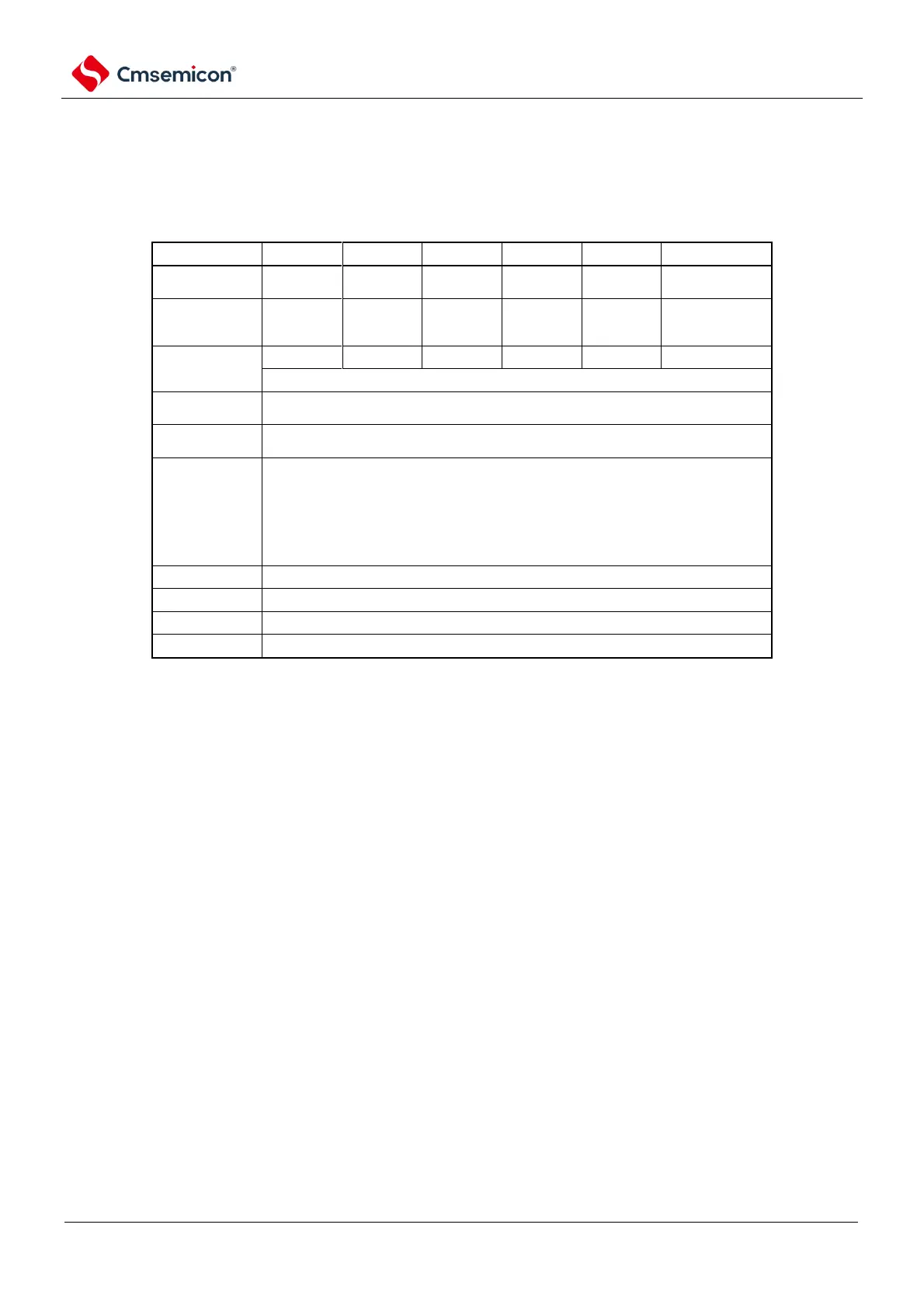
Limited to end-of-transmit interrupts (buffer null interrupts cannot be selected).
The length of the
transmitted data
Max.f MCK/4[Hz] f
MCK
: The operating clock frequency of the
object channel, however, must be in I2 The following conditions are met in each
mode of C:
fast mode).
Max.400kHz (fast mode).
).
Normal-phase output (default: high).
Appending 1 bit (for ACK reception).
Note 1 To communicate via Simplified I
2
C, N-channel open-drain output mode (POMxx=1) must be set through the
port output mode register (POMxx). For details, please refer to 2.3 Registers for Control Port Functions and 2.5
Register Settings When Using the Multiplexing Function.
2. It must be used within the scope of the peripheral functional characteristics that meet this condition and meet the
electrical characteristics (refer to the data sheet).
Remark m: Unit number (m=0, 1) n: Channel number (n=0~3)mn=00~ 03, 10~11



 To Next Page