CMS32L051 User Manual | FLASH Control
www.mcu.com.cn 701 / 703
27.4 FLASH operation method
27.4.1 Sector erase
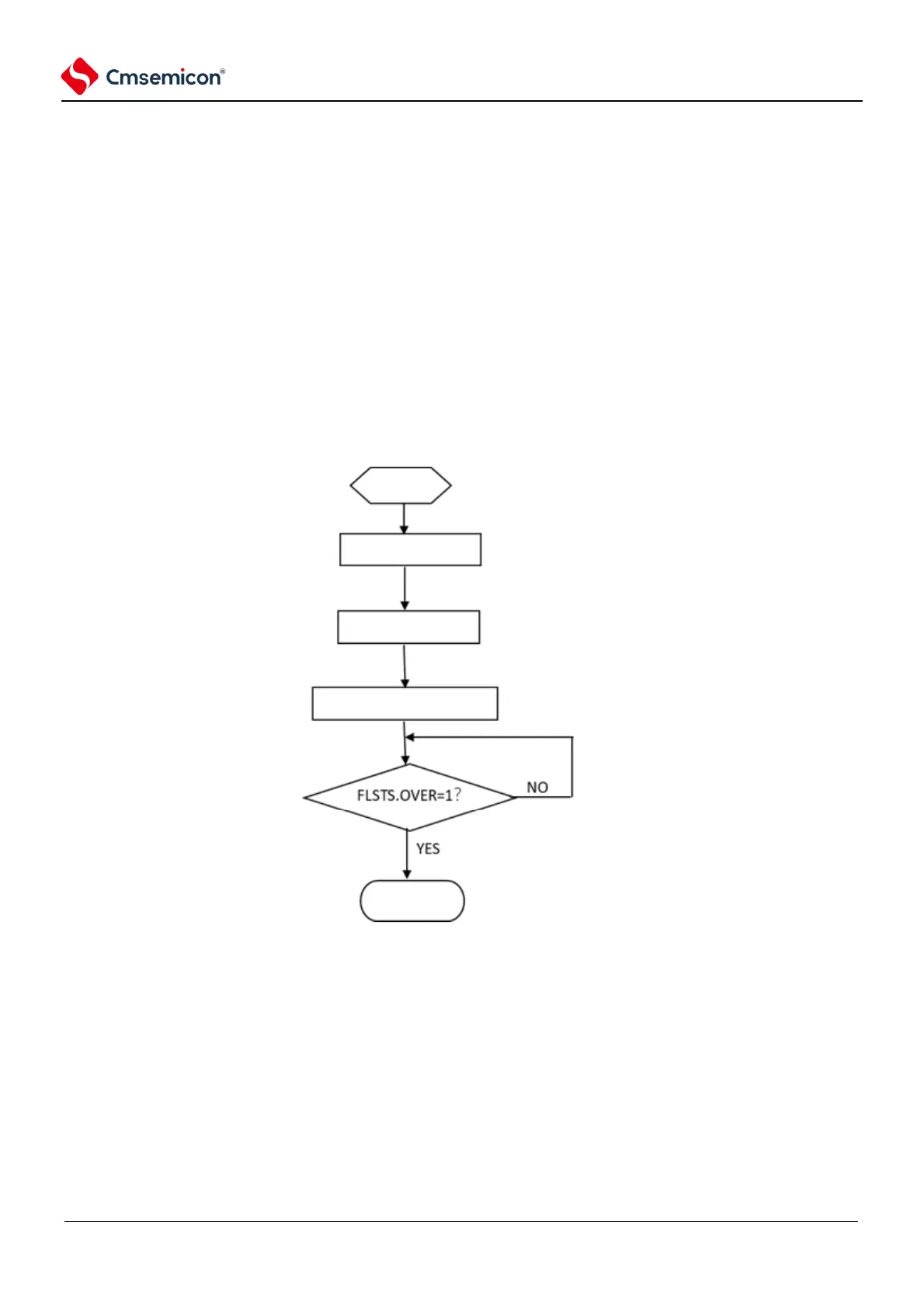
Sector erase, and the erase time are implemented by hardware or can be configured by FLSERCNT. The
operation flow is as follows:
1) Set FLERMD. ERMD0 is 1'b0, select sector erase mode, and set the value of ERMD 1 according to
whether hardware verification is required;
2) Set FLPROT to 0xF1 to unprotect FLOPMD. Then set FLOPMD1 to 0x55 and FLOPMD2 to 0xAA
3) Write arbitrary data to the first address of the erasure target sector. Example: *((unsigned long
*)0x00000200) = 0xffffffff.
4) Software query status register FLSTS. OVF, OVF=1, indicates that the erase operation is complete.
5) If the hardware check after erasing is set (ERMD1=1), FLSTS.EV F can be determined by the software
and whether the check is correct.
6) Before proceeding with the next operation, the software sets 1 to clear the FLSTS.



 To Next Page