CMS32L051 User Manual |Chapter 12 Universal Serial Communication Unit
www.mcu.com.cn 326 / 703
12.4 Operation stop mode
Each serial interface of the universal serial communication unit has a stop-and-run mode. Serial
communication is not possible in run-stop mode, so power consumption can be reduced. In addition, pins for
the serial interface can be used as port functions in run-stop mode.
12.4.1 Stopping the operation by units
Peripheral allows register 0 (PER0) to set stop operation in units.
The PER0 register is a register that sets the clock to be allowed or disallowed to be supplied to each
peripheral hardware. Reduce power consumption and noise by providing a clock to hardware that is not in
use.
To stop universal serial communication unit 0, bit2 (SCI0EN) must be set to 0; To stop universal serial
communication unit 1, bit3 (SCI1EN) must be set to 0.
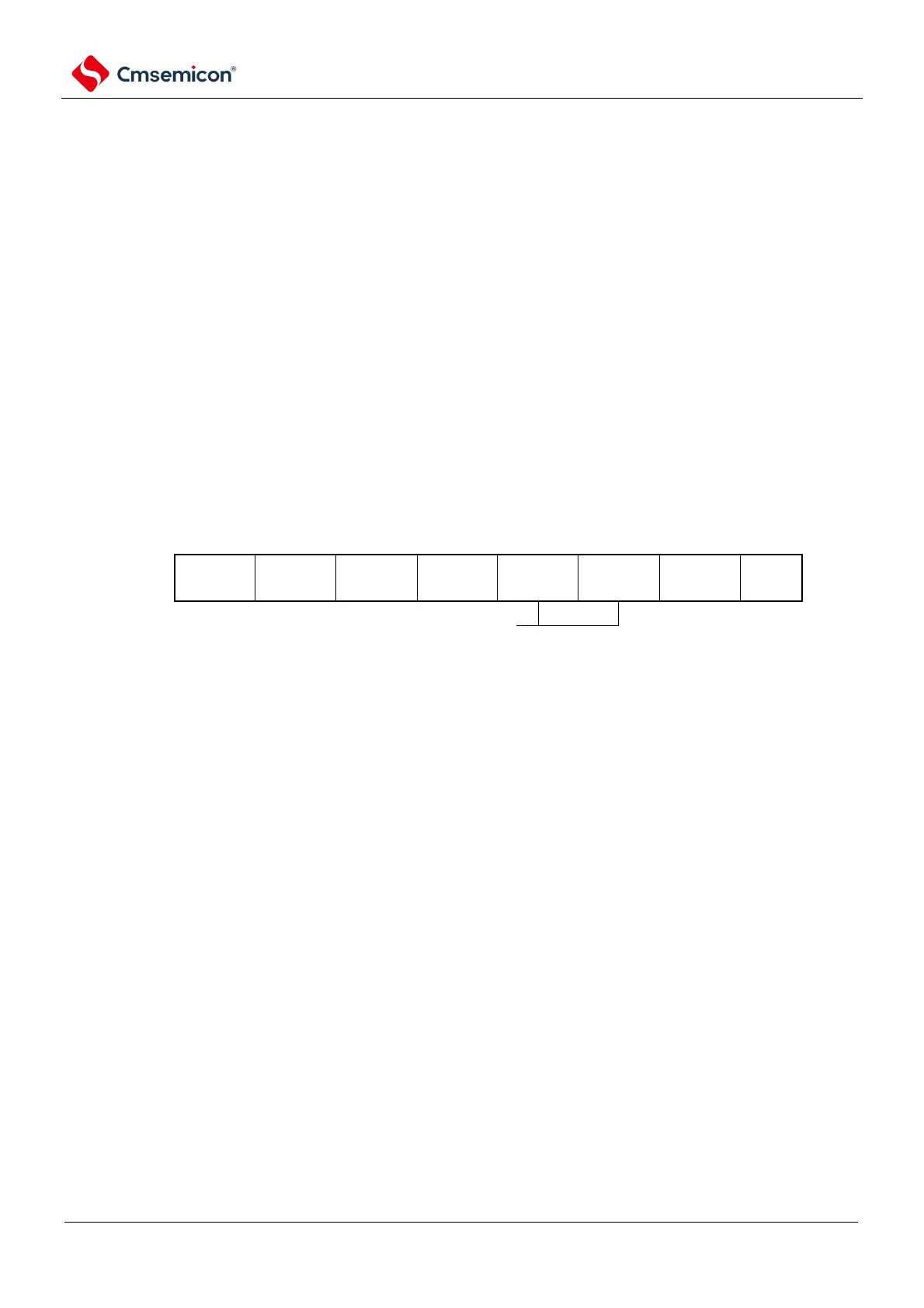
Figure 12-21 Setting of peripheral allowable register 0 (PER0) when stopping operation by unit
(a) Peripheral Enable Register 0 (PER0).... Only the corresponding bit of SCIm to be stopped is set to "0".
7 6 5 4 3 2 1
0
PER0
SCIm input clock control
0: Stop providing input clock
1: Provide input
clock
Note 1 When the SCImEN bit is 0, the write operation of the control register of the universal serial communication unit
m is ignored, and the read values are all initial. However, the following registers are excluded:
switch control register (ISC).
enable register 0 (NFEN0).
output mode register (POMx).
Note ×: This is an unused bit in the universal serial communication unit (depending on the settings of other peripheral
functions).
0/1: Set 0 or 1 according to the user's purpose.



 To Next Page