CMS32L051 User Manual |Chapter 7 Real-Time Clock
www.mcu.com.cn 239 / 703
7.4.3 Read and write to the real-time clock counter
Read or write the counter after setting 1 to RWAIT first. Set RWAIT to 0 after completion of reading or
writing the counter.
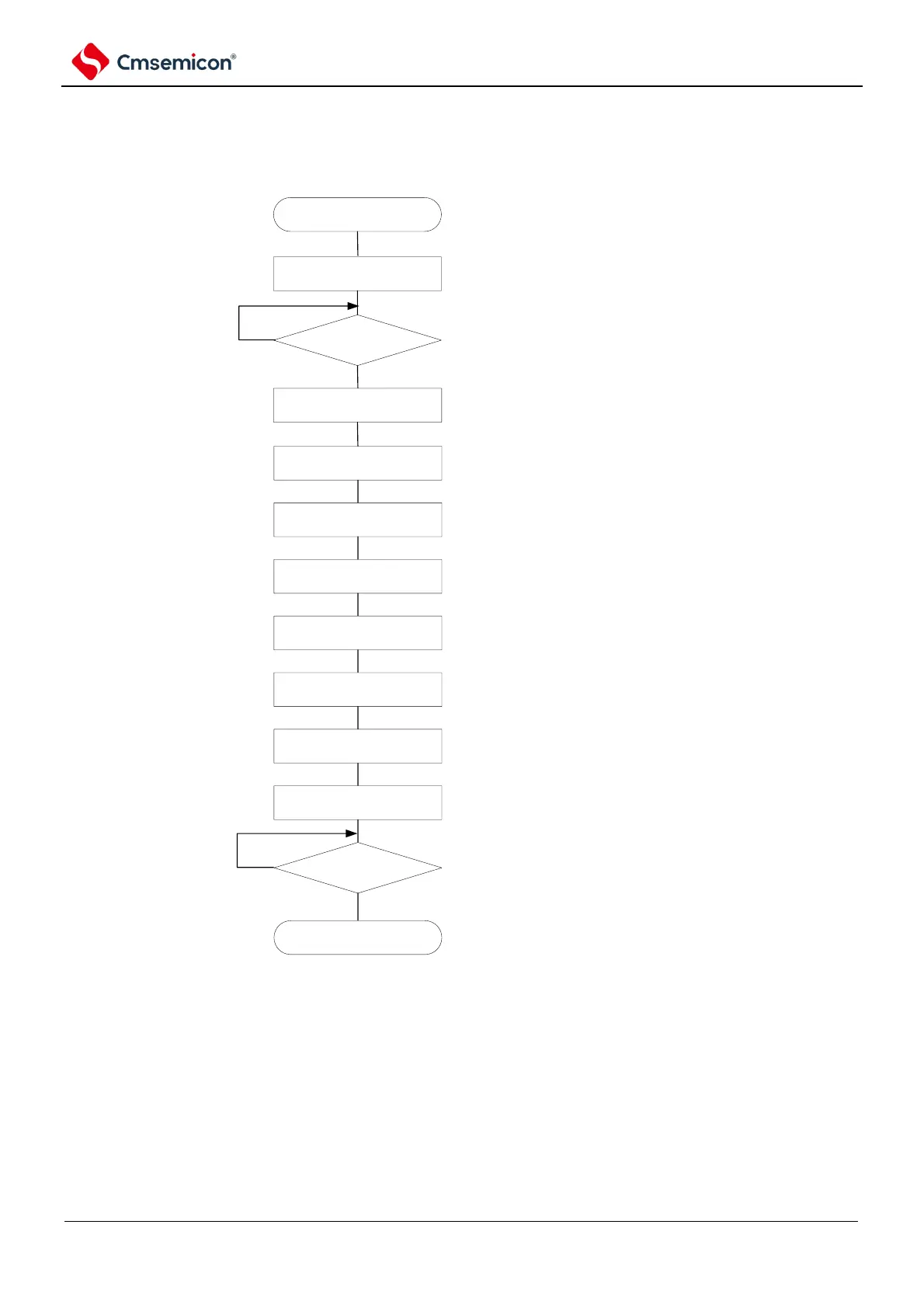
Figure 7-19 Read operation steps of the real-time clock counter
start
RWAIT=1
设定SEC
read SEC
read MIN
read HOUR
read WEEK
read DAY
read MONTH
read YEAR
RWAIT=0
RWST=0?
Note
Yes
No
end
configure as SEC~Year counter
stop operating, enter into read/
write mode of counter.
confirm counter wait state
Read second count register
Read minute count register
Read hour count register
Read week count register
read day count register
read month count register
read year count register
configure counter operation
RWST=1?
No
Yes
Note RWST bit must be confirmed to be 0 before shifting to sleep mode.
Note RWAIT set to 1 to the RWAIT set to 0 must be processed within 1 second.
Note Do not limit the order of read operations for seconds/minutes/hours/weeks/days/months/and year count register.
You can read only some registers without reading all registers.



 To Next Page