CMS32L051 User Manual |Chapter 7 Real-Time Clock
www.mcu.com.cn 238 / 703
7.4.2 Shifting to sleep mode after starting operation
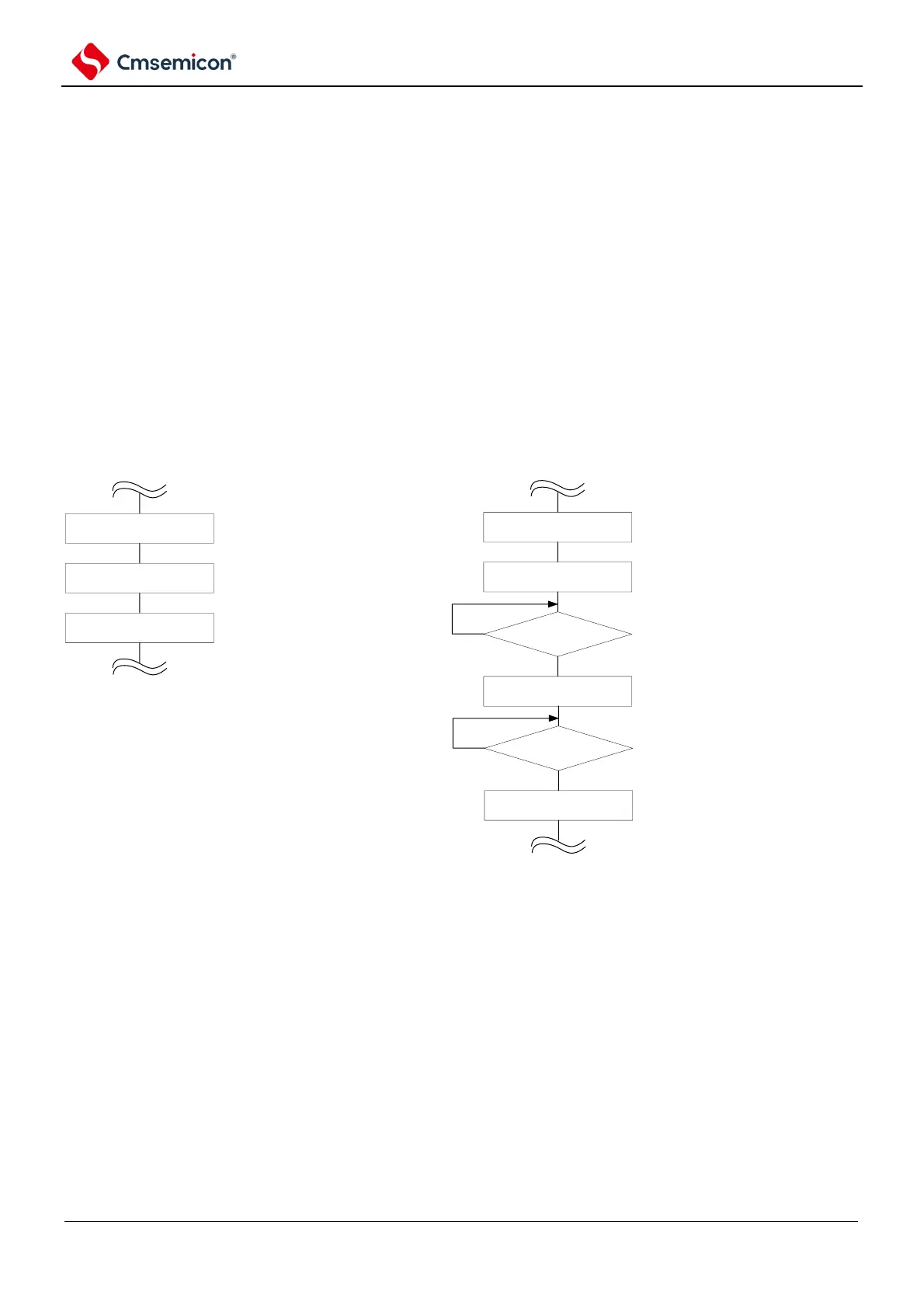
To transfer to sleep (including deep sleep) mode immediately after the RTCE set to 1, one of the
following treatments must be performed.
However, after the RTCE set to 1 is taken, these processing is not required if you want to move to sleep
mode after an INTRTC interrupt occurs.
•
Transfer to sleep mode after at least 2 count clocks (f
RTC
) elapsed after the RTCE set to 1 (see
•
Figure 7-18).
•
After setting the RTCE bit to 1, set the RWAIT bit to 1 and confirm that the RWST bit becomes 1
by polling. Then, set the RWAIT bit to 0 and poll again to make sure the RWST bit becomes 0,
then transfer to sleep mode (refer to
•
Figure 7-18).
Figure 7-18 Procedure for shifting to sleep/deep sleep mode after setting RTCE bit to 1
RTCE=1
at least wait for 2 fRTC
clock cycles
execute WFI instruction
configure counter start operating
transfer to Sleep mode
Example1
RTCE=1
RWAIT=1
execute WFI instruction
configure counter start
operating
transfer to Sleep mode
Example 2
RWST=1?
No
RWAIT=0
RWST=0?
No
Yes
Yes
configure as SEC~Year counter
stop operating, enter into read/
write mode of counter.
confirm counter wait state
configure counter operation



 To Next Page