CMS32L051 User Manual |Chapter 11 A/D Converter
www.mcu.com.cn 269 / 703
11.2.2 A/D converter mode register 0 (ADM0)
A register for setting the A/D conversion clock, conversion start, or stop. The ADM0 register is set with 8-
bit memory operation instructions.
After the reset signal is generated, the value of this register becomes 00H.
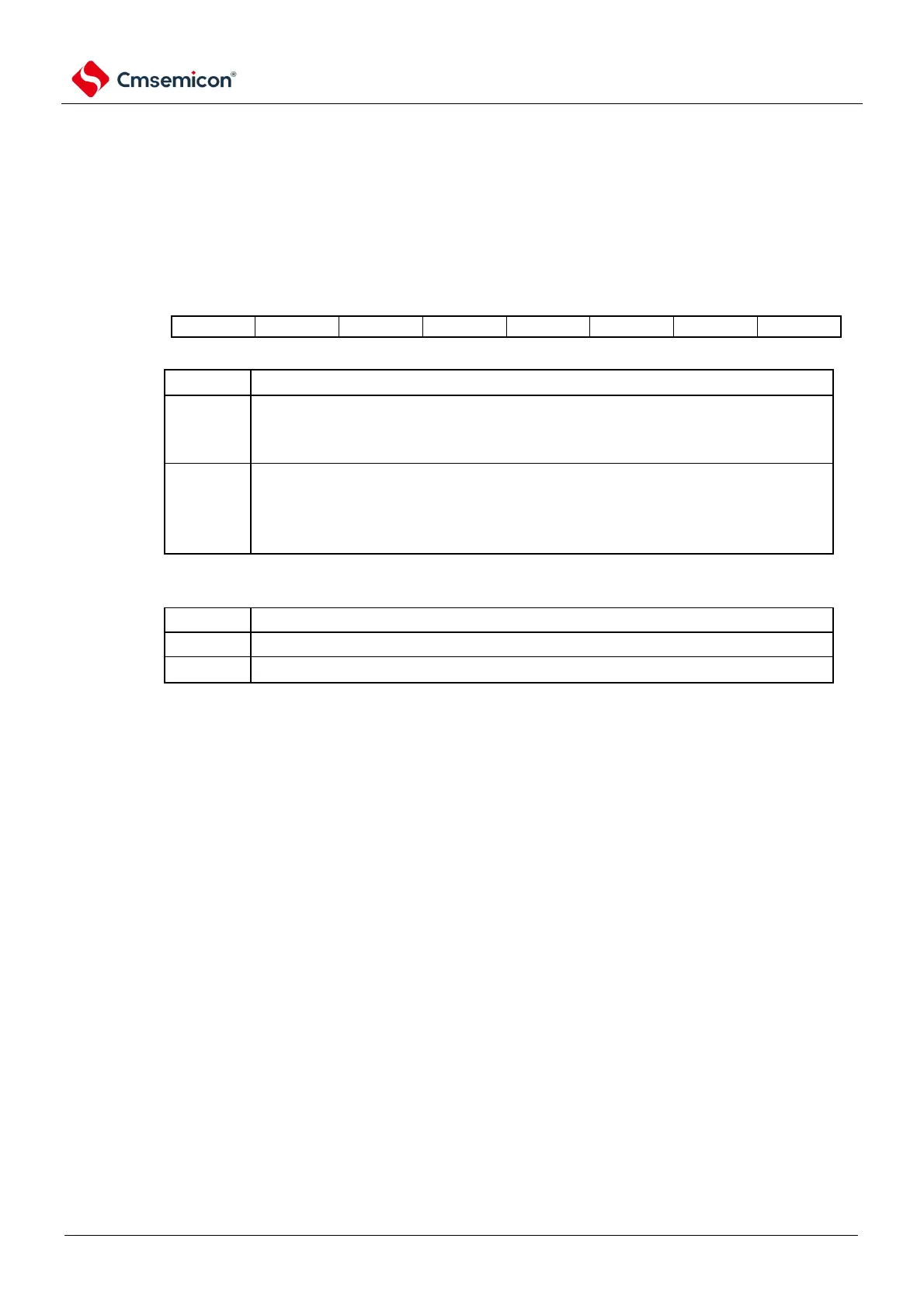
Figure11-3 Format of A/D converter mode register 0 (ADM0)
Control of A/D conversion runs
Stop the conversion run.
[while reading].
Stop the transition run/standby
Allow the conversion to run.
[while reading].
When the software triggers the mode: Transitions the running state
When the hardware triggers the wait mode: the A/D power supply waits for a steady state +
transitions to run the state
Operation control of the A/D voltage comparator
Note
2
Stop operation of the A/D voltage comparator.
Allow operation of the A/D voltage comparator.
Note 1 For details on FR2~FR0 bits and A/D conversion, please refer to Table 11-3 Selection of A/D Conversion Time.
2. The A/D converter needs 2us stabilization time to start operation. In software-triggered mode or hardware-triggered
no-wait mode, if at least 2us elapses after setting the ADCE bit to "1" and then setting the ADCS bit to "1", the
conversion result is valid. If the waiting time is less than 2us and the ADCS bit is set to "1", the conversion result
must be ignored. In hardware-triggered wait mode, the 2us wait time is guaranteed by design.
Note 1 The FR2~FR0 bits must be changed in the transition stop state ADCS=0.
2. Disable the setting of ADCS=1 and ADCE=0.
3. It is forbidden to set the status of ADCS=0 and ADCE=0 to ADCS=1 and ADCE=1 through 8-bit operation
instructions.



 To Next Page