EasyManua.ls Logo

Cmsemicon CMS32L051 - Page 278

Default Icon
703 pages
Print Icon
To Next Page IconTo Next Page
To Previous Page IconTo Previous Page
Loading...
V1.2.2
CMS32L051 User Manual |Chapter 11 A/D Converter
www.mcu.com.cn 278 / 703
)
ADISS
ADS3
ADS2
ADS1
ADS0
Analog input channels
Scan 0
Scan 1
Scan 2
Scan 3
0
0
0
0
0
ANI0
ANI1
ANI2
ANI3
0
0
0
0
1
ANI1
ANI2
ANI3
ANI4
0
0
0
1
0
ANI2
ANI3
ANI4
ANI5
0
0
0
1
1
ANI3
ANI4
ANI5
ANI6
0
0
1
0
0
ANI4
ANI5
ANI6
ANI7
0
0
1
0
1
ANI5
ANI6
ANI7
ANI8
0
0
1
1
0
ANI6
ANI7
ANI8
ANI9
0
0
1
1
1
ANI7
ANI8
ANI9
ANI10
0
1
0
0
0
ANI8
ANI9
ANI10
ANI11
0
1
0
0
1
ANI9
ANI10
ANI11
ANI12
0
1
0
1
0
ANI10
ANI11
ANI12
ANI13
0
1
0
1
1
ANI11
ANI12
ANI13
ANI14
0
1
1
0
0
ANI12
ANI13
ANI14
ANI15
Beyond the above
Disable settings.
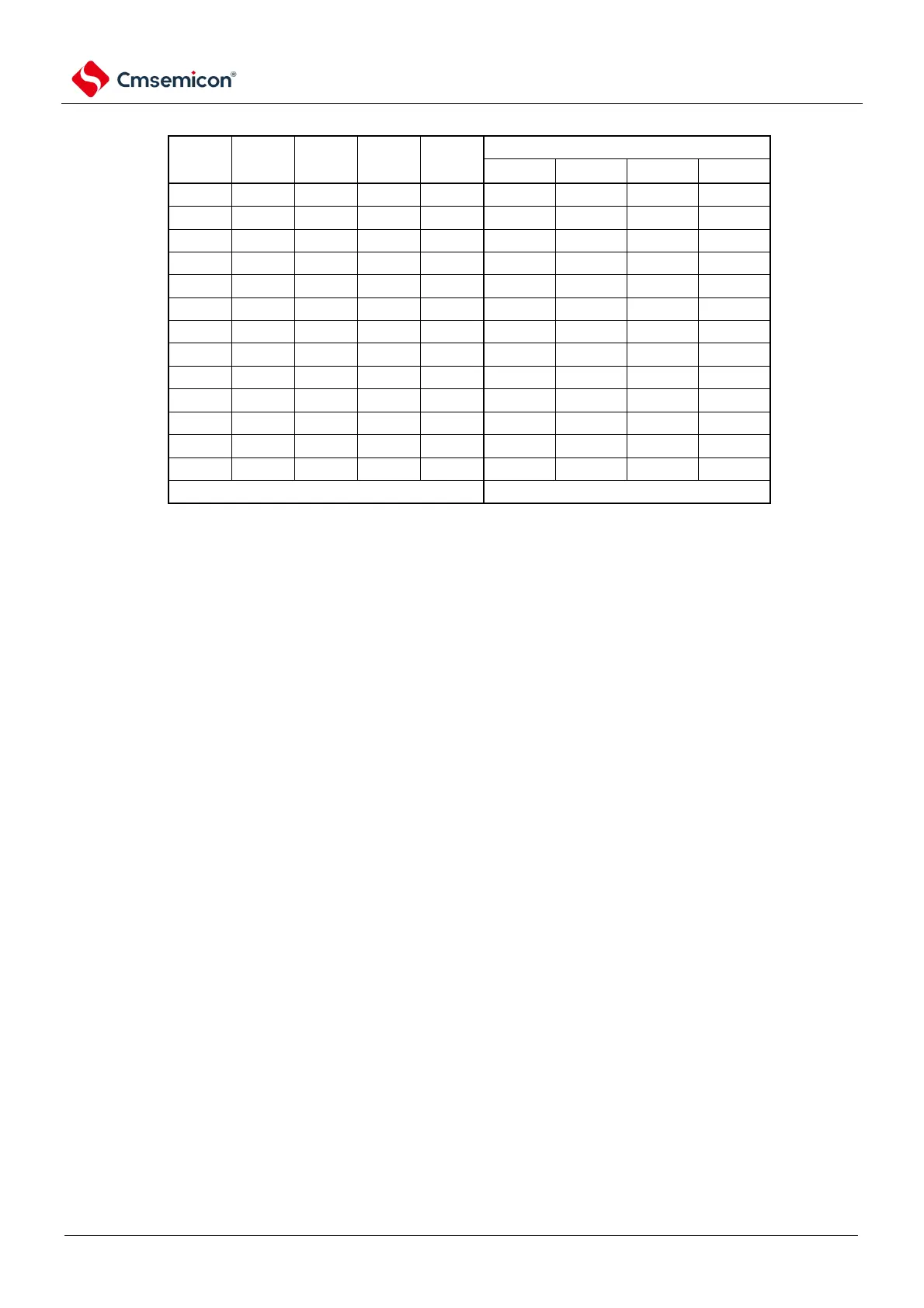
Note 1. When scanning mode, bit4, bit5 and bit6 must be set to 0.
2. For ports that are set as analog inputs by the PMCx register, A/D conversion can only be specified as analog inputs
by ADS.
3. Pins set to digital input/output by the port-mode control register (PMC xx) cannot be set through the ADS register.
4. To override the ADISS bit, it must be done in the transition stop state (ADCS=0, ADCE=0).
5. After setting the ADISS bit to 1, the result of the first conversion cannot be used.
6. The ADISS bit cannot be set to 1 when shifting to deep sleep mode or when shifting to sleep mode while the CPU is
running on the subsystem clock.

Table of Contents

Related product manuals