CMS32L051 User Manual |Chapter 14 Serial interface IICA
www.mcu.com.cn 524 / 703
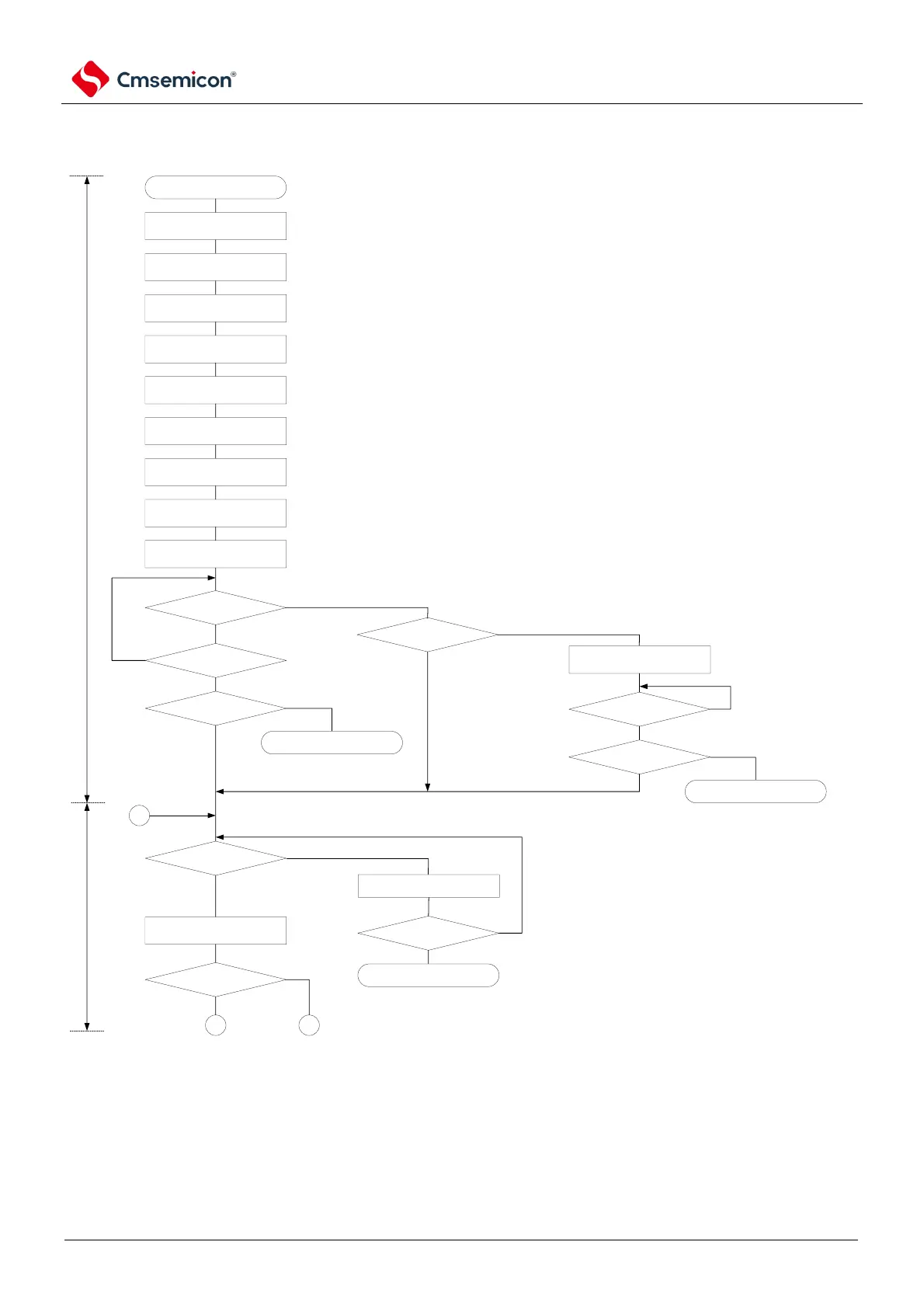
(2) Master operation of multi-master systems
Figure 14-28 Master operation of multi-master systems (1/3)
START
configure PER0 register
configure port
IICWLn,IICWHnXXH
SVAnXXH
IICFnXH
configure STCENn and
IICRSVn
Configure IICCTLn1
IICCTLn00XX111XXB
ACKEn=WTIMn=SPIEn=1
IICCTLn01XX111XXB
IICEn=1
configure port
confirming bus
state.
Note
does INTIICAn interrupt
occur?
Yes
SPDn=1?
Yes
No
confirming bus state.
bus in released state in a period of
time
STCENn=1?
Yes
SPTn=1
No
does INTIICAn interrupt
occur?
Yes
SPDn=1?
Yes
slave operation
No
wait for detection of
stop condition
No
slave operation
No
prepare starting
communication.
(generate stop
condition)
• wait for other masters to appoint slave device.
• Wait for communication start request (determined
by user program)
start master operation
Yes
(with communication start
request)
SPIEn=1
IICRSVn=0?
SPIEn=0
does INTIICAn interrupt
occur?
Yes
No
(No communication start request)
Yes
A B
No
slave operation
No
Waiting for a communication request.
1
release serial interface IICA from reset state,
start providing clock.
configure pins and multiplexed ports to be used.
First port configured to be input mode and output latch
set to
select transmission clock
configure local address
configure start condition
allows I2C bus outupt after configure Port from input mode
to output mode.
initial configuration
wait for communication
Note You must confirm that the bus is in the freed state for a certain period of time (e.g., 1 frame) (CLDn bit = 1, DADn bit =
1). When the SDAAn pin is fixed to a low level, it must be determined whether to release the I2C-bus (SCLAn pin and
SDAAn) according to the specifications of the product in the communication pin is high).
Note n=0



 To Next Page