CMS32L051 User Manual |Chapter 12 Universal Serial Communication Unit
www.mcu.com.cn 340 / 703
(2) Operation Steps
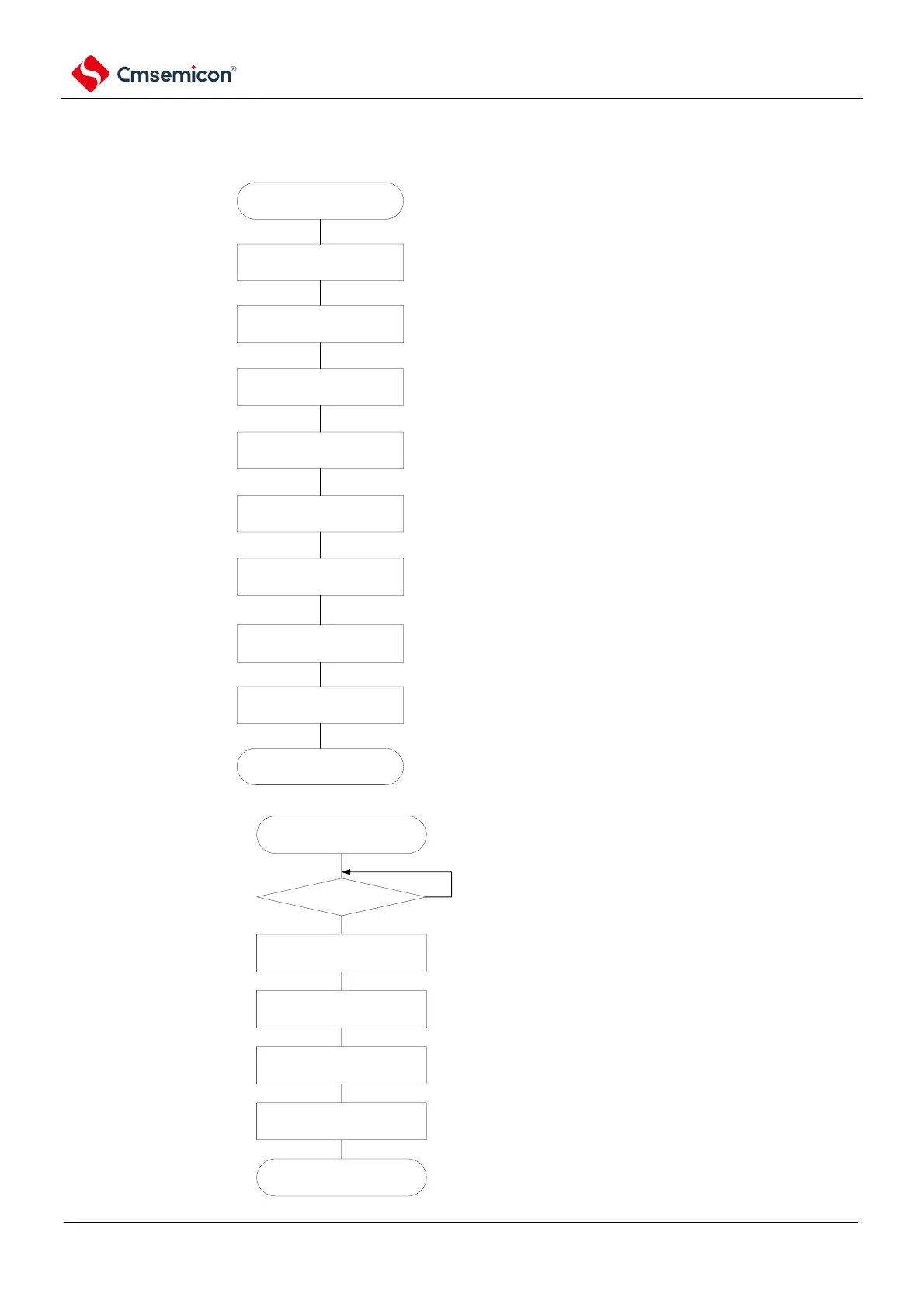
Figure 12-32 Initial setup step of master reception
initial configuration starts
configure PER0 register
configure SPSm register
configure SMRmn register
configure SCRmn register
configure SDRmn register
configure SOm register
configure port
Write SSm register
initial configuration completes
release universal serial communication unit
from reset state, start providing clock.
configure operational clock
configure operational mode..etc.
configure communication format
configure transmit baud rate (configure
operationl clock(fMCK) scaled transmission
clock)
configure serial clock (CKOmn) initial output
voltage
via Configure port register and port mode
register, set data output and clock output of
target channel to valid.
SSmn bit of target channel set to "1"
(Semn=1: set to operation enable state).
Wait for master device clock.
complete initial configuration.
Communication starts when dummy data is
set in the SIOp register (bit7~0 of the
SDRmn register).
Figure 12-33 Stop steps of master reception
termination configuration
starts
TSFmn = 0?
write into STm register
modify SOEm register
configuration
modify SOm register
configuration
configure PER0 register
termination configuration
ends.
(selection)
(mandatory)
(mandatory)
Yes
No
if there are ongoing data transmission,
then wait till transmission completed. (if
need urgent stop, then no need to wait).
set STmm bit of target channel to 1.
(SEmn=0: set to operation stop state).
set SOEmn bit to 0, stop output of target
channel
while emergency stop, based on needs,
modify serial clock (CKOmn) and serial
data(Somn) voltage of target channel.
stop clock of universal serial communcaiton
unit, set to reset state.
finish termination configuration, enter into
next processing.
(selection)
(selection)



 To Next Page