4-18 Sun Blade 1500 Service, Diagnostics, and Troubleshooting Manual • December 2004
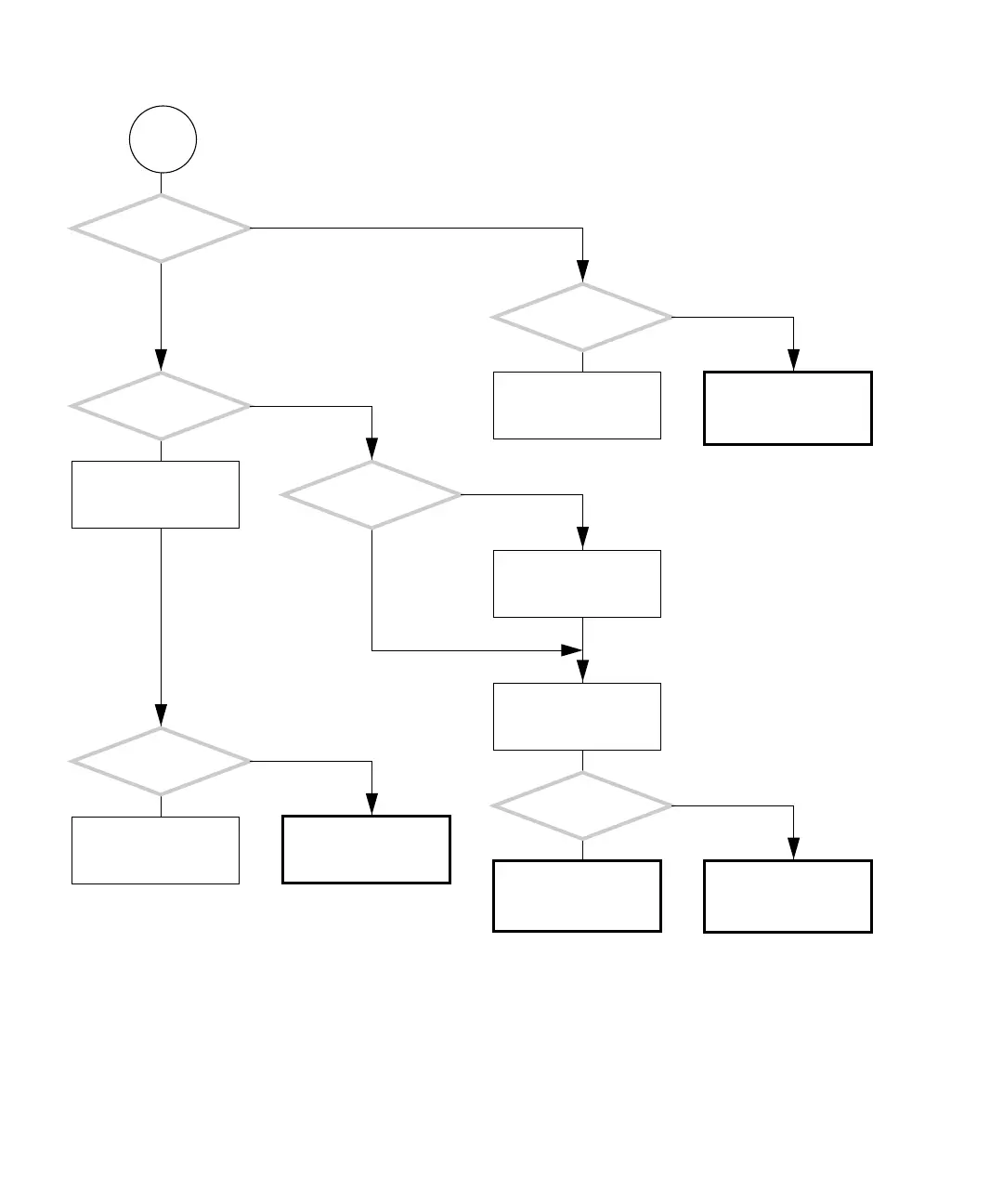
FIGURE 4-15 Network Problem (Continued)
F
Is the green
LED at the system’s TPE
connection flashing?
Are other
systems on the same sub-
net having problems?
Check motherboard and
replace if necessary. See
“Motherboard Problem”
on page 4-34.
Check network hardware
and heath.
Is the
operating system
running?
Is the ok prompt
displayed?
Press the Stop-A keys.
Type:
watch-net-all
Are packets being
read?
Check motherboard and
replace if necessary. See
“Motherboard Problem”
on page 4-34.
Check network connec-
tion with OpenBoot Diag-
nostics. See “OpenBoot
Diagnostics” on page 8-5.
As superuser, type:
# netstat -i
Does netstat return
more than 10% collisions
or more than one Ier-
rors or Oerrors?
Check the network con-
nection with SunVTS. See
“SunVTS” on page 9-1.
Check network hardware
and status.
Y
N
Y
N
Y
N
Y
N
Y
N
Y
N














 To Next Page