Chapter 4 Troubleshooting Flowcharts 4-19
4.2.8 Keyboard Problem
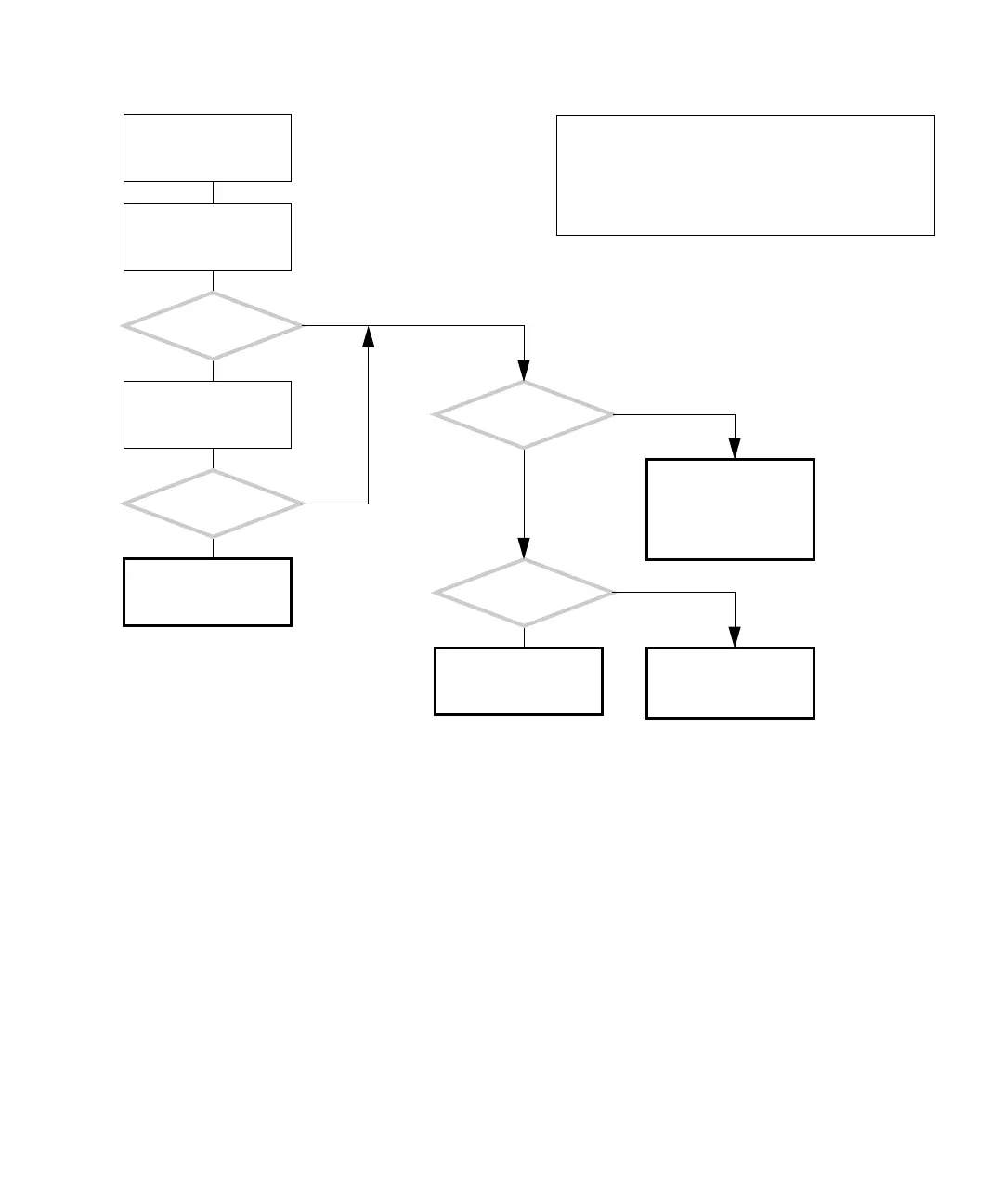
FIGURE 4-16 Keyboard Problem
Return to “Power-On
Flowchart” on page 4-3.
Replace the keyboard.
There is a problem with
the keyboard.
Is the problem
solved?
Is the
keyboard failing in a
consistent manner?
Is the
keyboard functioning
properly at front panel?
Return to “Power-On
Flowchart” on page 4-3.
Check the audio/USB
board and replace if nec-
essary. See “Replacing
the Audio USB Board” on
page 13-30.
Connect the keyboard to
each USB port and type.
Is the
keyboard functioning
properly at the rear
panel?
Check motherboard and
replace if necessary. See
“Motherboard Problem”
on page 4-34.
Y
N
Y
N
Y
N
Y
N
In normal operation, the keyboard and mouse function in
the bezel and rear panel USB ports. The keyboard and
mouse do not function in the USB 2.0 ports of the IEEE
1394 USB 2.0 combination card.
Checking a component means checking the electrical con-
nections and fit.














 To Next Page