Chapter 11 Replacing the Motherboard and Associated Components 11-5
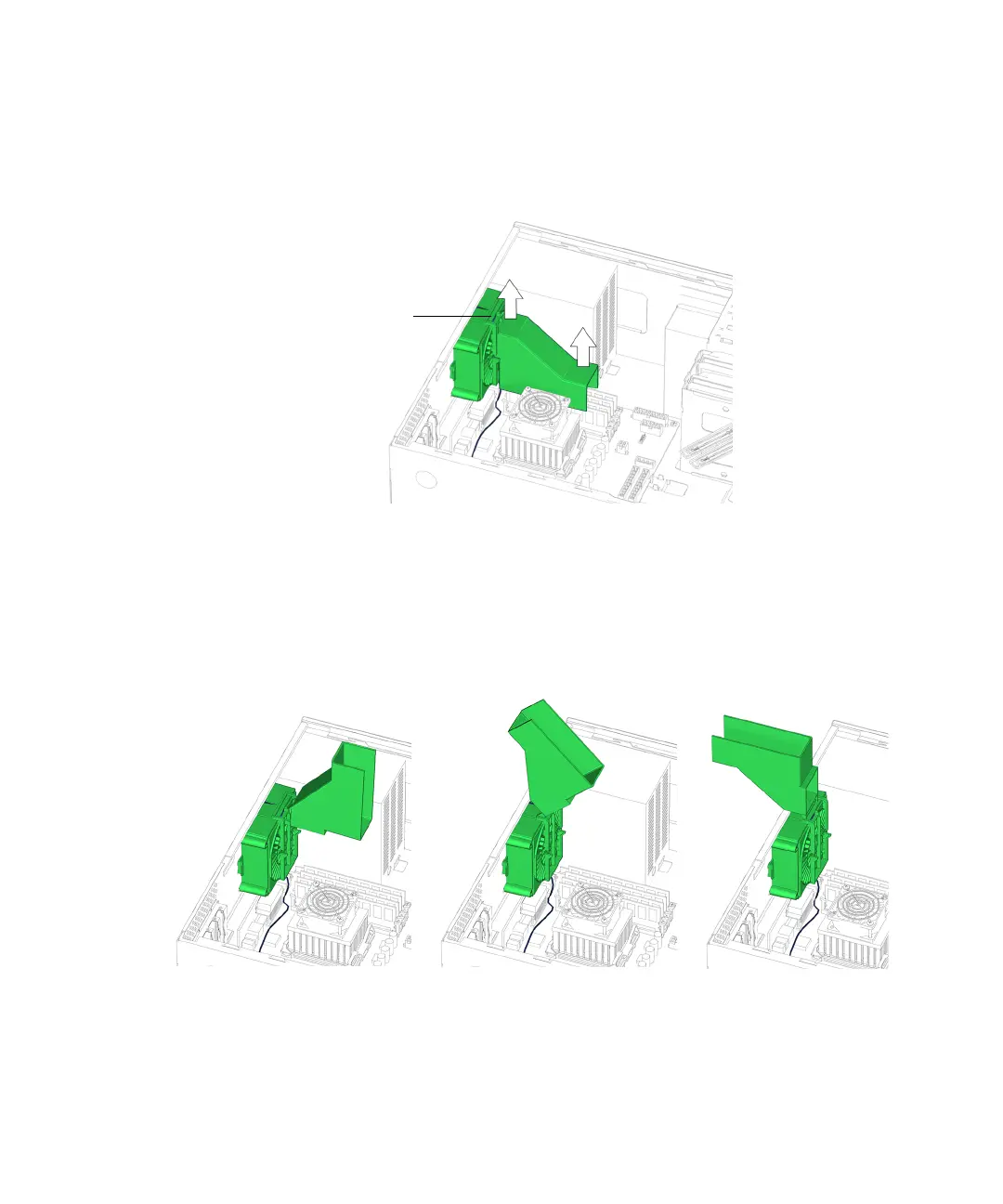
4. Slide the duct up until it is flush with the edge of the rear fan bracket.
See FIGURE 11-4.
FIGURE 11-4 Sliding the Duct Up
5. Flip the duct up and over to the rear of the chassis, so that it is 180 degrees
opposite of its original position.
See FIGURE 11-5.
FIGURE 11-5 Flipping the Duct Over
6. Choose your next step:
Duct flush
with bracket














 To Next Page