12-6 Sun Blade 1500 Service, Diagnostics, and Troubleshooting Manual • December 2004
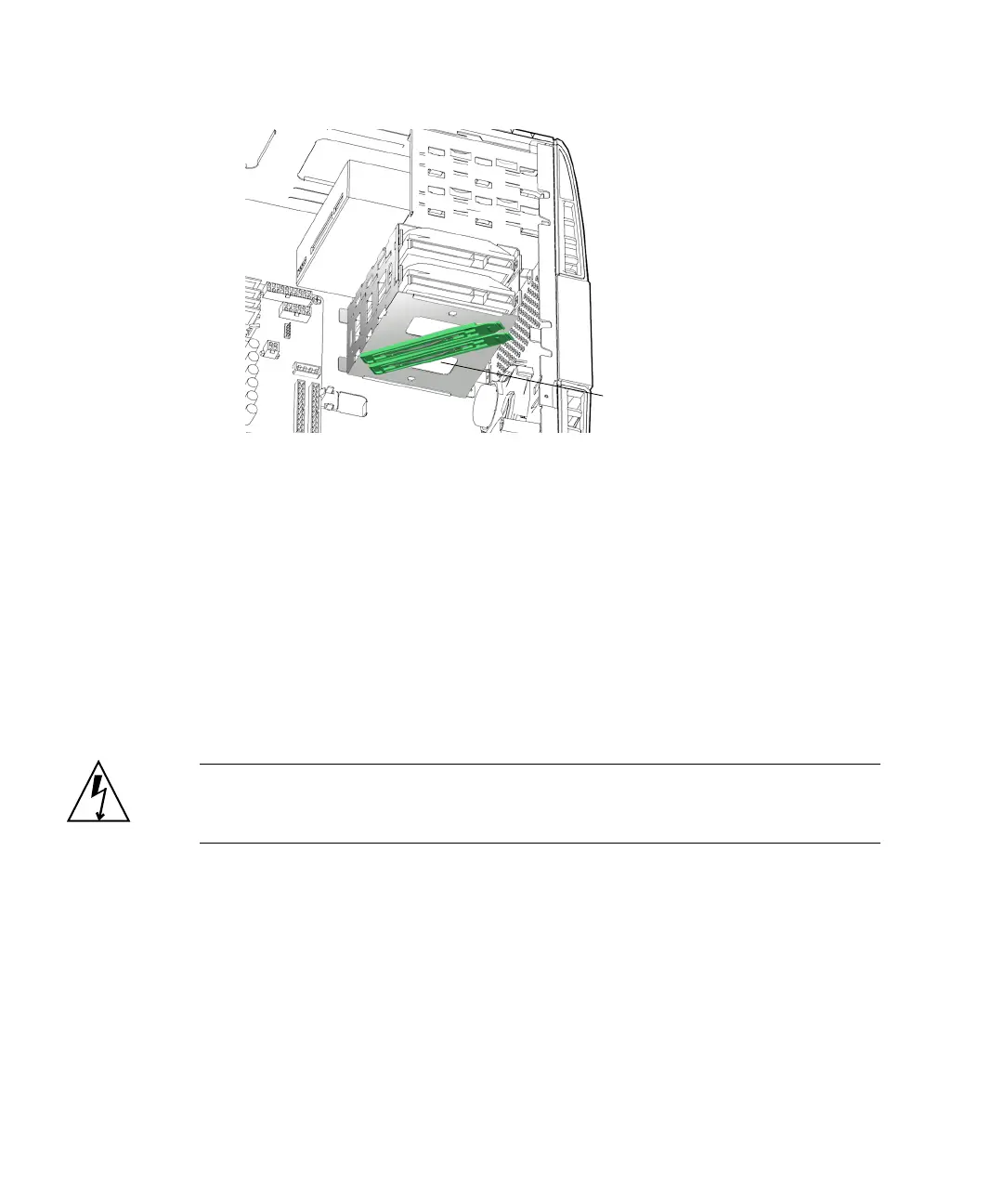
FIGURE 12-4 Storing the Drive Rails
8. Choose your next step:
■ If you removed the hard drive to replace it, proceed to “Installing the Hard
Drive” on page 12-6 to install the new hard drive.
■ Otherwise, install the access panel and power on the system. Refer to:
■ “Installing the Access Panel” on page 15-5
■ “Powering On the Workstation” on page 15-8
12.1.3 Installing the Hard Drive
Caution – Use proper ESD grounding technique when handling components. Wear
an antistatic wrist strap and use an antistatic mat. Store ESD-sensitive components in
antistatic bags before placing them on any surface.
1. Power off the system and open the chassis.
Refer to:
■ “Powering Off the Workstation” on page 10-4
■ “Removing the Access Panel” on page 10-12
2. Locate the hard drive bay and hard drive slots.
See FIGURE 12-1.
Drive rails on
underside














 To Next Page