15-4 Sun Blade 1500 Service, Diagnostics, and Troubleshooting Manual • December 2004
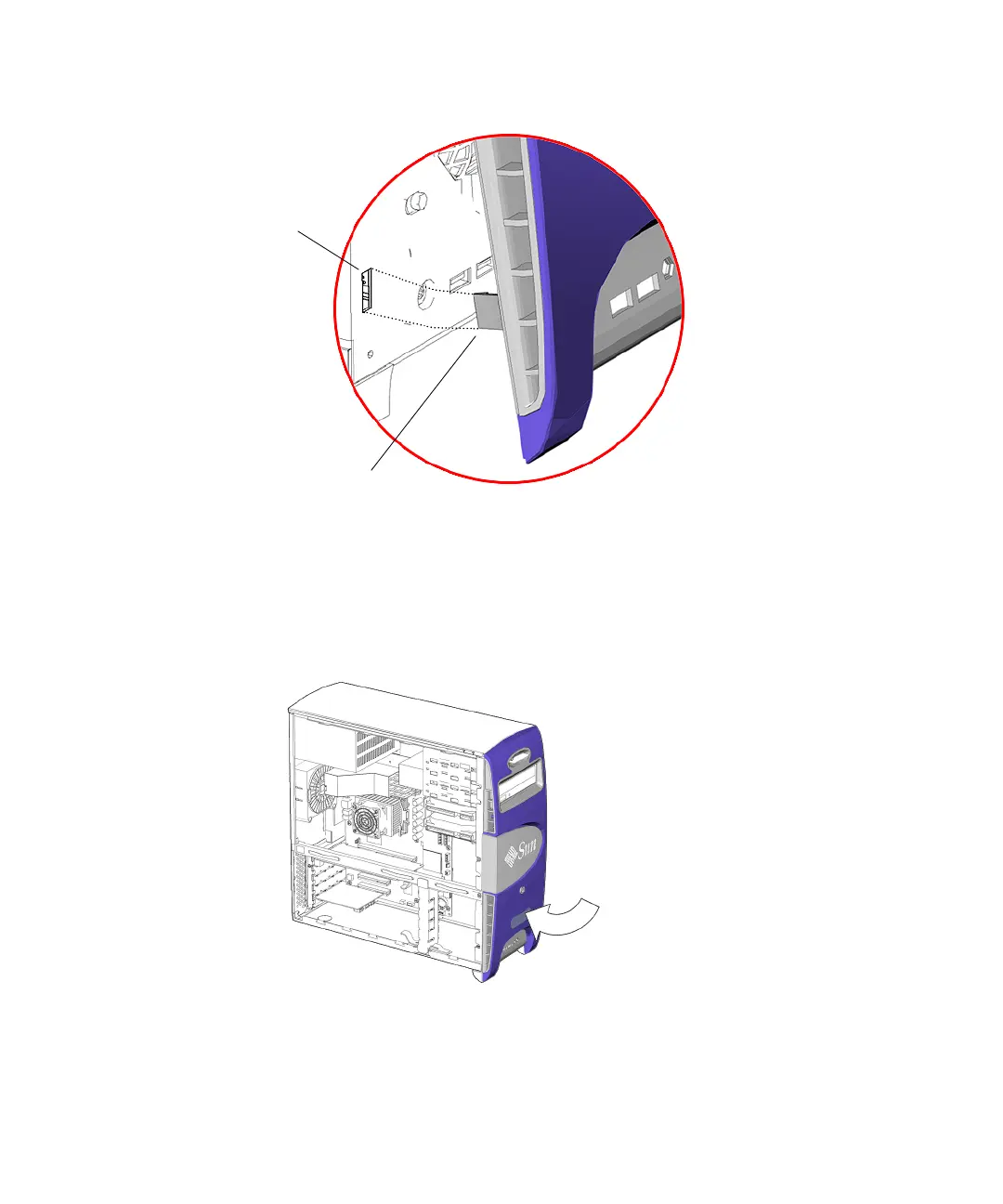
FIGURE 15-3 Aligning the Bezel
5. Carefully press the middle and bottom of the bezel into the chassis front panel
until the mounting tabs click.
See FIGURE 15-4.
FIGURE 15-4 Securing the Bezel
6. Inspect the bezel fasteners to verify that:
Align bezel
mounting tabs
Slots in front
panel
Bezel snaps
secure














 To Next Page