14-30 Sun Blade 1500 Service, Diagnostics, and Troubleshooting Manual • December 2004
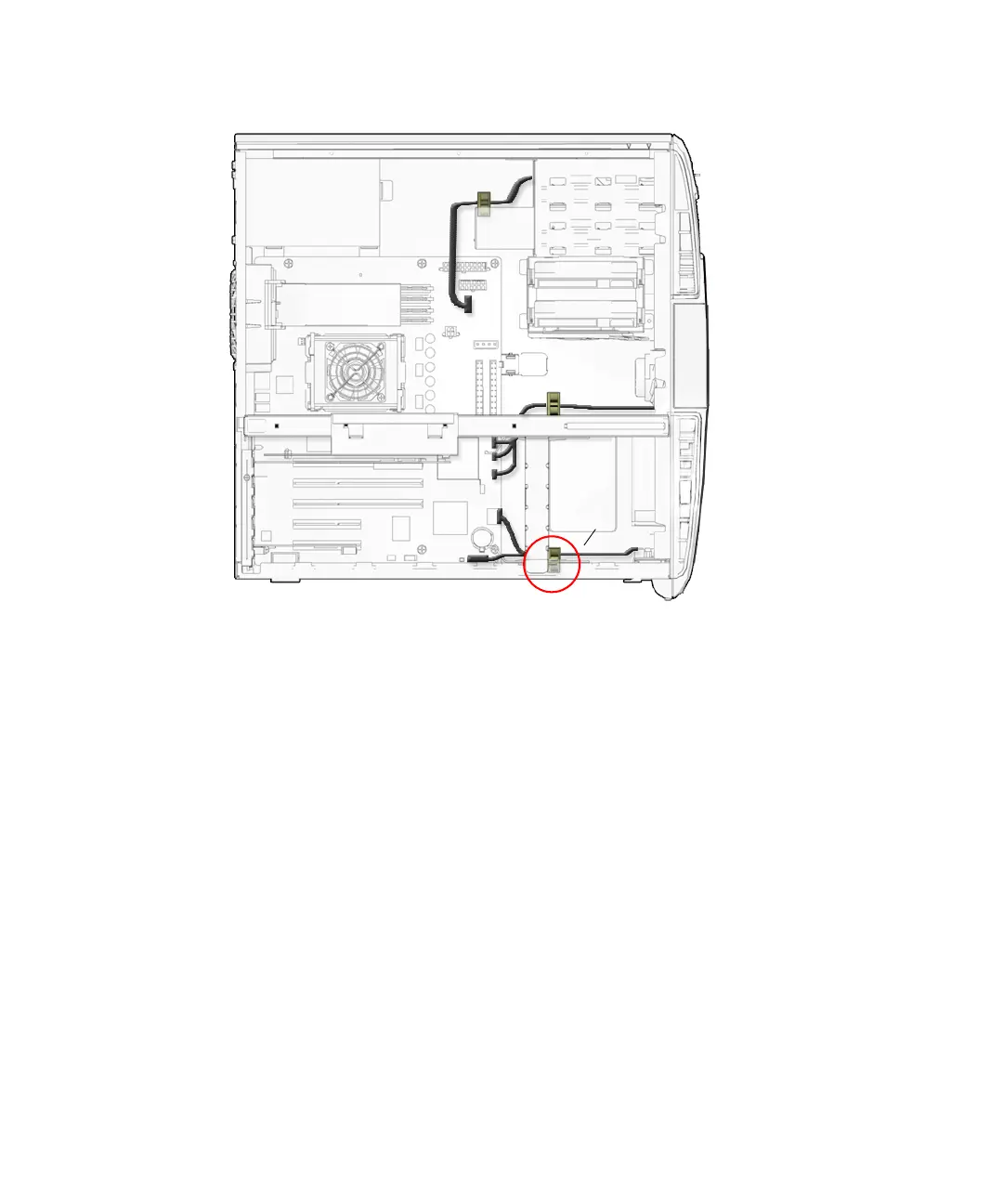
FIGURE 14-27 Securing the Audio USB Cables to the I/O Cable Clip
6. Inspect the cabling to verify that:
■ The audio signal cable is secure in the audio USB board connector.
■ The audio signal cable is secure in the motherboard connector at J13 AUDIO.
■ The USB interface cable is secure in the audio USB board connector.
■ The USB interface cable is secure in the motherboard connector at J19 USB.
■ The I/O cable clip is closed and locked.
7. Install the access panel, power on the system, and verify the audio and USB cable
installations.
Refer to:
■ “Installing the Access Panel” on page 15-5
■ “Powering On the Workstation” on page 15-8
■ “Verifying an Installation” on page 15-11
J13 Audio
J19 USB
I/O cable clip














 To Next Page