Chapter 11 Replacing the Motherboard and Associated Components 11-49
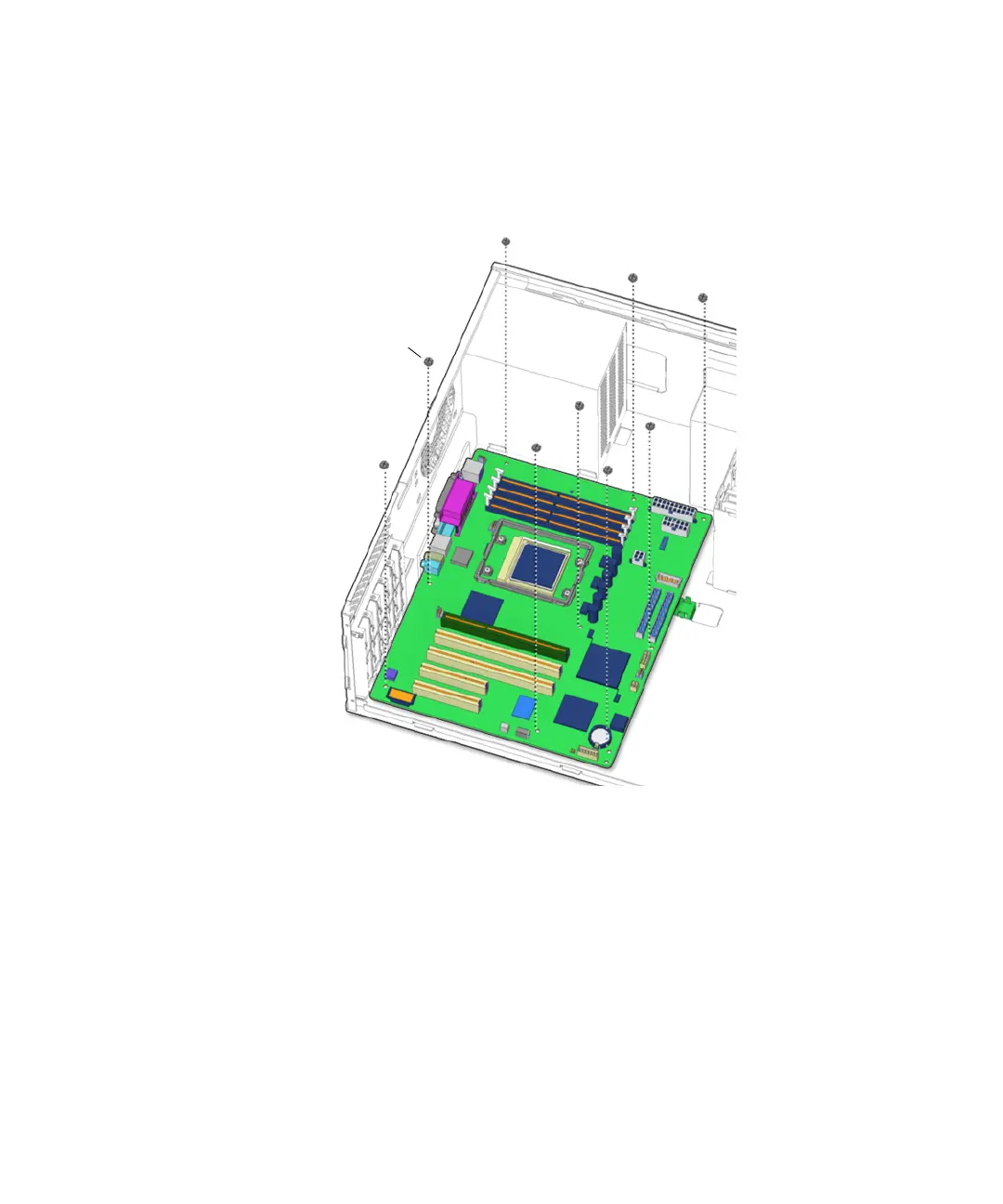
11. Use the Phillips screwdriver to remove the nine (9) screws which fasten the
motherboard to the chassis.
See FIGURE 11-45. Set the screws aside in a container.
FIGURE 11-45 Removing the Motherboard Fastening Screws
12. Squeeze the motherboard retaining clip and slide it forward.
See FIGURE 11-46.
Screws (9)














 To Next Page