Chapter 12 Replacing Storage Devices 12-11
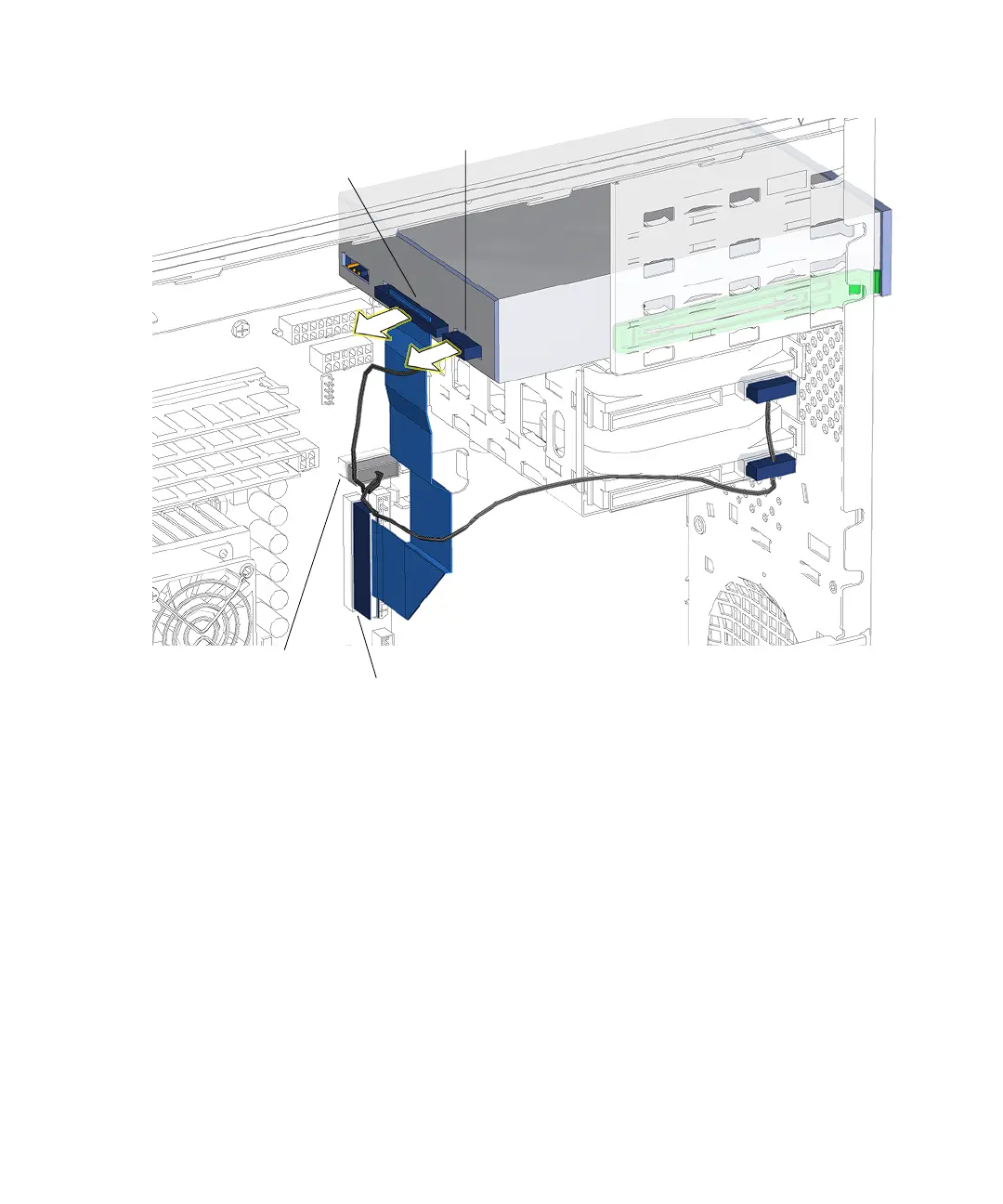
FIGURE 12-9 Disconnecting Cables From the Optical Drive
4. Disconnect the power cable located at the rear of the optical drive.
See FIGURE 12-9. Set the cable out of the way.
5. Facing the front of the chassis, squeeze together the two green plastic tabs on the
front sides of the optical drive and pull the optical drive straight out of the
removable media bay.
See FIGURE 12-10.
Connector
IDE PWR
Connector
IDE SEC
Interface cable
IDE power cable














 To Next Page