Chapter 11 Replacing the Motherboard and Associated Components 11-41
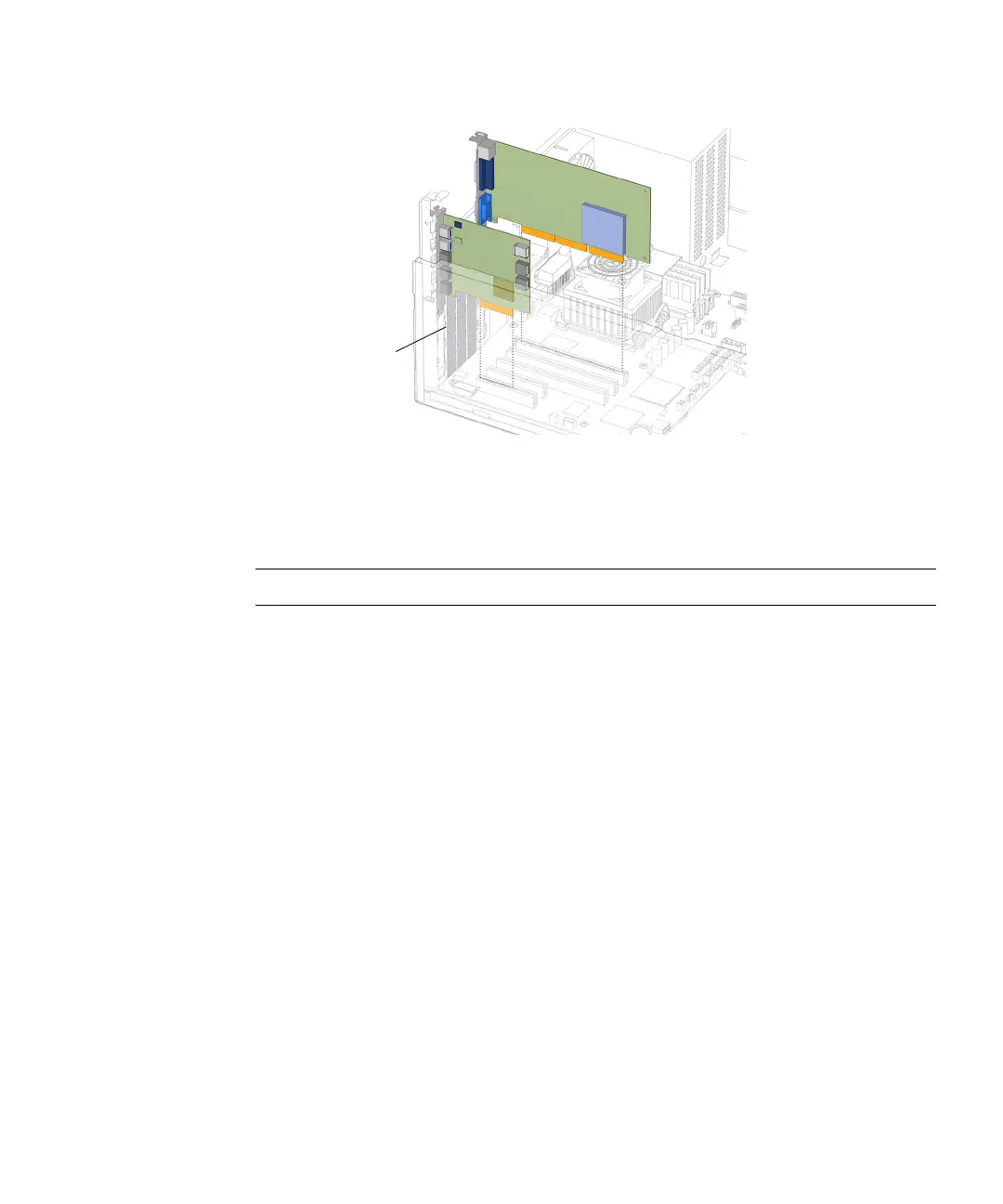
FIGURE 11-39 Installing the PCI Card
10. Firmly press the PCI card straight down into the PCI card slot until it is fully
seated in the slot.
Note – Use care not to damage the EMI fingers around the PCI card slots.
11. Close the PCI card retainer so that it snaps into place.
12. Use a No. 2 Phillips screwdriver to fasten the screw that secures the PCI card
retainer.
See FIGURE 11-40.
EMI fingers














 To Next Page