11-4 Sun Blade 1500 Service, Diagnostics, and Troubleshooting Manual • December 2004
2. Locate the DIMM slots.
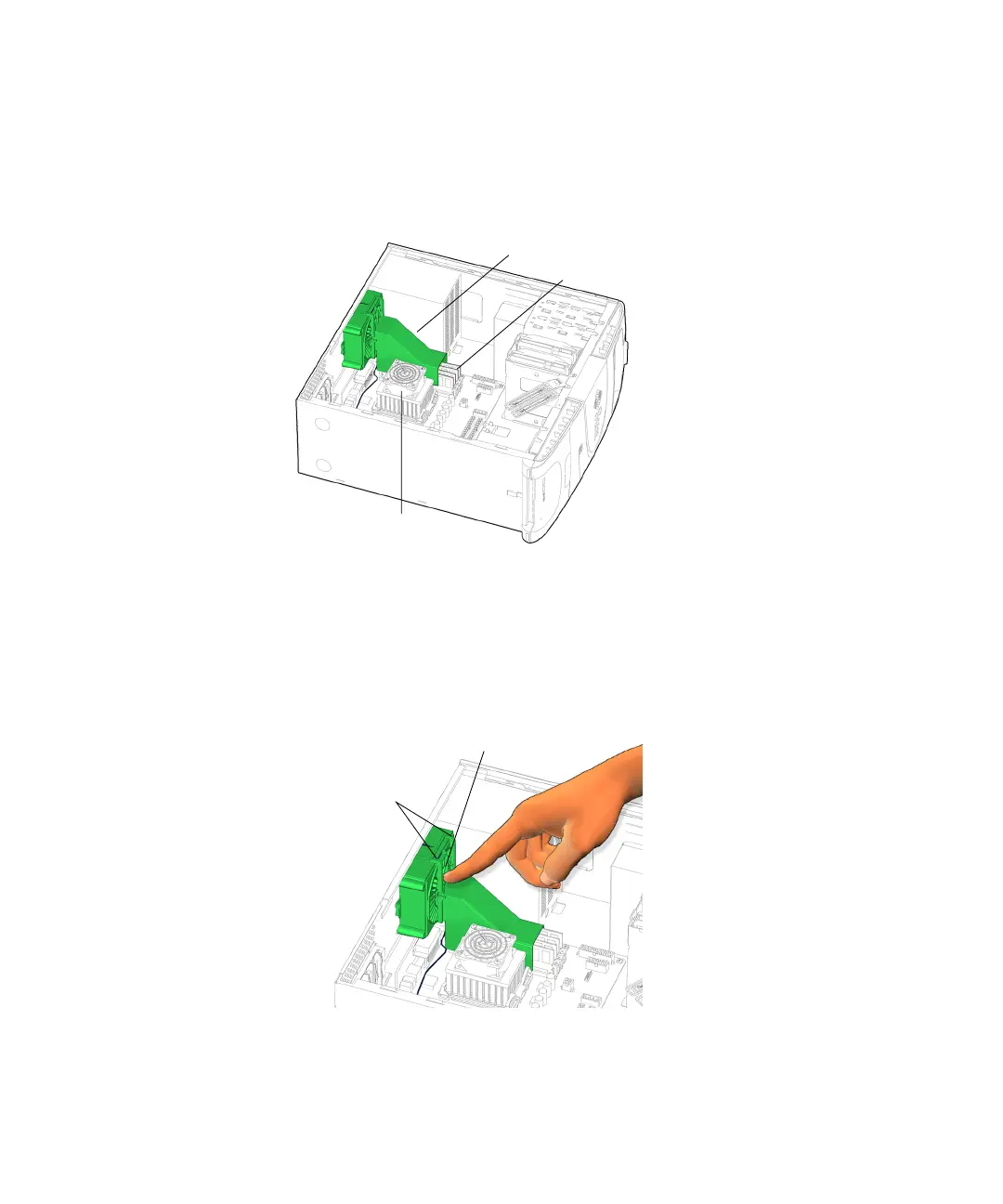
The DIMM slots are organized in a set of four slots. The slots are located on the
motherboard above the CPU and underneath the DIMM cooling duct. See
FIGURE 11-1 and FIGURE 11-2.
FIGURE 11-2 Location of DIMMs Under Cooling Duct
3. Press the catch on the rear fan bracket and begin to slide the DIMM cooling duct
up along the guide rails.
See FIGURE 11-3.
FIGURE 11-3 Pressing the Catch on the Rear Fan Bracket
DIMM cooling duct
DIMMs
CPU
Guide rails
Catch














 To Next Page